Best PC for Digital Marketers in 2026 | Understand with Model Examples
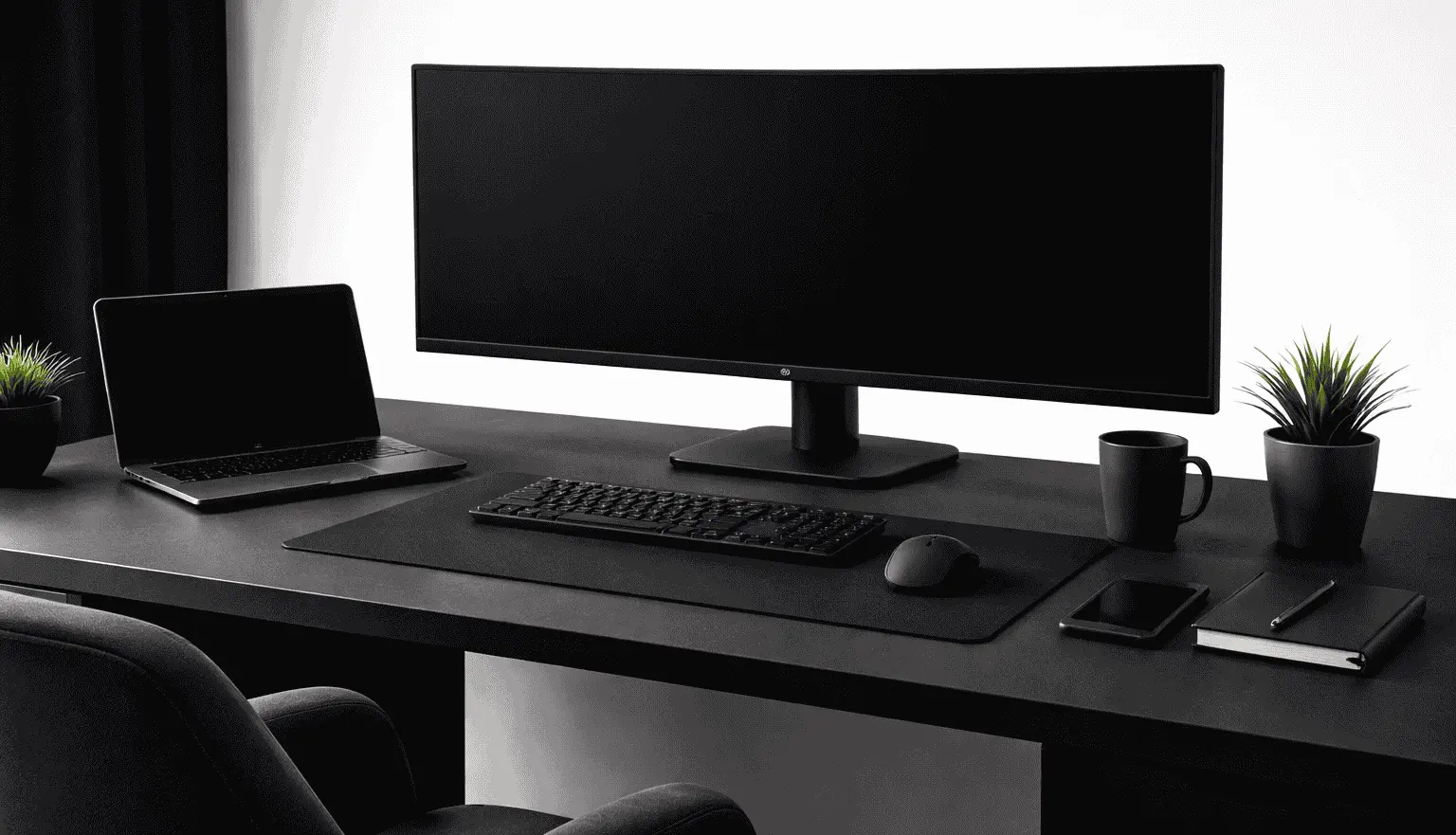
What should be considered the best PC for digital marketers? The answer varies based on the kind of tasks they deal with daily. Digital marketers handle multiple demanding tasks at the same time. They run paid ads, including specialized services like amazon ppc management, manage marketing campaigns, perform SEO, handle social media platforms, and often keep several tools and applications open simultaneously. This workload is not light; it requires constant switching between tasks, monitoring data, and executing tasks without delays.
To manage these tasks efficiently, the best PC is necessary. However, a “best PC” doesn’t always mean choosing the latest or most expensive model. Instead, it should be based on your specific needs and the intensity of your workload.
Which Are the Best PC for Digital Marketers?
I’m a professional blogger and PC enthusiast, and have over five years of experience in SEO. During my working era, I realized that it totally depends on your workload and Budget. But if you’re a beginner handling SEO, blogging, and light social media management, a budget-friendly system may be enough.
For those running multiple campaigns, analytics dashboards, or creative tools, a mid-range setup is ideal. And for agencies, video creators, or marketers using automation and AI-driven tools, high-end or workstation-level PCs are required to maintain smooth performance under heavy multitasking and large-scale data processing. Additionally, marketers collaborating closely with product teams on complex UI/UX design workflows, such as rendering detailed SaaS or healthcare interface prototypes, require significant processing power to ensure their creative tools run without lag.
From my experience, the most effective approach is to custom-build your PC based on your needs. Rather than relying on a single recommended model, you can optimize your system by choosing the right components to match your workflow.
1. Budget PCs for Digital Marketers (Beginners / Freelancers)
Budget PCs for digital marketing are designed to handle light to moderate workloads efficiently without unnecessary hardware overhead. For SEO, you primarily work inside browsers like Google Chrome or Microsoft Edge, using tools such as Ahrefs or SEMrush. Many digital marketers providing Consultant SEO Services rely on these tools to optimize website content, analyze keywords, and audit pages, which involves opening multiple tabs and directly consumes RAM and CPU threads due to parallel processing.
Blogging involves content creation in platforms like WordPress or Google Docs, where the workload is mostly CPU-light but requires stable memory handling for long sessions and background autosave processes.
Social media management through tools like Hootsuite or Buffer adds additional browser load, scheduled tasks, and media previews, increasing RAM usage and minor GPU acceleration for rendering.
Email marketers use platforms like Mailchimp or Brevo (formerly Sendinblue) involves dashboard navigation, campaign previews, and template editing, which rely on browser performance and fast storage for smooth loading. During usage, these combined tasks do not require a dedicated GPU but demand consistent CPU performance, at least 8–16GB RAM, and SSD storage to avoid lag during multitasking.
| PC Model | Key Specs | Remarks |
|---|---|---|
| Lenovo IdeaPad Slim 3 | Intel Core i3 / Ryzen 3–5, 8–16GB RAM, 512GB SSD | Best for SEO, blogging, and basic multitasking |
| ASUS Vivobook 15 | Intel Core i3/i5, 8–16GB RAM, 512GB SSD | Suitable for social media tools and daily workloads |
| Dell Inspiron 15 3520 | Intel Core i3/i5, 8–16GB RAM, 512GB SSD | Stable option for email marketing and browser-heavy tasks |
2. Mid-Range PCs (Professional Digital Marketers)
Mid-range systems are built for multi-tool workflows where browser load, background processes, and creative tasks run simultaneously without performance drops. Running paid campaigns using Facebook Ads services on platforms like Meta Ads Manager involves dashboards and audience segmentation, where each interaction triggers data refresh requests that depend on CPU responsiveness and stable RAM availability. All of these systems can smoothly handle multiple applications at once, including browser-based tools like Uniqode’s dynamic QR codes, without performance drops.
Analytics platforms such as Google Analytics and Looker Studio process large datasets in visual dashboards, requiring sustained memory usage and fast storage access to avoid lag during report loading or filtering.
For creative tasks, tools like Canva and Adobe Photoshop introduce additional workload through layer rendering, asset importing, and previews, where integrated GPU acceleration and higher RAM capacity improve responsiveness. Multitasking across 20+ browser tabs, combined with tools like Notion or Trello, creates parallel memory allocation and background sync processes, which directly scale with RAM size and CPU core count.
| PC Model | Key Specs | Remarks |
|---|---|---|
| Apple MacBook Air M3 | Apple M3 chip, 16GB RAM, 512GB–1TB SSD | Best for ads, analytics, and remote workflows |
| Dell XPS 13 Plus | Intel Core i5/i7, 16GB RAM, 512GB–1TB SSD | Strong performance for multitasking and dashboards |
| HP Spectre x360 | Intel Core i7, 16GB RAM, 512GB–1TB SSD | Suitable for creatives and flexible workflows |
| ASUS ZenBook 14 OLED | Intel Core i5/i7, 16GB RAM, 512GB–1TB SSD | Balanced option for design + marketing tasks |
3. High-End & Workstation PCs (Agencies / Video / AI Marketing)
High-end systems are designed for continuous, heavy workloads, with multiple demanding tools running together without bottlenecks. When producing video ads for platforms like YouTube, Adobe Premiere Pro, or After Effects, the system processes high-resolution timelines, effects layers, and exports, which directly utilize multi-core CPUs and GPU acceleration for rendering and playback. Automation workflows using tools like Zapier or Make (Integromat) run multiple background tasks, API calls, and triggers simultaneously, which increases CPU load and memory usage over time rather than in short bursts. High-end workstation PCs can also be powered through solar panels when combined with a stable inverter and battery system.
AI-driven marketing tasks, including content generation, data processing, and integrations with platforms like ChatGPT and Jasper AI, rely on browser-based execution but still require high RAM when running across multiple tabs, datasets, and automation layers. Running 50+ browser tabs alongside collaboration tools such as Slack or ClickUp creates sustained memory pressure, where 16GB becomes a limitation, and 32GB or higher ensures stability. In agency environments, additional workloads like virtual machines, local testing environments, or large analytics processing further push CPU threads, RAM bandwidth, and storage speed simultaneously.
| PC Model | Key Specs | Remarks |
|---|---|---|
| Apple MacBook Pro M3 Pro | Apple M3 Pro, 32GB RAM, 1TB SSD | Best for video editing, ads production, and mobile agency workflows |
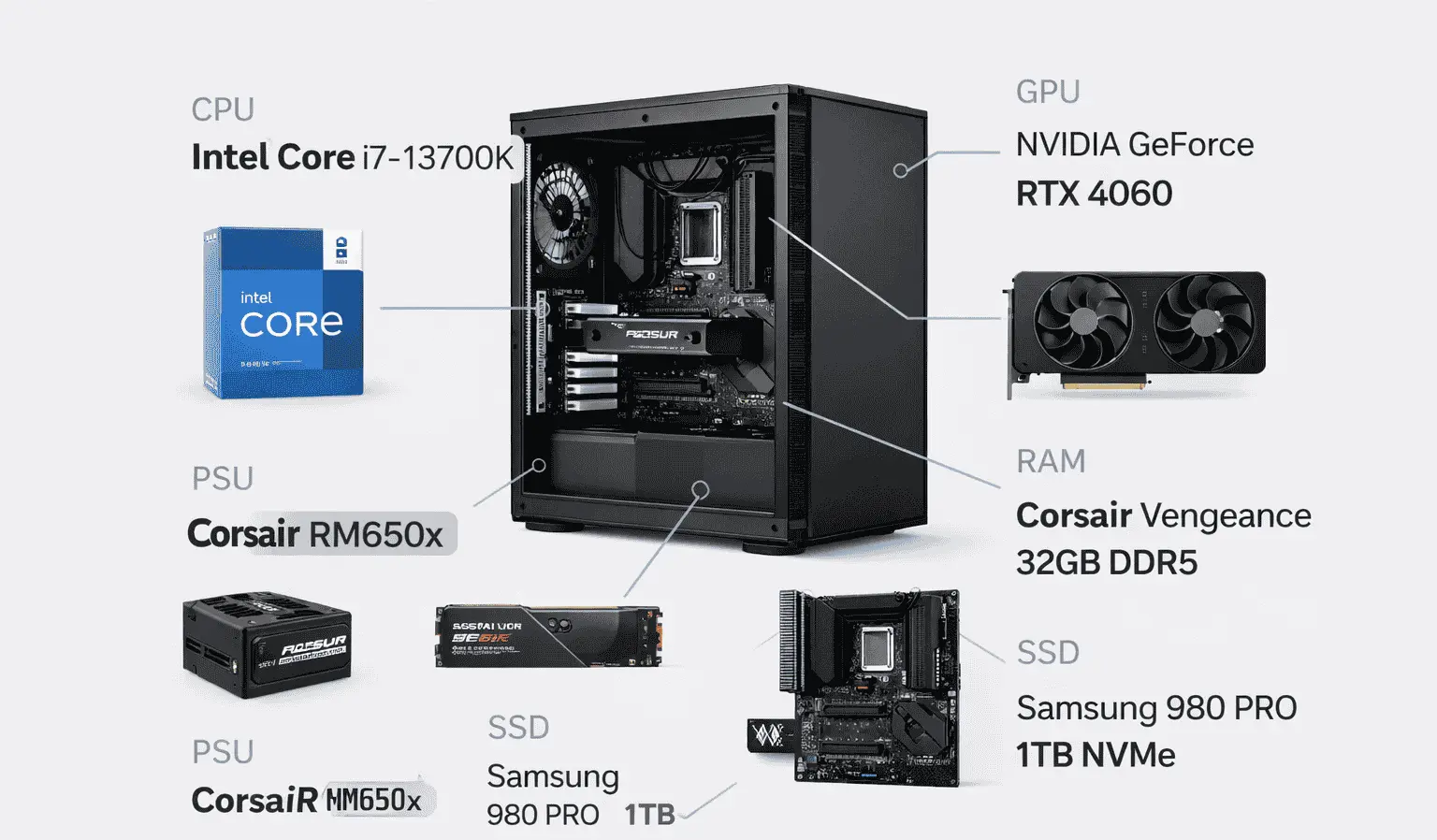
| Lenovo Legion Tower 5i | Intel Core i7/i9, 32GB RAM, RTX 4060/4070 | Ideal for heavy multitasking, automation, and rendering |
| ASUS TUF Dash F15 | Intel Core i7, 16–32GB RAM, RTX 4060 | Best for video editing, ad production, and mobile agency workflows |
At the workstation level, tasks shift toward data-heavy operations and production pipelines. Working with data tools in Python environments or BI platforms like Power BI involves dataset loading, transformation, and visualization, where both RAM capacity and SSD speed directly affect execution time. Video production teams handling bulk exports or high-resolution assets require GPUs not just for rendering but also for encoding acceleration and timeline smoothness.
| Component | Recommended Specification | Purpose |
|---|---|---|
| CPU | Ryzen 7 / Intel Core Ultra 7 | Handles parallel processing, automation, and data workflows |
| RAM | 32–64GB DDR5 | Supports large datasets, multiple tools, and heavy multitasking |
| GPU | RTX 4070 or higher | Required for rendering, AI acceleration, and video production |
| Storage | 1TB+ NVMe SSD | Fast access for large files, projects, and caching |
Conclusion
In conclusion, there is no single PC that can be called the absolute best PC for digital marketers. The ideal setup totally depends on your workload and the type of tasks you handle. Many experts, reviewers, and content creators recommend specific models or components, and following their suggestions can help you build a custom system that fits your needs.
Both approaches, using a recommended single model or customizing your own PC, can provide good productivity. If you are a beginner, a standard budget-friendly PC is sufficient. However, if you run an agency or work on a workstation setup, your system should have high-end, up-to-date components to ensure smooth performance without interruptions.
This article may contain affiliate links. If you click on one of these links and make a purchase, we may earn a small commission at no additional cost to you. We only recommend products, services, and tools that we believe provide value and may be relevant to our audience. Your support through these affiliate links is greatly appreciated.