Intel Vs AMD | Complete Comparison of Performance, Features & Value 2026
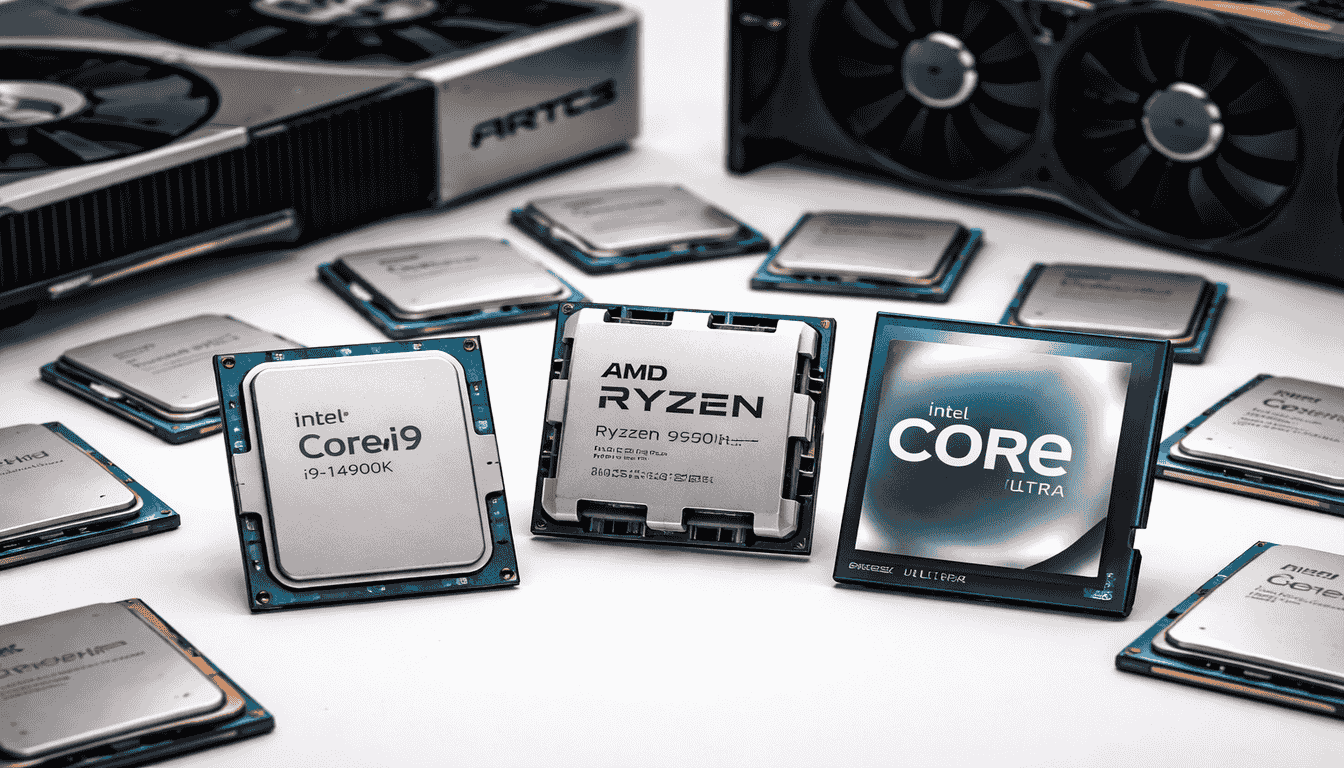
Intel vs AMD, both are globally used semiconductor companies whose processors serve as the core components of PCs and laptops. Both companies have American origins, but their product focus and market approach are different. AMD is not limited to CPUs; it also develops GPUs, chipsets, storage solutions, and complete computing platforms, whereas Intel primarily focuses on microprocessors, chipsets, and integrated technologies, where its Core i series processors hold a strong position in the market.
AMD’s Ryzen processors have gained significant adoption in recent years, especially in the price-to-performance segment, where users get comparatively higher core and thread configurations at a lower cost, while Intel has traditionally been known for high benchmark performance and optimized execution. Power efficiency and performance stability have also been key strengths of Intel, but the pricing gap has narrowed over time, with both brands now competing directly within similar price ranges.
From a platform longevity perspective, AMD’s approach has been more stable, with sockets like AM4 supporting multiple generations, and now AM5 has been introduced with forward compatibility, making the upgrade path relatively flexible. In contrast, Intel frequently introduces socket changes with new generations, which means hardware upgrades often require replacing the motherboard. In this way, differences in architecture, pricing strategy, performance behavior, and upgrade flexibility make both platforms distinct. The selection ultimately depends on the type of workload and usage scenario the user is targeting.
Which is the Right CPU for Gaming? (Intel vs AMD)
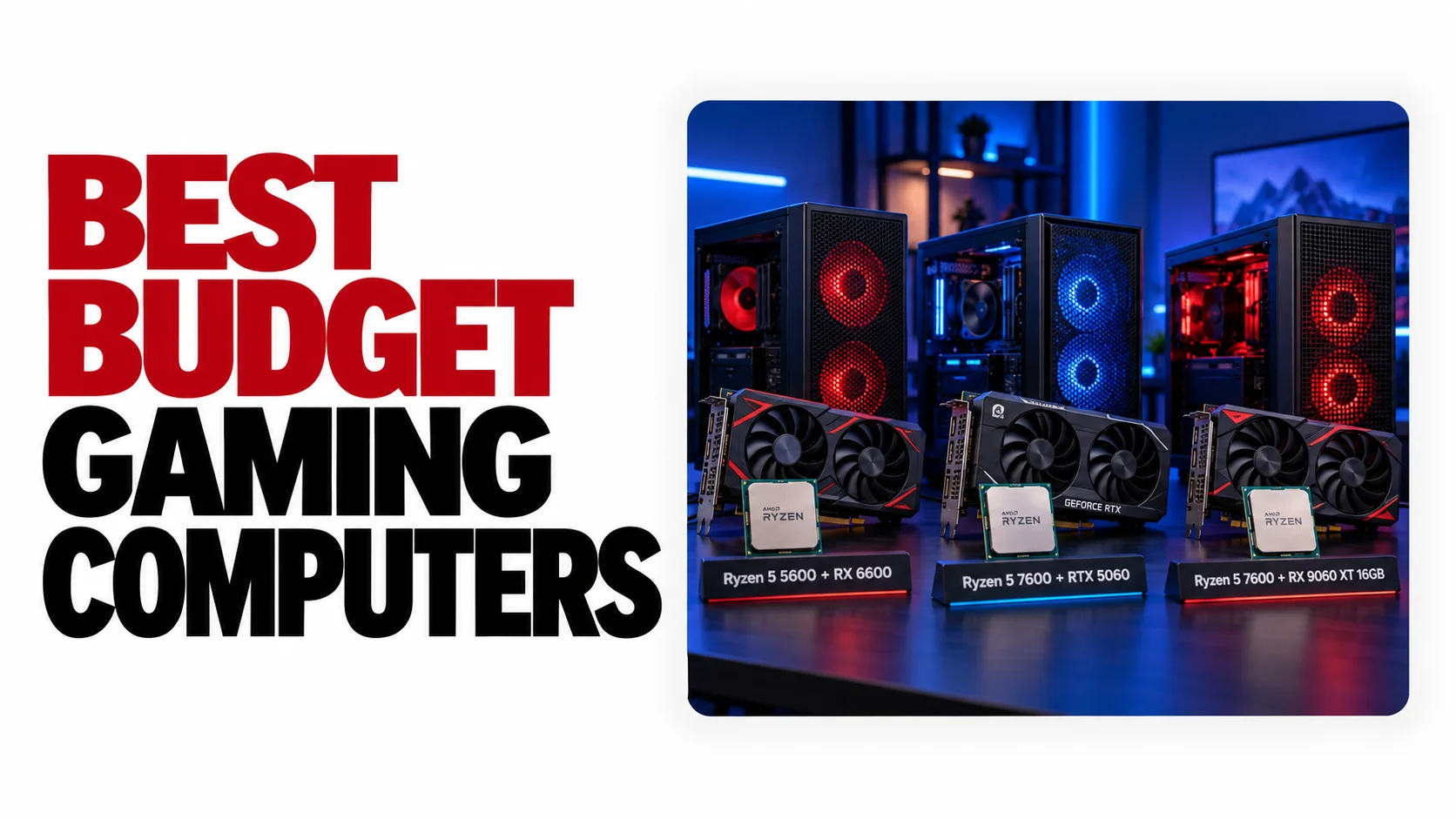
Dear gamers, this is for you. Read it carefully. If the budget is on the lower side, mid-range CPUs like the AMD Ryzen 5 5600X or Intel Core i5-12400 are practical options, and in some scenarios, even the Intel Core i3 series can handle the workload depending on game requirements. If the budget is slightly flexible, shifting to a newer platform is more logical, where the AM5 ecosystem provides a better long-term upgrade path, meaning the initial cost is higher, but future compatibility improves.
If the system is not only for gaming but also for mixed workloads such as productivity and workstation usage, then higher core/thread CPUs like the AMD Ryzen 7 7700X or Intel’s 13th/14th gen i7 processors are more efficient because they handle parallel tasks better. In the high-end segment, AMD Ryzen 9 series and Intel Core i9 series are available, which are designed for heavy multi-threaded applications along with gaming, but for gaming alone, their full potential is not utilized. In the current scenario, for gaming-focused performance, the AMD Ryzen 7 7800X3D is considered an optimized option due to its cache-driven architecture, which maintains consistent frame delivery in gaming workloads.
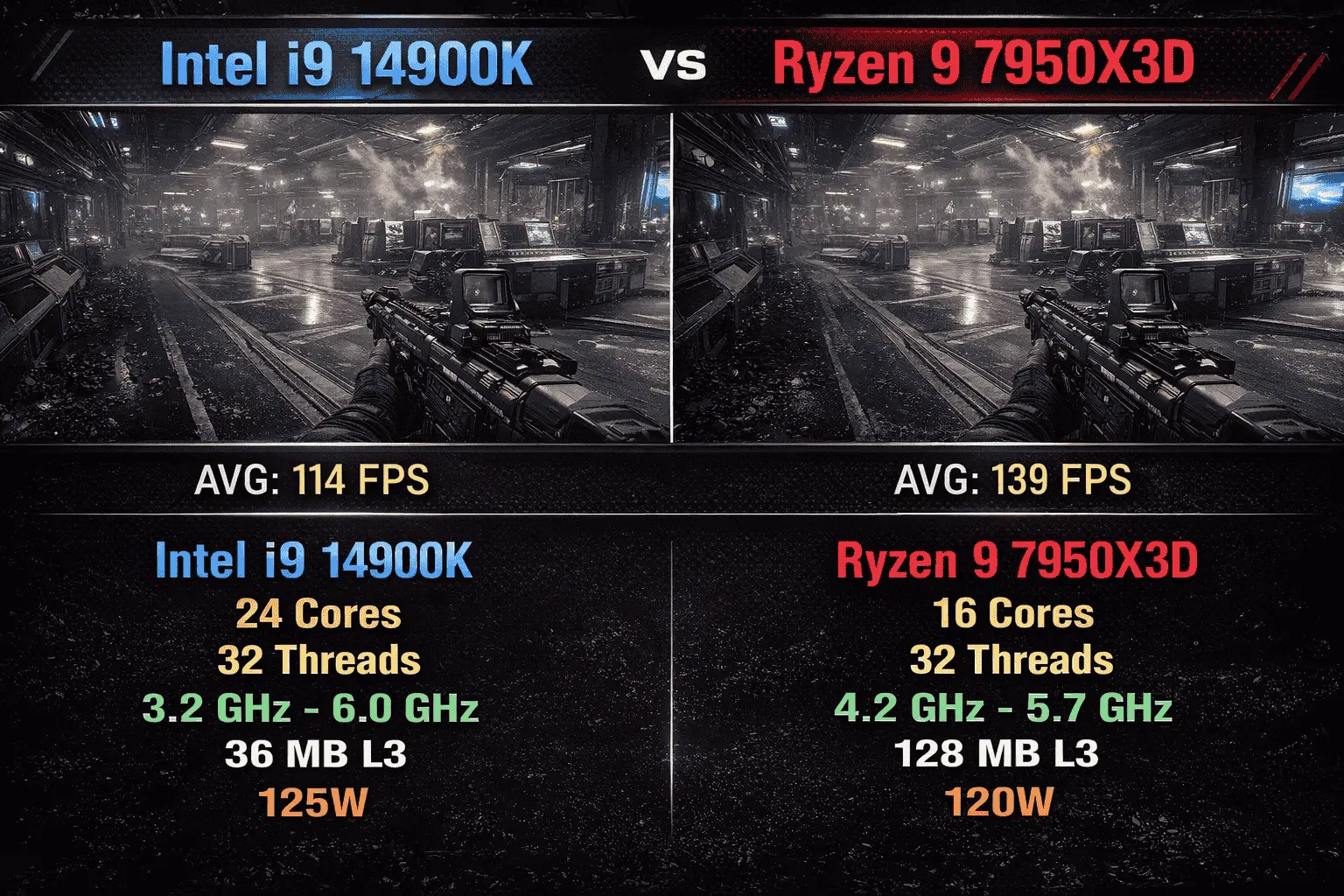
A CPU bottleneck refers to a situation where the processor cannot process data at the required speed, and the GPU does not receive instructions on time, resulting in the GPU not operating at full capacity, and frames are rendered with delays. This issue becomes more visible when a high-end GPU is paired with a relatively weak CPU, where a processing queue is created, and frame pacing becomes inconsistent, which directly impacts gameplay smoothness. Here’s a real example of a gaming scenario showing how Intel and AMD processors perform in an FPS environment.
Architecture & Performance Behavior
To understand CPU performance, the first concept is single-core and multi-core behavior. Some tasks execute faster on a single core, where high clock speed and low latency matter more, while other workloads are parallel in nature, where multiple cores and threads work simultaneously. Intel has traditionally been strong in single-core performance, which is why its processors maintain fast response and tight execution timing. In contrast, AMD has optimized its design in a way that allows more cores and threads to be utilized efficiently, where heavy workloads are distributed and processed.
At the architectural level, Intel introduced a hybrid design where performance cores and efficiency cores handle different roles. Performance cores are used for high-priority tasks where speed is critical, while efficiency cores manage background operations so that the main workload is not interrupted. This approach improves scheduling and allows the system to handle multiple tasks smoothly at the same time. AMD follows a different approach with its chiplet-based design, where multiple core clusters are integrated into a single package, improving scalability and manufacturing efficiency. Along with this, they have significantly increased cache size, which directly impacts data access speed because frequently used data stays closer to the CPU, reducing memory latency.
In terms of performance behavior, both architectures respond according to their design philosophy. Intel feels optimized for fast instruction execution and consistent timing, while AMD delivers stable output in data-heavy scenarios where cache and parallel processing are important. This difference depends more on the type of workload than on raw numbers, which is why a single processor does not perform the same way in every scenario.
Platform, Upgrade Path & Compatibility
Platform selection is not limited to current performance; the main factor here is how adaptable the system will remain in the future and to what extent it will support hardware changes. AMD has maintained continuity in its platform strategy, where a single socket has supported multiple CPU generations, giving users the advantage of upgrading the CPU without changing the motherboard. This approach has a direct impact on cost and system stability, as newer processors are integrated through BIOS updates and chipset compatibility without requiring a complete rebuild.
In contrast, Intel’s upgrade cycle is more aggressive, where socket and chipset changes are introduced after every few generations. This means that adopting a new processor often requires a new motherboard as well, which increases the overall upgrade cost. However, there is also a technical aspect to this approach, where Intel implements optimized power delivery, memory support, and I/O improvements directly at the hardware level for its new architectures, enhancing platform-level performance and stability.
The aspect of compatibility becomes critical here, where RAM support, PCIe lanes, and chipset features determine how efficiently the system can handle modern components. AMD’s platform feels more flexible with long-term support, while Intel’s model prioritizes rapid innovation, introducing updated standards with each generation. The result is that on one side, there is upgrade convenience and cost efficiency, and on the other, the latest hardware integration and optimized platform features, where the choice depends on the user’s upgrade plan and usage duration.
Recommended Processor and the Market Overview (Intel vs AMD)
Here we are sharing summarized data on the performance of Intel vs AMD processors, taken from social media reviews, professional gamer feedback, and user experiences. One more thing: the combination of GPU and CPU also affects FPS and the overall visual experience. If you use an NVIDIA or AMD graphics card with an Intel processor, or an AMD GPU or NVIDIA GPU with an AMD processor, the results may vary slightly.
Top Intel Processors for Performance & Gaming (FPS & Specs)
| CPU Model | Avg FPS (1080p) | Cores/Threads | Base/Boost Clock |
|---|---|---|---|
| Intel Core i9-14900K | 210–240 FPS | 24 (8P+16E) / 32T | 3.2 / 6.0 GHz |
| Intel Core i7-14700K | 190–220 FPS | 20 / 28T | 3.4 / 5.6 GHz |
| Intel Core i5-14600K | 170–200 FPS | 14 / 20T | 3.5 / 5.3 GHz |
| Intel Core i5-13600K | 160–190 FPS | 14 / 20T | 3.5 / 5.1 GHz |
| Intel Core i5-12400 | 130–160 FPS | 6 / 12T | 2.5 / 4.4 GHz |
Top AMD Processors for Performance & Gaming (FPS & Specs)
| CPU Model | Avg FPS (1080p) | Cores/Threads | Cache (L3) |
|---|---|---|---|
| AMD Ryzen 7 7800X3D | 220–250 FPS | 8 / 16T | 96MB |
| AMD Ryzen 9 7950X3D | 200–230 FPS | 16 / 32T | 128MB |
| AMD Ryzen 7 7700X | 180–210 FPS | 8 / 16T | 32MB |
| AMD Ryzen 5 7600X | 160–190 FPS | 6 / 12T | 32MB |
| AMD Ryzen 5 5600X | 130–160 FPS | 6 / 12T | 32MB |
Conclusion
I conducted research across different platforms, where I reviewed practical user feedback on Reddit, where people were sharing performance experiences with their systems. Then I analyzed videos from international creators and professional gamers on YouTube, where they recommend different CPUs based on use cases. In these videos, boot time, system response, and visual output and performance behavior during gaming sessions were closely observed, where different models and series from both AMD and Intel were being compared. By combining all these observations, the understanding that has developed has been shared with you along with my personal analysis.
Based on this, it cannot be said that there is a single winner, because in the context of 2026, both Intel and AMD are competing at their peak level. However, looking at the current trend and user preference, AMD is receiving more preference, especially in the gaming segment, where it maintains higher performance and stable FPS delivery at comparatively lower power consumption.