What Is Hardware Accelerated GPU Scheduling? Performance Impact, Benefits, and Drawbacks
Most PC and laptop users believe that turning Hardware Accelerated GPU Scheduling (HAGS) on or off does not make a noticeable difference in gaming performance, mainly because I reviewed many user discussions and experiences, especially from Reddit. But that’s not the reality. Why? Let me explain.
Hardware Accelerated GPU Scheduling is a smart optimization feature introduced by Microsoft in Windows. This setting shifts some workload from the CPU to the GPU. Normally, the CPU can handle almost every task in a computer, but there are certain tasks where the CPU faces more pressure, while the GPU can handle them more efficiently, such as video decoding, video editing, and especially gaming. By enabling HAGS, some of the scheduling load on the CPU is reduced, allowing the GPU to manage its workload more efficiently. This can help prevent CPU bottlenecks and can improve overall smoothness on supported systems.
It’s also important to understand that not every PC supports this feature, because it is mainly designed for modern gaming hardware. GPUs that support HAGS include models like NVIDIA RTX 4090 and AMD RX 7900 XTX. If your graphics card is strong, enabling HAGS can sometimes lead to smoother gameplay. But on older or weaker GPUs, turning it on may cause stutters or stability issues instead of improving performance.
Performance Impact of HAGS ON vs OFF
We played the games on top NVIDIA and AMD GPU models that support HAGS, with HAGS turned ON and OFF. During testing, we obtained these results, which we are sharing with you. Select your GPU brand and toggle HAGS ON or OFF to view the average FPS and 1% low performance.
| GPU Model | Game & Settings | Average FPS | 1% Low FPS |
|---|
From our testing method, you can clearly see that Hardware Accelerated GPU Scheduling is an optimization feature, not a performance booster. It can help in some cases, but it does not guarantee smoother performance for everyone.
Benefits of Enabling Hardware Accelerated GPU Scheduling
Possible Drawbacks of Hardware Accelerated GPU Scheduling
Should You Enable Hardware Accelerated GPU Scheduling?
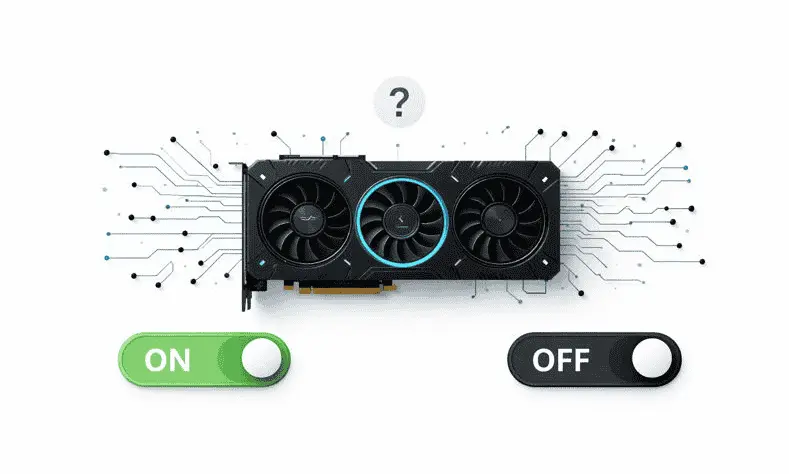
It depends on your system, especially your GPU, other hardware components, and your Windows version. On older GPUs or outdated Windows builds, this option may not appear at all. In some cases, it does occur, but enabling it can cause stutters or make the system feel slower due to limitations like low VRAM or weaker hardware. Instead of benefits, you may face new bottlenecks.
However, if you have modern hardware and updated drivers, you should definitely try enabling it at least once. If it does not introduce any issues, you can safely keep it ON — your system will likely feel slightly smoother overall. But if you notice lag, stuttering, or delayed response during gaming (for example, shots not registering properly or input feeling off), simply turn it OFF again.
This clearly shows that the best approach is to test it on your own PC or laptop and see how it behaves with your specific setup.
How to Enable or Disable HAGS in Windows 11?
Conclusion
Hardware Accelerated GPU Scheduling focuses on efficiency, not on instantly boosting FPS. It is a smart optimization designed for modern GPUs and newer Windows versions to improve how the CPU and GPU share workload. On supported systems, it can slightly improve smoothness, reduce latency, and make the overall experience feel more stable, while on older or weaker hardware, it may introduce stutters or other issues.
That’s why the best approach is always to test HAGS on and off on your own system instead of relying on general opinions. If it works well with your setup, keep it enabled; if it causes problems, simply turn it off, because performance always depends on your specific hardware, drivers, and usage.