PSU Tier List 2026 | Complete Ranked Power Supply Database
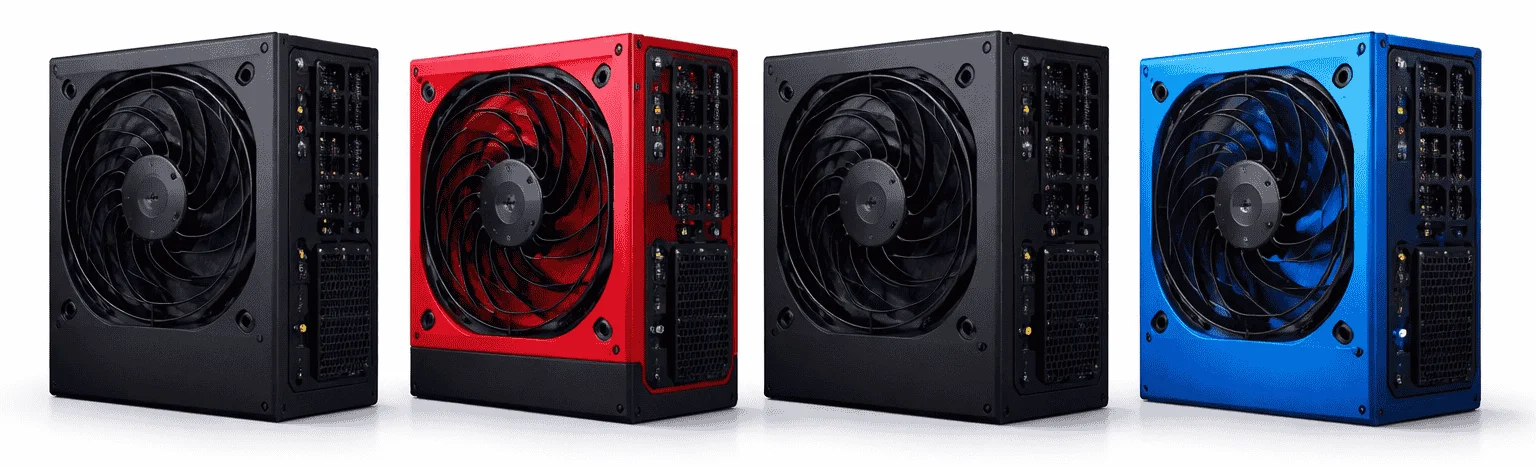
Before using the PSU Tier List, it is important to first determine your system’s required wattage. To do this, use the PSU Calculator and enter your complete component specifications. Based on your configuration, the calculator will recommend the wattage needed for stable, optimal performance. Once you have identified your required wattage, you can use the PSU Tier List to select a suitable power supply accordingly.
The PSU Tier List is structured around detailed technical specifications. Each listed model provides verified data, including wattage, efficiency rating, ATX standard, PCIe 5.0 / 12VHPWR support, connector configuration, protection suite, warranty period, and release information.
To navigate the tier list, simply select your preferred brand using the available toggle options. The system will then display the corresponding recommended PSU models under that brand, allowing you to filter and identify the appropriate unit efficiently.
PSU Tier List Comparison From S-Tier to C-Tier
2026 PSU Database. All specifications are sourced from official manufacturer datasheets and technical reviews.
Top 10 Recommended Power Supplies for Your PC Build
In addition to the PSU Tier List, we have personally tested and used many of these power supplies ourselves, along with feedback from friends and other experienced users. Based on these experiences, we highly recommend that visitors consider these models for their own systems. These units represent the overall best choices available in 2026 and are well-suited for any desktop PC build, ensuring reliable performance, efficiency, and stability across all components.
| Model | Brand | Wattage | Efficiency | Modularity | Remarks |
|---|---|---|---|---|---|
| MSI MAG A850GL PCIE5 | MSI | 850W | 80+ Gold | Fully Modular | Modern ATX 3.1 & PCIe 5.1 support, excellent balance of performance and future‑proofing. |
| Seasonic Prime TX‑1600 Noctua Edition | Seasonic | 1600W+ | 80+ Titanium | Fully Modular | Exceptional high‑end performance and top efficiency from a premium platform. |
| NZXT C1500 Platinum | NZXT | 1250–1500W | 80+ Platinum | Fully Modular | Powerful beast for multi‑GPU and high‑performance systems. |
| be quiet! Dark Power 13 | be quiet! | 1000W+ | 80+ Titanium | Fully Modular | One of the quietest high‑efficiency PSUs with strong power delivery. |
| Corsair RM1000x ATX 3.1 | Corsair | 1000W | 80+ Gold | Fully Modular | Reliable daily build PSU with strong quality and stability. |
| EVGA 1000GT | EVGA | 1000W | 80+ Gold | Fully Modular | Great value PSU for most gaming and mid‑high builds. |
| be quiet! Straight Power 12 | be quiet! | 1000W+ | 80+ Platinum | Fully Modular | Excellent overall performance and quiet operation. |
| Montech Century II Gold 1050W | Montech | 1050W | 80+ Gold | Fully Modular | Strong value choice with quality components and solid warranty. |
| Cooler Master MWE Gold 850 V3 | Cooler Master | 850W | 80+ Gold | Fully Modular | Well‑rounded option for mainstream gaming builds. |
| SilverStone Extreme 1200R Platinum | SilverStone | 1200W | 80+ Platinum | Fully Modular | High‑efficiency unit with premium performance. |
How Much Power Supply Do You Need?
Power consumption depends on the components you use in your computer system. If you are building a system for gaming or multitasking, you may need power-hungry graphics cards or dedicated CPUs, which require more power.
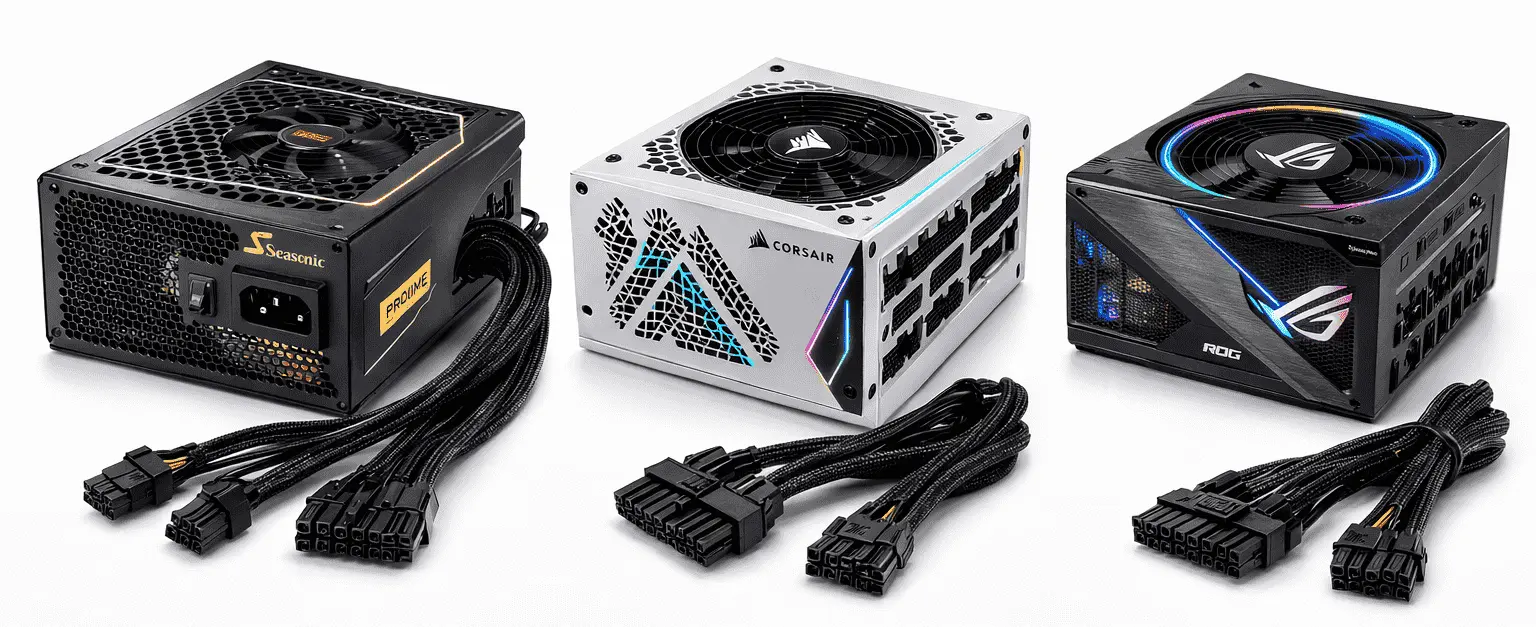
Most power supplies are used for desktop PCs because they contain multiple components that consume higher amounts of energy. So, using the right power supply ensures that your components receive sufficient power and can run at their maximum potential.
Protection Features in Modern Power Supplies
Modern power supplies include multiple protection features to keep your system safe and stable. Each feature serves a specific purpose:
| Protection Feature | Description |
|---|---|
| OVP (Over Voltage Protection) | Protects components by shutting down the PSU if the voltage exceeds safe limits. |
| UVP (Under Voltage Protection) | Prevents system instability by turning off the PSU when the voltage drops too low. |
| OCP (Over Current Protection) | Stops excessive current flow to avoid damage to individual components. |
| SCP (Short Circuit Protection) | Immediately shuts down the PSU if a short circuit occurs. |
| OTP (Over Temperature Protection) | Powers down the PSU if it becomes too hot, preventing overheating damage. |
| OPP (Over Power Protection) | Ensures the PSU does not deliver more than its rated wattage, protecting both the PSU and the system. |
Conclusion
Many users often pick the top power supplies without knowing if their system actually needs that much wattage. To avoid this, it’s important to first calculate how much power your CPU, GPU, and other components consume. Once you know your system’s requirements, you can use the PSU Tier List to identify the power supplies that match your wattage and check their features, such as connectors, efficiency, and protection mechanisms. Selecting a PSU this way ensures that your system runs safely without any restrictions.