PSU Tier List 2026 | Compare 110 Power Supply Brands
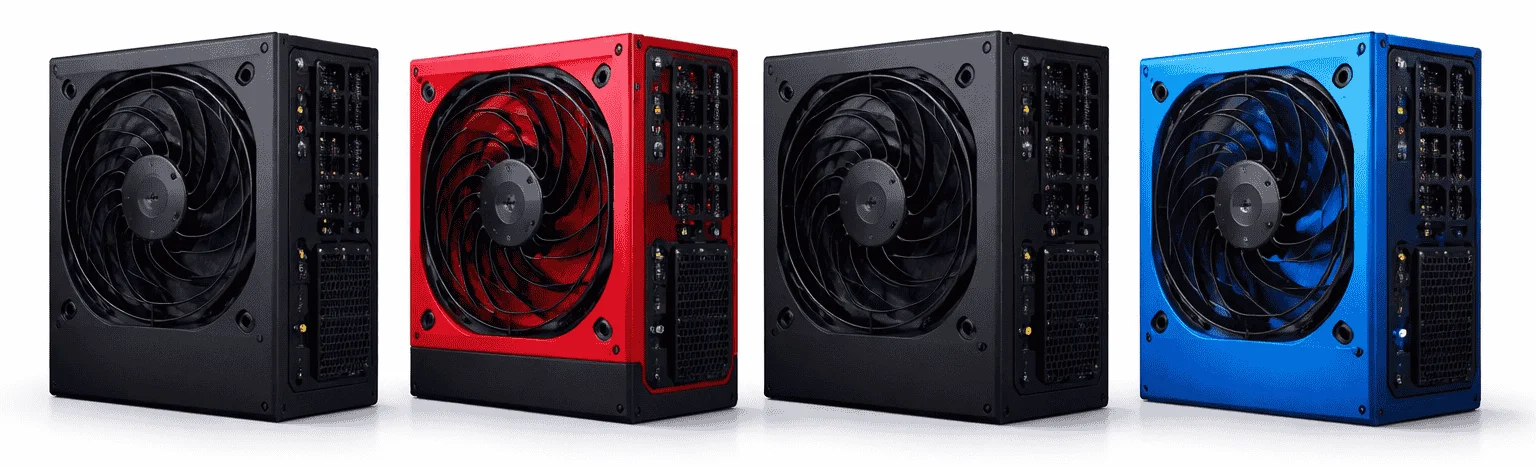
At our visitors’ request, we’ve updated our PSU tier list to include 1,316 laboratory records from 110 power supply brands, with benchmark measurements linked to their original test reports. Filter by brand, wattage, form factor, ATX listing, or cable design, then compare specs, efficiency, noise levels, and available tier ratings to find a PSU that fits your system’s power needs, case size, and connector requirements.
We’ve also highlighted highly rated, tested power supplies with direct buying links, so you can check your preferred model on the retailer’s website in one click.
PSU Tier List: Top-Rated Power Supplies to Buy
The following PSUs are among the best options available today, offering stable power delivery, high efficiency ratings, and dependable performance for demanding systems.
| PSU Name | View on Amazon | Wattage | Efficiency |
|---|---|---|---|
| Corsair RM850x | Buy Now | 850W | 80 Plus Gold |
| Seasonic Focus GX-1000 | Buy Now | 1000W | 80 Plus Gold |
| be quiet! Straight Power 12 | Buy Now | 850W | 80 Plus Platinum |
| MSI MPG A1000G PCIe 5 | Buy Now | 1000W | 80 Plus Gold |
| ASUS ROG Strix 1000W Gold Aura Edition | Buy Now | 1000W | 80 Plus Gold |
| Thermaltake Toughpower GF3 | Buy Now | 850W | 80 Plus Gold |
| Corsair HX1000i | Buy Now | 1000W | 80 Plus Platinum |
| Montech Titan Gold 1000W | Buy Now | 1000W | 80 Plus Gold |
| NZXT C1000 Gold | Buy Now | 1000W | 80 Plus Gold |
| XPG Core Reactor II 850W | Buy Now | 850W | 80 Plus Gold / Cybenetics Platinum |
PSU database loading. This interactive block requires JavaScript. Open the source database.
How to Use This PSU Tier List?
This PSU tier list brings together 1,316 laboratory records from 110 power supply brands worldwide, helping you compare specifications, measured performance, and available tier assessments.
Start by selecting a brand, or search for a model name or wattage. Narrow the results by power rating and tier. Open More filters to choose a form factor, ATX listing, cable design, or efficiency certification.
Click any model to view its available specifications, connectors, test measurements, and original report. Switch between 115V and 230V results, compare up to three models, or download your filtered results as a CSV file.
The database includes different revisions and test samples. Tier labels show supported matches to the April 2023 Cultists list; “Not tiered” means no supported assessment was matched, rather than a failing grade.
How Much Power Supply Do You Need?
Power consumption depends on the components you use in your computer system. If you are building a system for gaming or multitasking, you may need power-hungry Graphics Cards or dedicated CPUs, which require more power.
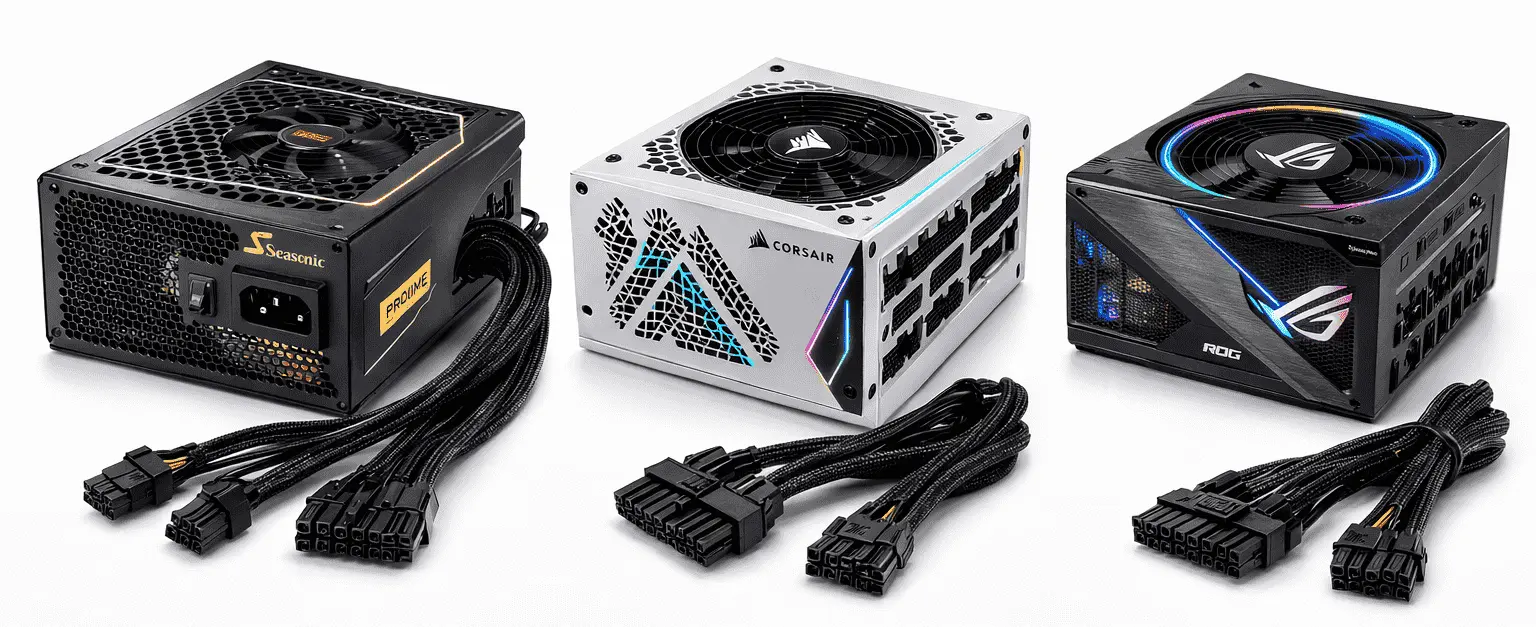
Most power supplies are used for desktop PCs because they contain multiple components that consume higher amounts of energy. So, using the right power supply ensures that your components receive sufficient power and can run at their maximum potential.
Protection Features in Modern Power Supplies
Modern power supplies include multiple protection features to keep your system safe and stable. Each feature serves a specific purpose:
| Protection Feature | Description |
|---|---|
| OVP (Over Voltage Protection) | Protects components by shutting down the PSU if the voltage exceeds safe limits. |
| UVP (Under Voltage Protection) | Prevents system instability by turning off the PSU when the voltage drops too low. |
| OCP (Over Current Protection) | Stops excessive current flow to avoid damage to individual components. |
| SCP (Short Circuit Protection) | Immediately shuts down the PSU if a short circuit occurs. |
| OTP (Over Temperature Protection) | Powers down the PSU if it becomes too hot, preventing overheating damage. |
| OPP (Over Power Protection) | Ensures the PSU does not deliver more than its rated wattage, protecting both the PSU and the system. |
Conclusion
Many users often pick the top power supplies without knowing if their system actually needs that much wattage. To avoid this, it’s important to first calculate how much power your CPU, GPU, and other components consume. Once you know your system’s requirements, you can use the PSU Tier List to identify the power supplies that match your wattage and check their features, such as connectors, efficiency, and protection mechanisms. Selecting a PSU this way ensures that your system runs safely without any restrictions.