Best CPU GPU Combo for Gamers and Content Creators 2026
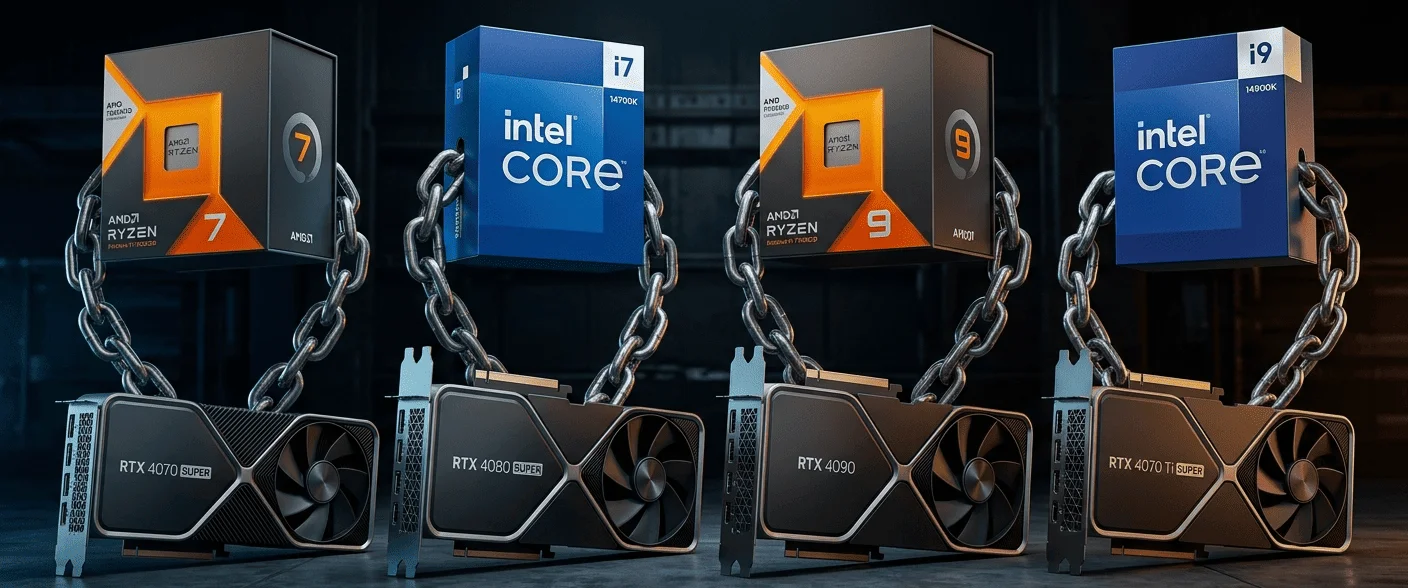
The best CPU GPU combo always depends on your budget and the type of work you actually do on your PC. Every user has different requirements. Some people mainly play competitive games, some stream on platforms like Twitch or YouTube, while others work on video editing, 3D rendering, animation, or content creation. That is the reason there is no single combo that can be called “best” for everyone.
The more budget you invest, the more advanced hardware you can move toward. Hardware manufacturers like AMD, Intel, and NVIDIA continuously introduce new generations with updated architectures, improved cache designs, enhanced AI features, stronger ray-tracing support, higher VRAM capacities, and more efficient power handling. Because of these upgrades, the latest CPUs and GPUs usually deliver smoother gameplay, faster rendering, improved texture handling, and better multitasking than older generations. At the same time, newer hardware also comes with higher pricing, especially in the premium segment.
That is why your budget becomes the first thing you should decide before selecting any CPU GPU combo. Once you know how much you can spend, it becomes much easier to choose the right hardware according to your usage. For example, a gamer targeting 1080p gaming does not need the same setup as someone editing 4K videos or building a high-refresh-rate streaming PC.
One more thing worth mentioning here is that the easiest way to find the best CPU GPU combo is by using a trusted bottleneck calculator tool. It helps you understand which CPU performs better with which GPU and whether your current setup is balanced properly for gaming, streaming, editing, or other heavy workloads.
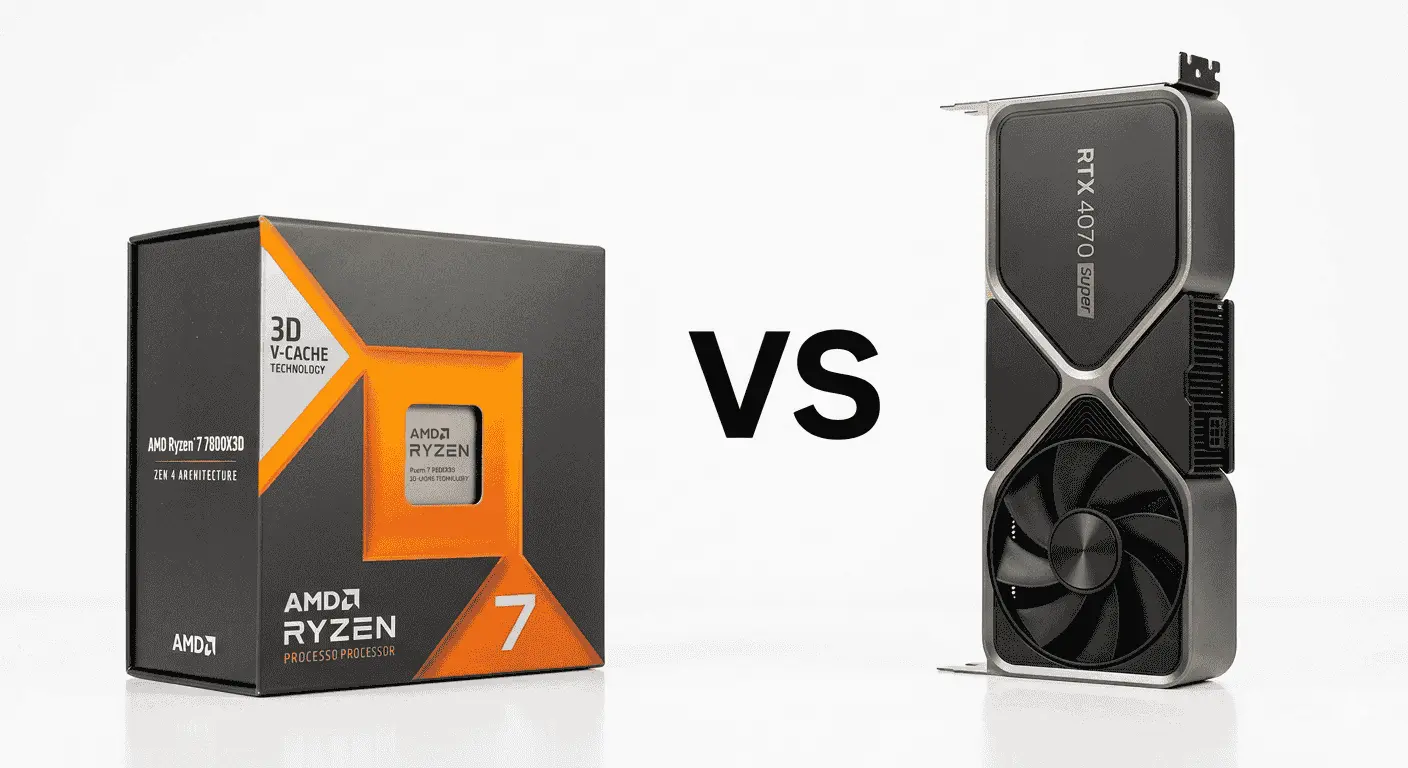
1. AMD Ryzen 7 7800X3D vs NVIDIA GeForce RTX 4070 Super
Specification Details
| Feature Category | AMD Ryzen 7 7800X3D | NVIDIA RTX 4070 Super |
|---|---|---|
| Architecture | Zen 4 Architecture | Ada Lovelace Architecture |
| Core Count | 8 Cores | 7168 CUDA Cores |
| Thread Count | 16 Threads | Multi-threaded GPU Processing |
| Base Clock Speed | 4.2 GHz | 1980 MHz |
| Boost Clock Speed | Up to 5.0 GHz | Up to 2475 MHz |
| Cache Memory | 96MB 3D V-Cache | 48MB L2 Cache |
| VRAM / Memory Support | DDR5 Memory Support | 12GB GDDR6X VRAM |
| Ray Tracing Support | Supports GPU-based ray tracing workloads | Advanced Ray Tracing Cores |
| AI Features | Optimized gaming cache design | DLSS 3 and AI Frame Generation |
| Power Consumption | Around 120W TDP | Around 220W Power Draw |
| Best Gaming Resolution | Optimized for 1440p & high FPS gaming | Built for 1440p Ultra & entry-level 4K |
| Streaming Capability | Strong multitasking performance | NVIDIA NVENC Encoder |
| Thermal Efficiency | Lower heat compared to many high-end CPUs | More efficient than higher-tier GPUs |
| Upgrade Potential | AM5 Platform Support | PCIe Gen 4 Support |
This cpu gpu combo usually feels properly balanced instead of forcing one component to compensate for the other. The Ryzen 7 7800X3D performs especially well in games that constantly process large amounts of world data, player movement, physics calculations, NPC behavior, and background asset streaming. Its larger 3D V-Cache helps the processor keep frequently used game data closer to the CPU, which reduces delays when the game engine rapidly pulls information during intense scenes.
That difference becomes easier to notice in open-world and competitive games where sudden FPS drops or inconsistent frame pacing can make gameplay feel unstable. A lot of players moving from older Ryzen or Intel chips mention that games feel smoother during fast movement, crowded combat areas, or map transitions because the processor spends less time fetching repeated data from slower memory.
The RTX 4070 Super handles the graphical side of the experience. It processes textures, lighting, reflections, shadows, particle effects, and higher-resolution assets while also supporting DLSS 3 frame generation. In games with ray tracing enabled, the GPU keeps visual quality cleaner without forcing aggressive compromises on frame rates. Its 12GB VRAM also helps newer games hold larger texture files more comfortably, especially at 1440p ultra settings, where memory usage has started increasing noticeably.
One reason many users prefer this pairing is that both components stay aligned under load. The processor can feed frames fast enough to keep the GPU utilized properly, while the graphics card has enough rendering headroom for high refresh rate monitors. That balance helps reduce bottleneck situations where either the CPU or GPU starts waiting unnecessarily for the other component to catch up.
Another thing players frequently mention is efficiency. The Ryzen 7 7800X3D does not pull the same level of power as many flagship processors, which helps temperatures stay easier to manage during longer gaming sessions. Combined with the RTX 4070 Super’s comparatively lower power draw for its performance level, the overall system becomes easier to cool without requiring oversized power supplies or aggressive airflow setups.
Recommended Supporting Components
RAM
- 32GB DDR5 6000MHz is the ideal choice
- 16GB still works, but newer games are becoming heavier on memory usage
Motherboard
- B650 motherboard for balanced pricing and features
- X670 boards for users planning future upgrades or heavier workloads
Power Supply
- Minimum 750W 80+ Gold PSU
- Avoid cheap power supplies because GPU power spikes can create instability
Cooling
- High-end air cooler or 240mm AIO cooler
- Proper airflow matters more than excessive RGB-focused cases
Storage
- NVMe Gen4 SSD recommended
- Modern games load noticeably faster compared to SATA SSDs or HDDs
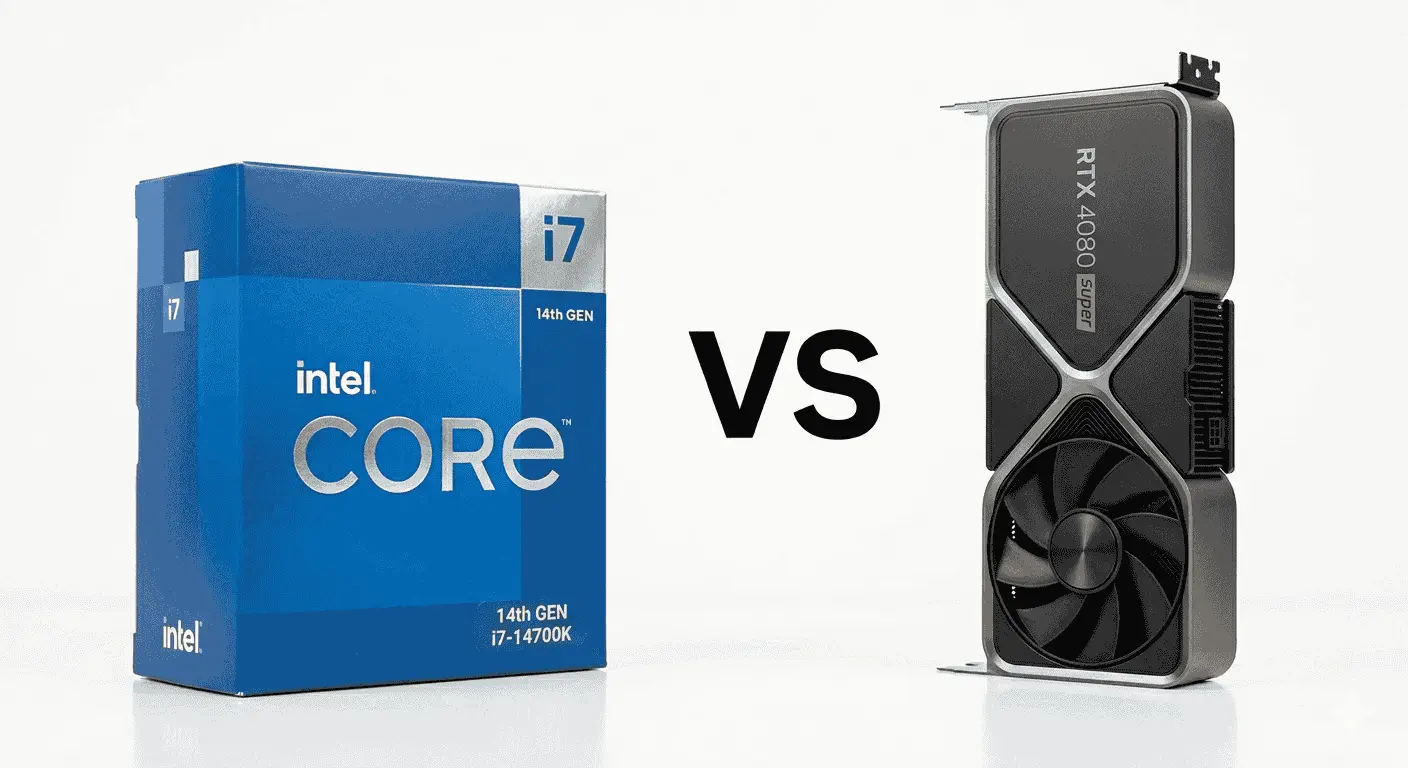
2. Intel Core i7-14700K vs NVIDIA GeForce RTX 4080 Super
Specification Details
| Feature Category | Intel Core i7-14700K | NVIDIA RTX 4080 Super |
|---|---|---|
| Processor Design | Hybrid architecture with Performance & Efficiency cores | Ada Lovelace GPU platform |
| Core Structure | 20 Cores | 10240 CUDA Cores |
| Thread Handling | 28 Threads | Parallel rendering engine |
| Standard Clock Speed | 3.4 GHz | 2295 MHz |
| Turbo Frequency | Up to 5.6 GHz | Up to 2550 MHz |
| Cache Design | 33MB Smart Cache | 64MB L2 Cache |
| Memory Compatibility | DDR4 & DDR5 Support | 16GB GDDR6X VRAM |
| AI Processing Features | Intel AI workload optimization | DLSS 3.5 & AI Frame Generation |
| Visual Rendering Support | Supports advanced rendering pipelines | Dedicated Ray Tracing hardware |
| Energy Demand | Around 125W Base Power | Around 320W Graphics Power |
| Target Resolution | Strong for 1440p and workstation use | Designed for 4K Ultra gaming |
| Encoding & Creation | Strong multitasking performance | AV1 & NVENC hardware encoding |
| Heat Output | Requires premium cooling | Larger thermal footprint |
| Expansion Capability | LGA1700 platform | PCIe Gen 4 compatibility |
This combo is usually preferred by users who need strong gaming performance but also spend a lot of time in applications like Premiere Pro, After Effects, Blender, OBS, or Unreal Engine. The Core i7-14700K comes with a hybrid architecture that separates Performance cores and Efficiency cores. During gaming, the Performance cores focus on things like frame calculations, AI behavior, game physics, and player input response, while the Efficiency cores quietly handle background tasks such as recording software, browser tabs, Discord, rendering previews, or Windows processes.
That separation makes a noticeable difference in multitasking situations. On lower-core CPUs, background applications can interrupt frame delivery and create small stutters during gameplay. The i7-14700K handles those situations more cleanly because different types of tasks are distributed across separate cores instead of fighting for the same CPU resources.
The RTX 4080 Super focuses heavily on high-resolution rendering and advanced lighting systems. The GPU processes texture rendering, ray tracing calculations, shadows, reflections, particle effects, and AI-assisted frame generation. Its 16GB GDDR6X VRAM becomes especially useful in modern games and creator applications where larger texture files and heavier scene data consume more graphics memory.
In games running at 4K ultra settings, the card keeps texture streaming more stable because the GPU can store larger visual assets directly inside VRAM instead of repeatedly loading them from slower storage or system memory. That usually helps reduce sudden texture pop-ins or inconsistent texture quality during fast movement across detailed environments.
A lot of users moving toward this setup are also using higher refresh rate 1440p or 4K monitors. The RTX 4080 Super has enough rendering overhead to maintain smoother frame delivery at higher settings, while the i7-14700K keeps the GPU supplied with game data quickly enough to avoid unnecessary CPU-side slowdowns.
Another reason this combo gets recommended frequently is creator-side flexibility. The processor’s higher thread count improves timeline responsiveness during editing, while NVIDIA’s NVENC and AV1 encoding support help with streaming and faster video exports. Many editors and streamers mention that the system remains responsive even while rendering videos or transferring files in the background.
Recommended Supporting Components
Memory
- 32GB DDR5 recommended for gaming and creator workloads
- 64GB preferred for heavier editing and 3D workflows
Motherboard
- Z790 motherboard is recommended for maximum stability and tuning support
- B760 boards can work for non-overclocking users
Power Supply
- 850W or higher PSU recommended
- Gold or Platinum-rated units preferred for long-term reliability
Cooling
- 360mm liquid cooler suggested
- Large dual-tower air coolers can also manage temperatures effectively
Storage
- PCIe Gen4 NVMe SSD for primary drive
- Secondary SSD recommended for larger project files and game libraries
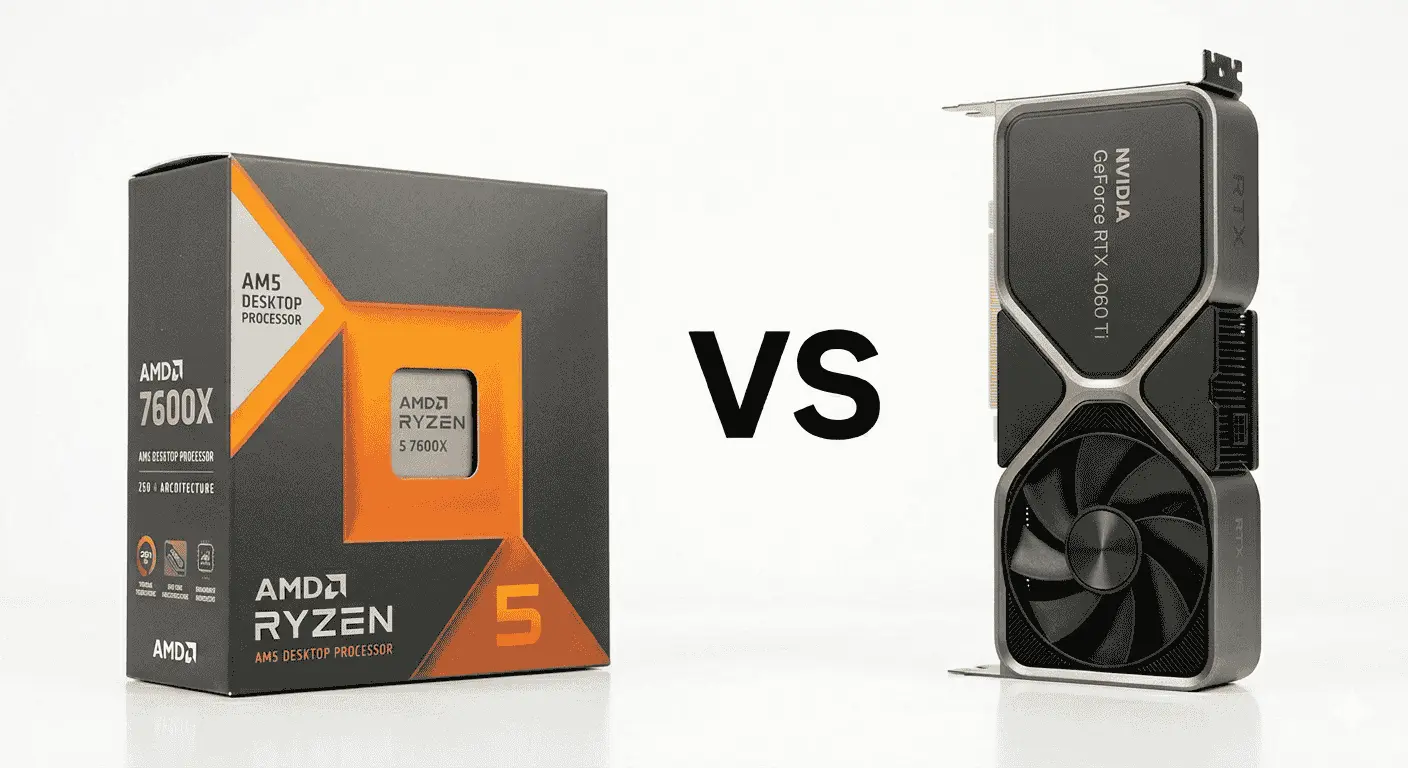
3. AMD Ryzen 5 7600X vs NVIDIA GeForce RTX 4060 Ti
Specification Details
| Feature Category | AMD Ryzen 5 7600X | NVIDIA RTX 4060 Ti |
|---|---|---|
| Hardware Design | Zen 4 processor architecture | Ada Lovelace graphics architecture |
| Processing Units | 6 Cores | 4352 CUDA Cores |
| Multi-Task Handling | 12 Threads | Parallel graphics processing |
| Operating Frequency | 4.7 GHz Base Clock | 2310 MHz Base Clock |
| Maximum Boost Speed | Up to 5.3 GHz | Up to 2535 MHz |
| Cache Technology | 38MB Combined Cache | 32MB L2 Cache |
| Memory Platform | DDR5 Support | 8GB / 16GB GDDR6 VRAM |
| AI-Assisted Features | Optimized gaming performance design | DLSS 3 Frame Generation |
| Lighting & Reflection Support | Supports GPU rendering pipelines | Dedicated Ray Tracing hardware |
| Typical Power Usage | Around 105W | Around 160W |
| Ideal Resolution Target | Best for high FPS gaming | Optimized for 1080p Ultra & 1440p High |
| Streaming Support | Strong foreground task handling | AV1 & NVENC encoding support |
| Thermal Behavior | Easier to cool compared to larger CPUs | Moderate thermal output |
| Upgrade Flexibility | AM5 future upgrade path | PCIe Gen 4 support |
The Ryzen 5 7600X and RTX 4060 Ti combination is mostly recommended to gamers who care more about responsive gameplay and stable FPS rather than simply pushing ultra settings at 4K. The processor performs particularly well in games where quick frame delivery matters because of its stronger single-core performance and faster boost behavior. In competitive titles, the CPU constantly processes player movement, hit registration, enemy positioning, map updates, and frame scheduling. Faster processing here helps reduce input delay and keeps gameplay feeling more immediate, especially on higher refresh rate monitors.
A lot of users notice the difference more in esports and multiplayer games than in cinematic single-player titles. Games like Valorant, Apex Legends, Fortnite, CS2, and Warzone depend heavily on frame consistency. The Ryzen 5 7600X keeps frame pacing cleaner during fast camera movement or crowded fights because the processor can handle rapid game calculations without slowing down easily.
The RTX 4060 Ti focuses on rendering efficiency rather than brute-force power draw. The GPU processes textures, shadows, reflections, shaders, lighting effects, and DLSS frame generation while maintaining comparatively lower temperatures and power consumption. One reason many mid-range builders prefer this GPU is that it delivers strong 1080p and solid 1440p gaming without demanding oversized cooling systems or very high wattage power supplies.
DLSS 3 also changes how the card behaves in newer games. Instead of relying only on raw rendering power, the GPU uses AI-assisted frame generation to improve FPS in supported titles. In games with ray tracing enabled, that feature helps maintain smoother gameplay while preserving visual quality better than traditional upscaling methods.
This pairing also works well for gamers upgrading from older GTX 10-series or RTX 20-series systems because the jump in frame stability, loading smoothness, and texture handling becomes noticeable immediately, especially in newer Unreal Engine 5 games, where asset streaming and lighting systems have become heavier than previous generations.
Recommended Supporting Components
RAM
- 32GB DDR5 recommended for long-term usage
- 16GB is still usable for standard gaming builds
Motherboard
- B650 motherboard recommended
- Entry-level A620 boards can work for tighter budgets
Power Supply
- 650W quality PSU is recommended
- Bronze-rated units work, but Gold-rated models provide better efficiency
Cooling
- A mid-range air cooler is usually enough
- Cases with front mesh airflow perform better for sustained gaming sessions
Storage
- NVMe SSD strongly recommended
- 1TB minimum storage is preferred because modern games consume larger spaces
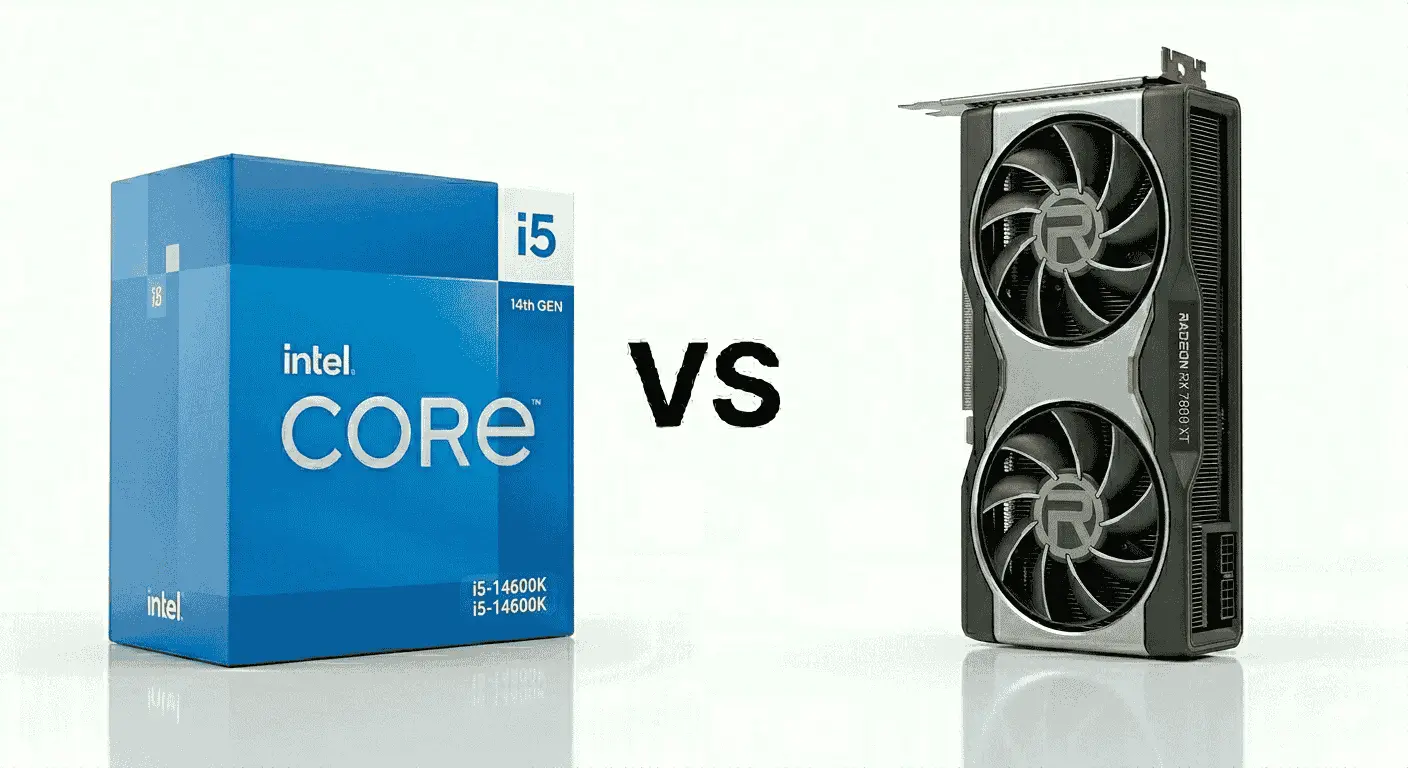
4. Intel Core i5-14600K vs AMD Radeon RX 7800 XT
Specification Details
| Feature Category | Intel Core i5-14600K | AMD Radeon RX 7800 XT |
|---|---|---|
| Platform Design | Hybrid Performance & Efficiency core structure | RDNA 3 graphics architecture |
| Processing Layout | 14 Cores | 3840 Stream Processors |
| Thread Capacity | 20 Threads | Parallel graphics compute engine |
| Default Operating Speed | 3.5 GHz Base Clock | 1295 MHz Game Clock |
| Maximum Performance Speed | Up to 5.3 GHz | Up to 2430 MHz Boost Clock |
| Cache Structure | 24MB Smart Cache | 64MB Infinity Cache |
| Memory Support | DDR4 & DDR5 Compatibility | 16GB GDDR6 VRAM |
| AI & Scaling Features | Intel workload optimization | FSR upscaling technology |
| Advanced Graphics Support | Supports modern rendering pipelines | Ray tracing acceleration hardware |
| Estimated Power Draw | Around 125W Base Power | Around 263W Board Power |
| Gaming Resolution Focus | Strong for esports and AAA gaming | Optimized for high-quality 1440p gaming |
| Streaming & Recording | Handles background applications effectively | Hardware media encoding support |
| Heat Characteristics | Requires quality cooling under load | Moderate-to-high thermal output |
| Future Upgrade Support | LGA1700 platform | PCIe Gen 4 support |
This combination is often selected by users who want strong gaming performance with extra room for multitasking and long gaming sessions. The Intel Core i5-14600K uses a hybrid core layout that separates heavy gaming tasks from background activity. That helps games stay responsive even when Discord, browsers, launchers, recording software, or streaming apps are running at the same time.
The Radeon RX 7800 XT focuses heavily on raw raster performance and higher VRAM capacity. The graphics card is responsible for handling textures, shaders, environment details, lighting calculations, and overall visual rendering. Its 16GB VRAM buffer becomes useful in newer games where texture packs and larger open-world environments consume more video memory.
Together, these components create a setup that feels stable for long-term 1440p gaming. The processor keeps frame pacing under control, while the graphics card pushes higher visual settings without running into memory limitations too quickly.
Another reason this combo attracts attention is memory headroom. Many newer games are becoming heavier on VRAM usage, and the RX 7800 XT’s larger memory allocation helps reduce texture pop-ins and stuttering in demanding titles.
Recommended Supporting Components
RAM
- 32GB DDR5 recommended for long-term use
- DDR4 can still work for users trying to reduce platform cost
Motherboard
- Z790 motherboard for advanced tuning and expansion
- B760 boards suitable for mainstream builds
Power Supply
- 750W quality PSU recommended
- Reliable voltage delivery becomes important during GPU boost spikes
Cooling
- 240mm AIO or premium air cooler recommended
- Additional intake fans help maintain stable temperatures
Storage
- Gen4 NVMe SSD recommended for faster game loading
- 2TB storage preferred for larger AAA game libraries
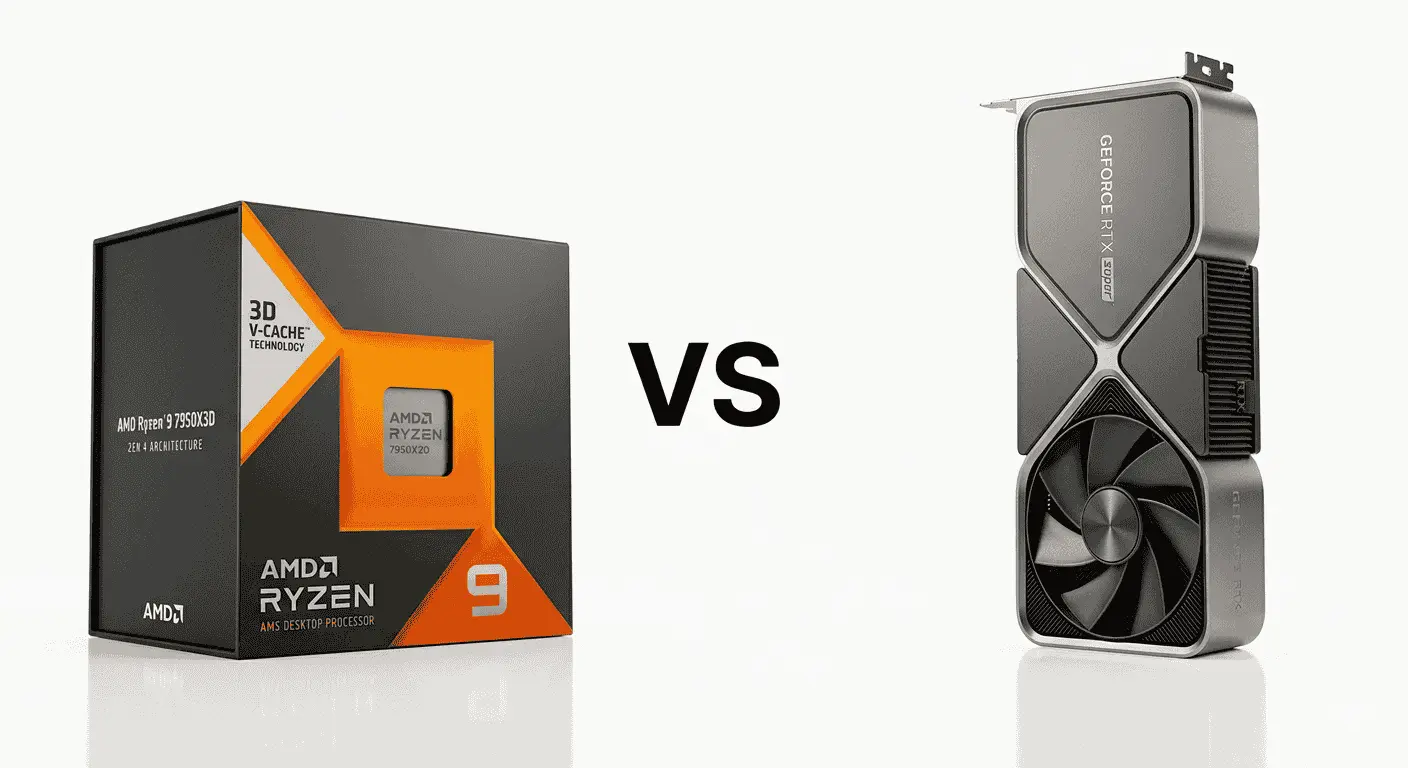
5. AMD Ryzen 9 7950X3D vs NVIDIA GeForce RTX 4090
Specification Details
| Feature Category | AMD Ryzen 9 7950X3D | NVIDIA RTX 4090 |
|---|---|---|
| Internal Design | Zen 4 with 3D V-Cache technology | Ada Lovelace’s flagship GPU architecture |
| Processing Configuration | 16 Cores | 16384 CUDA Cores |
| Workload Distribution | 32 Threads | Parallel compute rendering engine |
| Base Operating Speed | 4.2 GHz | 2235 MHz Base Clock |
| Peak Boost Frequency | Up to 5.7 GHz | Up to 2520 MHz Boost Clock |
| Cache Technology | 144MB Combined Cache | 72MB L2 Cache |
| Memory Compatibility | DDR5 platform support | 24GB GDDR6X VRAM |
| AI Enhancement Features | Gaming-focused cache optimization | DLSS 3 with AI Frame Generation |
| Advanced Rendering Support | Optimized for GPU-intensive workloads | Dedicated ray tracing hardware |
| Typical Power Requirement | Around 120W TDP | Around 450W Graphics Power |
| Resolution Capability | Optimized for high-refresh workloads | Designed for extreme 4K and 8K gaming |
| Media & Production Features | Strong creator and multitasking capability | AV1, NVENC, and AI rendering support |
| Thermal Characteristics | Requires advanced cooling under load | High thermal output during heavy workloads |
| Expansion & Future Support | AM5 platform longevity | PCIe Gen 4 high-bandwidth support |
This setup sits in the ultra-premium category and is usually built by users who want maximum gaming performance without making compromises on multitasking or creator workloads. The Ryzen 9 7950X3D uses AMD’s expanded cache technology to accelerate gaming performance, while its higher core count also helps with demanding productivity tasks running in the background.
The RTX 4090 handles extremely heavy graphical workloads, including ultra-resolution textures, advanced lighting effects, cinematic rendering, simulation processing, and AI-assisted frame generation. The GPU is responsible for producing visual output, processing massive texture files, handling ray tracing calculations, and maintaining high frame rates even under extreme settings.
When both components are combined, the system feels built for users pushing hardware limits rather than simply playing games casually. Large open-world games load assets faster, frame drops become less noticeable during crowded scenes, and content creation tasks complete significantly quicker compared to mainstream systems.
Recommended Supporting Components
RAM
- 64GB DDR5 recommended for creator workloads
- 32GB minimum for premium gaming builds
Motherboard
- X670E motherboard recommended
- Strong VRM cooling is preferred for stability under load
Power Supply
- 1000W to 1200W high-quality PSU recommended
- ATX 3.0 support is preferred for modern GPU power handling
Cooling
- 360mm AIO or custom liquid cooling is strongly recommended
- High airflow full-tower case preferred
Storage
- PCIe Gen4 or Gen5 NVMe SSD recommended
- Separate SSDs preferred for OS, games, and project files
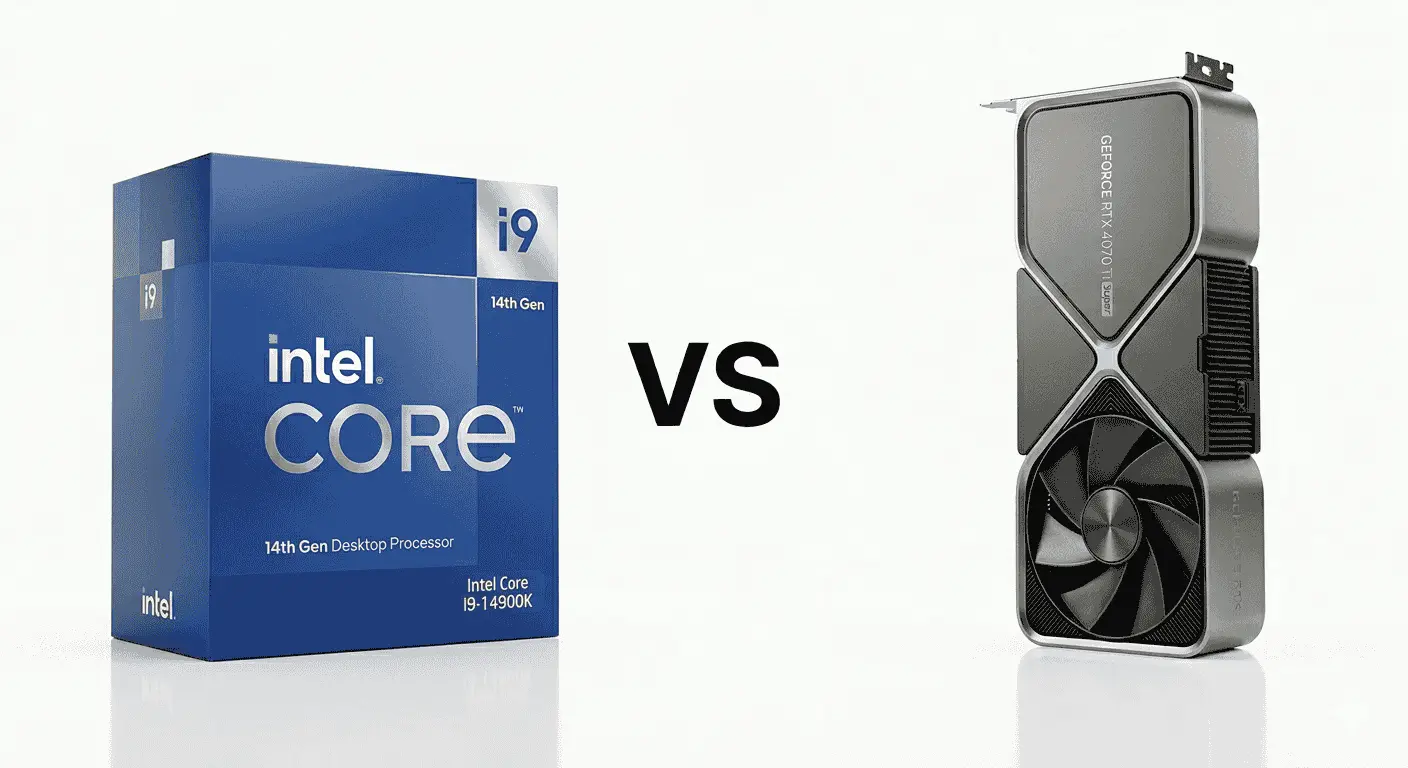
6. Intel Core i9-14900K vs NVIDIA GeForce RTX 4070 Ti Super
Specification Details
| Feature Category | Intel Core i9-14900K | NVIDIA RTX 4070 Ti Super |
|---|---|---|
| Platform Structure | Hybrid Performance & Efficiency core architecture | Ada Lovelace graphics design |
| Compute Layout | 24 Cores | 8448 CUDA Cores |
| Concurrent Processing | 32 Threads | Parallel graphics acceleration |
| Default Frequency | 3.2 GHz Base Clock | 2340 MHz Base Clock |
| Boost Frequency | Up to 6.0 GHz | Up to 2610 MHz Boost Clock |
| Cache Configuration | 36MB Smart Cache | 48MB L2 Cache |
| Memory Support | DDR4 & DDR5 Compatibility | 16GB GDDR6X VRAM |
| AI Rendering Features | Intel application optimization support | DLSS 3 and AI Frame Generation |
| Visual Processing Support | Supports modern rendering APIs | Dedicated ray tracing hardware |
| Typical Power Requirement | Around 125W Base Power | Around 285W Graphics Power |
| Target Gaming Resolution | Strong for high FPS workloads | Optimized for high-end 1440p and entry-level 4K |
| Content Creation Support | High-thread productivity performance | AV1 and NVENC encoding support |
| Thermal Requirements | Performs best with premium cooling | Moderate-to-high heat output |
| Hardware Expansion Support | LGA1700 platform | PCIe Gen 4 support |
This combination is often preferred by users who divide their workload between gaming, streaming, editing, and professional software. The Core i9-14900K brings a higher thread count and aggressive boost behavior, which helps applications respond faster during multitasking. Games benefit from quicker scene calculations, reduced frame pacing inconsistencies, and smoother CPU scheduling when several background applications remain active.
The RTX 4070 Ti Super focuses on rendering efficiency and higher VRAM allocation. The graphics card processes texture mapping, shader compilation, lighting calculations, environmental detail, and AI-assisted frame generation. Its 16GB memory buffer becomes particularly useful in newer titles where higher-resolution textures and ray tracing effects consume additional video memory.
When paired together, the processor handles foreground instructions and multitasking overhead while the graphics card maintains graphical stability at higher settings. That balance makes this setup suitable for users who want stronger gaming performance without stepping into workstation-level pricing.
Recommended Supporting Components
RAM
- 32GB DDR5 recommended for gaming and editing workloads
- 64GB preferred for larger production projects
Motherboard
- Z790 motherboard is recommended for power stability and expansion support
- Strong VRM cooling is preferred for sustained workloads
Power Supply
- 850W high-quality PSU recommended
- ATX 3.0 support is preferred for modern GPU compatibility
Cooling
- 360mm liquid cooler is recommended
- High-airflow chassis improves sustained thermal performance
Storage
- PCIe Gen4 NVMe SSD recommended
- Separate storage drives are preferred for project files and game installations
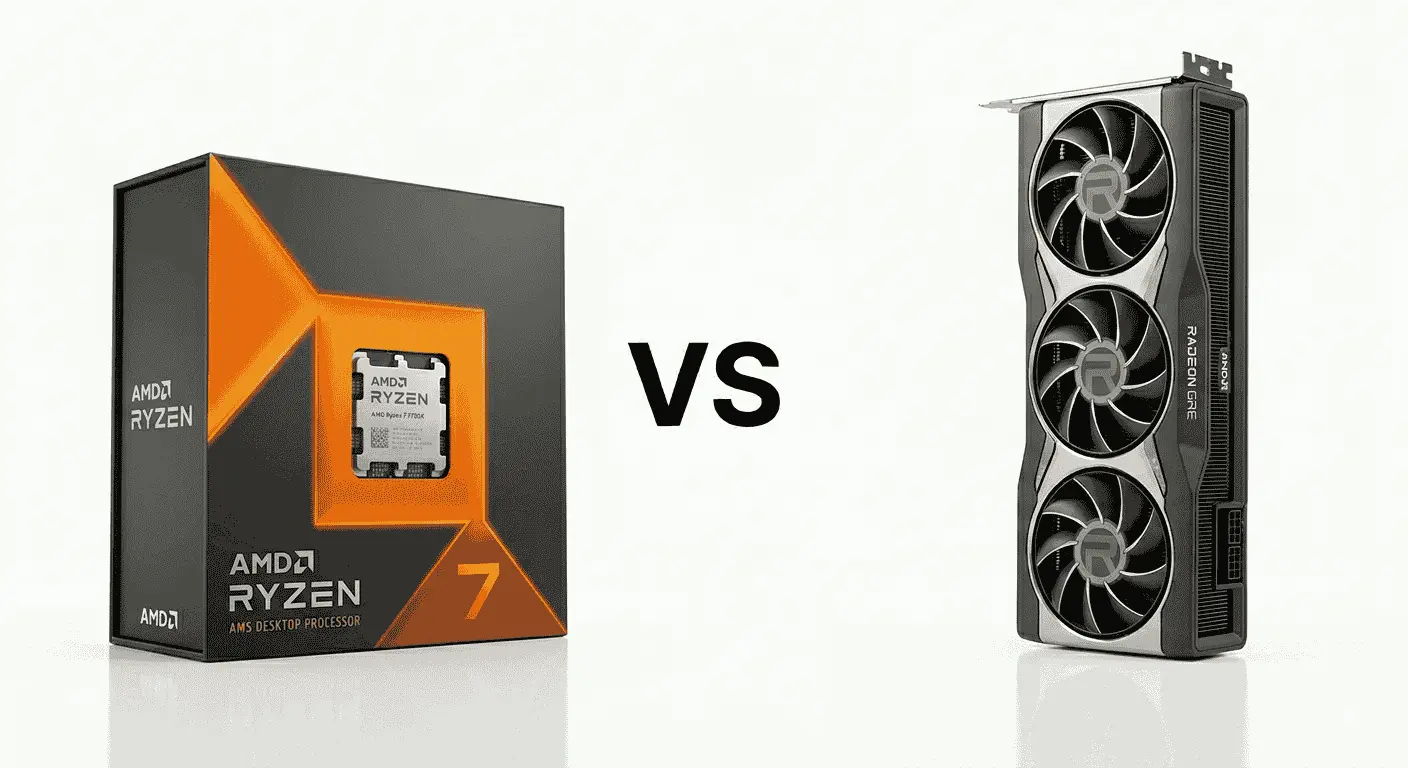
7. AMD Ryzen 7 7700X vs AMD Radeon RX 7900 GRE
Specification Details
| Feature Category | AMD Ryzen 7 7700X | AMD Radeon RX 7900 GRE |
|---|---|---|
| Core Technology | Zen 4 processor platform | RDNA 3 graphics architecture |
| Processing Units | 8 Cores | 5120 Stream Processors |
| Simultaneous Workloads | 16 Threads | Parallel graphics compute engine |
| Base Frequency | 4.5 GHz | 1880 MHz Game Clock |
| Boost Frequency | Up to 5.4 GHz | Up to 2245 MHz Boost Clock |
| Cache Configuration | 40MB Combined Cache | 64MB Infinity Cache |
| Memory Compatibility | DDR5 memory platform | 16GB GDDR6 VRAM |
| AI & Upscaling Support | Optimized gaming workload behavior | FSR upscaling technology |
| Lighting & Rendering Support | Supports advanced graphics APIs | Hardware ray tracing acceleration |
| Typical Power Usage | Around 105W | Around 260W Board Power |
| Resolution Focus | Optimized for high-FPS gaming | Designed for high-detail 1440p gaming |
| Streaming & Encoding | Handles multitasking effectively | Hardware media encoding support |
| Cooling Requirements | Moderate cooling demand | Requires strong airflow for sustained loads |
| Upgrade Compatibility | AM5 future platform support | PCIe Gen 4 support |
This combination is often chosen by gamers who want stronger raster performance and larger VRAM capacity without moving into the price range of flagship graphics cards. The Ryzen 7 7700X delivers fast instruction handling and strong multi-core behavior, which helps games maintain smoother frame delivery during open-world exploration, background asset loading, and CPU-heavy scenes involving AI, physics, or player interactions.
The Radeon RX 7900 GRE is best for graphical rendering, texture allocation, shader processing, and high-resolution asset management. Its VRAM capacity allows modern games to hold larger texture packs and environmental data more efficiently, especially in titles built around expansive worlds and cinematic graphics settings.
When both components operate together, the processor keeps gameplay calculations organized while the graphics card handles visual workloads without quickly reaching memory limitations. That balance makes this setup attractive for users targeting higher graphical quality at 1440p while still keeping enough overhead for future game releases.
Recommended Supporting Components
RAM
- 32GB DDR5 6000MHz recommended
- Lower-speed memory can reduce gaming efficiency on Ryzen platforms
Motherboard
- B650 motherboard recommended for balanced pricing and features
- X670 boards suitable for heavier expansion needs
Power Supply
- 750W quality PSU recommended
- Stable voltage delivery improves GPU boost consistency
Cooling
- A dual-tower air cooler or a 240mm liquid cooler is recommended
- Mesh-front cases improve airflow efficiency
storage
- Gen4 NVMe SSD recommended
- 2TB storage preferred for larger modern game installations
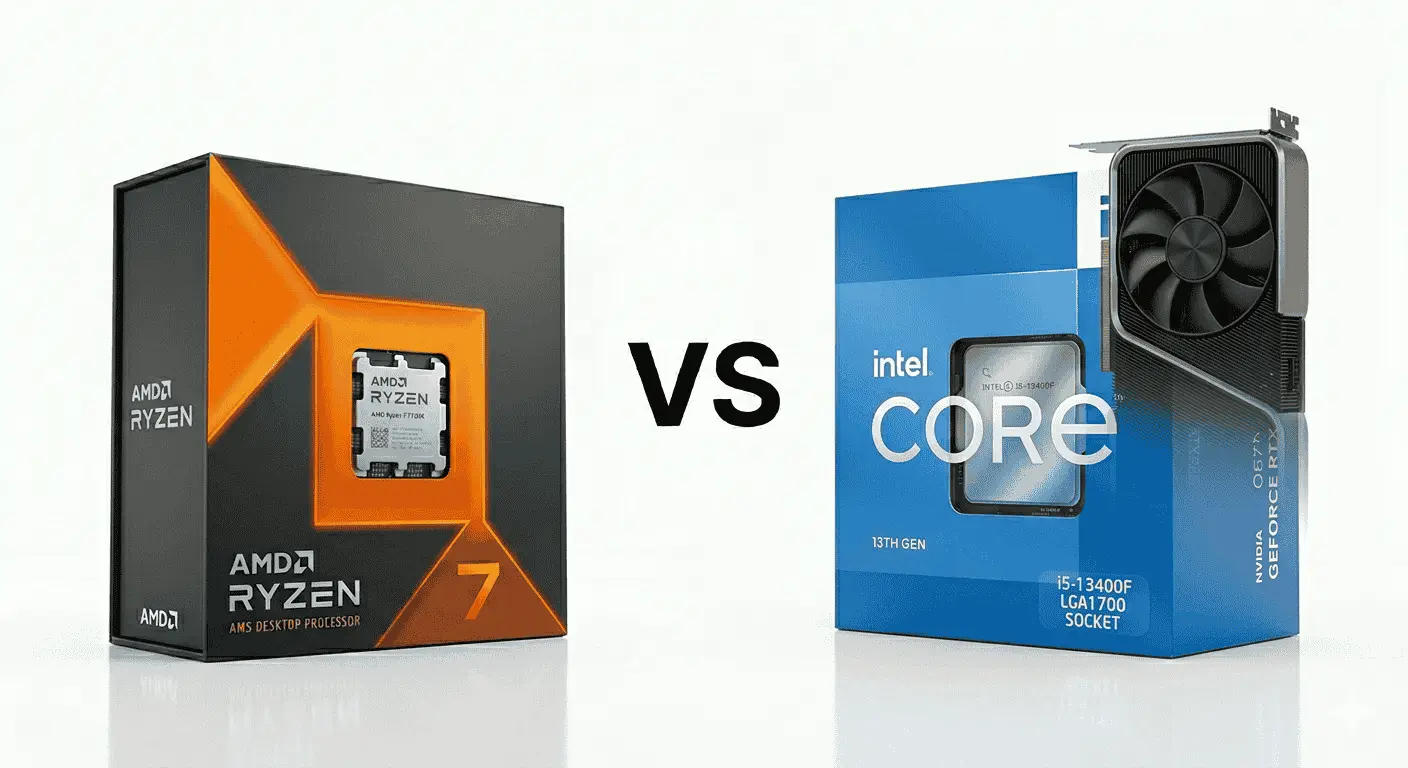
8. Intel Core i5-13400F vs NVIDIA GeForce RTX 4060
Specification Details
| Feature Category | Intel Core i5-13400F | NVIDIA RTX 4060 |
|---|---|---|
| Internal Design | Hybrid Performance & Efficiency core structure | Ada Lovelace graphics architecture |
| Processing Layout | 10 Cores | 3072 CUDA Cores |
| Concurrent Workloads | 16 Threads | Parallel graphics acceleration |
| Base Frequency | 2.5 GHz | 1830 MHz Base Clock |
| Boost Frequency | Up to 4.6 GHz | Up to 2460 MHz Boost Clock |
| Cache Structure | 20MB Smart Cache | 24MB L2 Cache |
| Memory Support | DDR4 & DDR5 compatibility | 8GB GDDR6 VRAM |
| AI & Upscaling Features | Intel scheduling optimization | DLSS 3 Frame Generation |
| Graphics Rendering Support | Supports modern rendering APIs | Dedicated ray tracing hardware |
| Typical Power Requirement | Around 65W Base Power | Around 115W Graphics Power |
| Resolution Target | Optimized for mainstream gaming | Built for high-quality 1080p gaming |
| Streaming & Media Features | Handles multitasking effectively | AV1 and NVENC encoder support |
| Thermal Characteristics | Easier to cool than unlocked CPUs | Moderate thermal output |
| Upgrade Compatibility | LGA1700 platform support | PCIe Gen 4 compatibility |
This combination is commonly selected by users building a practical gaming PC that can handle modern titles without pushing the overall budget too far. The Core i5-13400F uses a hybrid processing structure that separates gaming workloads from background activity, which helps maintain smoother gameplay while applications such as Discord, browsers, launchers, or recording tools continue running in the background.
The RTX 4060 focuses on graphical rendering, texture streaming, lighting calculations, shader processing, and AI-assisted frame generation. The graphics card is responsible for producing the final visual output, including environmental detail, reflections, character textures, and visual effects. Its architecture is designed to improve efficiency, which allows users to maintain stable gaming performance without requiring oversized cooling systems or higher-end power supplies.
When combined, the processor keeps game instructions organized while the graphics card handles visual workloads efficiently at mainstream resolutions. That balance makes this setup attractive for users targeting strong 1080p gaming with enough flexibility for occasional streaming and content creation.
Recommended Supporting Components
RAM
- 16GB DDR5 recommended for mainstream gaming
- 32GB preferred for multitasking and future game requirements
Motherboard
- B760 motherboard recommended for balanced functionality
- H610 boards suitable for tighter budgets
Power Supply
- 550W to 650W quality PSU recommended
- Bronze or Gold-rated units both work effectively
Cooling
- Standard tower air cooler sufficient for most users
- Good front airflow improves long-session stability
Storage
- 1TB NVMe SSD recommended
- Gen4 drives improve game loading and system responsiveness
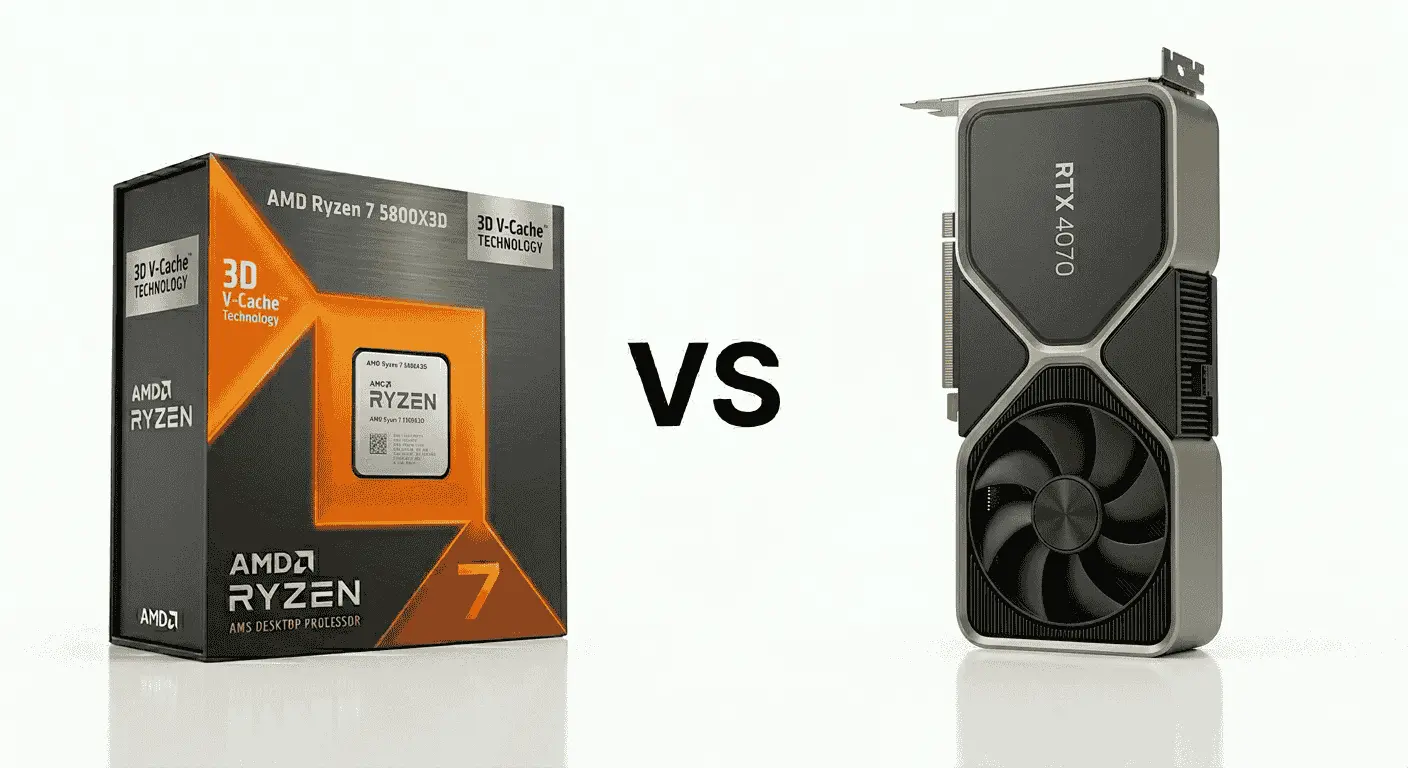
9. AMD Ryzen 7 5800X3D vs NVIDIA GeForce RTX 4070
Specification Details
| Feature Category | AMD Ryzen 7 5800X3D | NVIDIA RTX 4070 |
|---|---|---|
| Architecture | Zen 3 with 3D V-Cache | Ada Lovelace GPU architecture |
| Core Configuration | 8 Cores | 5888 CUDA Cores |
| Thread Capacity | 16 Threads | Parallel graphics rendering engine |
| Base Clock Speed | 3.4 GHz | 1920 MHz Base Clock |
| Maximum Boost Speed | Up to 4.5 GHz | Up to 2475 MHz Boost Clock |
| Cache Structure | 96MB L3 Cache | 36MB L2 Cache |
| Memory Compatibility | DDR4 Support | 12GB GDDR6X VRAM |
| AI & Upscaling Features | Gaming-focused cache optimization | DLSS 3 Frame Generation |
| Graphics Processing Support | Optimized for gaming workloads | Hardware ray tracing support |
| Typical Power Requirement | Around 105W TDP | Around 200W Graphics Power |
| Target Gaming Resolution | Strong for high-refresh gaming | Optimized for 1440p Ultra settings |
| Streaming & Media Support | Stable multitasking performance | AV1 and NVENC encoder support |
| Thermal Characteristics | Easier to cool than newer flagship CPUs | Moderate thermal output |
| Upgrade Compatibility | AM4 platform support | PCIe Gen 4 support |
The Ryzen 7 5800X3D and RTX 4070 combination is still widely recommended for users upgrading older AM4 systems without rebuilding their entire PC. Many gamers moved toward this setup because the processor’s 3D V-Cache design improves gaming performance noticeably in CPU-heavy titles, especially games that depend on faster asset access and lower latency between the processor and memory.
The RTX 4070 handles texture rendering, shader workloads, lighting calculations, ray tracing operations, and DLSS frame generation. Its architecture is designed to maintain higher graphical settings while keeping power consumption lower than previous high-end NVIDIA cards. That efficiency became one of the main reasons many users upgraded from RTX 3070 or RTX 3080 systems to the RTX 4070.
When paired together, the processor keeps game engines responsive while the graphics card manages visual detail and higher-resolution rendering. Community feedback around this setup is generally positive because users upgrading from older Ryzen 3000 or Intel 10th Gen systems often report smoother frame pacing, faster texture loading, and lower stuttering in modern games.
Many players also prefer this setup because the Ryzen 7 5800X3D continues performing competitively in gaming despite being part of an older platform. Reviews from PC builders frequently mention that upgrading to this processor extends the life of AM4 systems without forcing a full platform transition to DDR5.
Recommended Supporting Components
RAM
- 32GB DDR4 3600MHz recommended
- Lower-speed memory can reduce Ryzen gaming efficiency
Motherboard
- B550 or X570 motherboard recommended
- BIOS update may be required on older boards
Power Supply
- 650W to 750W quality PSU recommended
- Gold-rated units preferred for efficiency and stability
Cooling
- A dual-tower air cooler or a 240mm liquid cooler is recommended
- Proper airflow helps maintain boost stability during longer sessions
Storage
- NVMe SSD recommended for faster game loading
- 1TB minimum storage preferred for modern game libraries
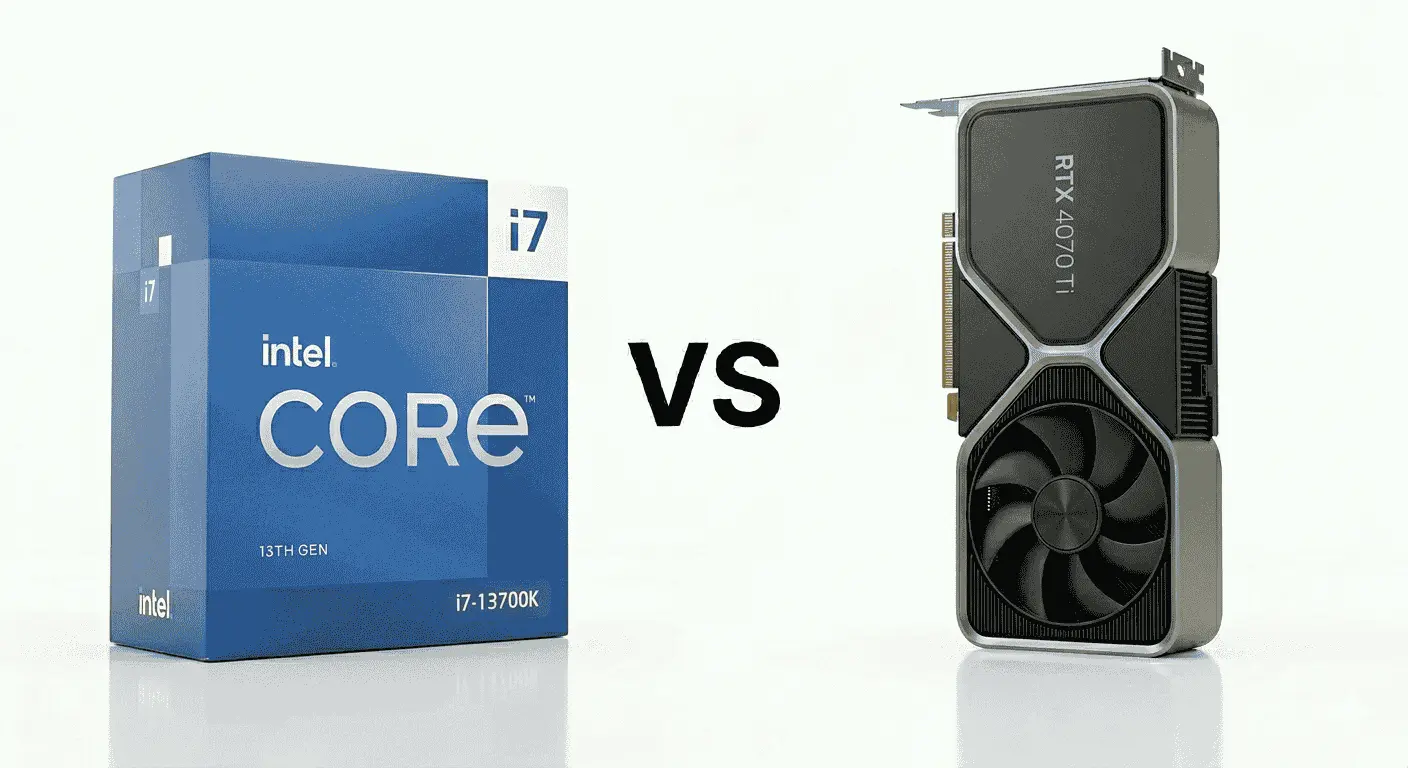
10. Intel Core i7-13700K vs NVIDIA GeForce RTX 4070 Ti
Specification Details
| Feature Category | Intel Core i7-13700K | NVIDIA RTX 4070 Ti |
|---|---|---|
| Architecture | Raptor Lake hybrid architecture | Ada Lovelace GPU architecture |
| Core Configuration | 16 Cores | 7680 CUDA Cores |
| Thread Capacity | 24 Threads | Parallel rendering engine |
| Base Clock Speed | 3.4 GHz | 2310 MHz Base Clock |
| Maximum Boost Speed | Up to 5.4 GHz | Up to 2610 MHz Boost Clock |
| Cache Structure | 30MB Smart Cache | 48MB L2 Cache |
| Memory Compatibility | DDR4 & DDR5 Support | 12GB GDDR6X VRAM |
| AI & Upscaling Features | Intel Thread Director optimization | DLSS 3 Frame Generation |
| Graphics Processing Support | Supports modern rendering APIs | Hardware ray tracing support |
| Typical Power Requirement | Around 125W Base Power | Around 285W Graphics Power |
| Target Gaming Resolution | Strong for high-FPS gaming | Optimized for 1440p Ultra and entry-level 4K |
| Streaming & Media Support | Strong multitasking behavior | AV1 and NVENC encoder support |
| Thermal Characteristics | Requires quality cooling under sustained load | Moderate-to-high thermal output |
| Upgrade Compatibility | LGA1700 platform support | PCIe Gen 4 support |
The Core i7-13700K and RTX 4070 Ti combination is widely considered a strong fit for users balancing gaming performance with heavier multitasking workloads. The processor uses Intel’s hybrid architecture with Performance and Efficiency cores, which helps distribute tasks more effectively when games, streaming software, browsers, launchers, and editing applications run simultaneously.
The RTX 4070 Ti handles texture rendering, shader execution, lighting calculations, frame generation, and ray tracing workloads. Its architecture is designed to improve rendering efficiency while maintaining stable performance at higher graphical presets. Users upgrading from RTX 3070 or RTX 3080 systems often mention lower power consumption relative to the level of performance being delivered.
Together, these components create a setup that performs well in games requiring both strong CPU scheduling and GPU rendering capability. Community feedback around this pairing frequently highlights smoother gameplay in CPU-demanding titles, faster export times in editing software, and better frame consistency during multitasking.
Recommended Supporting Components
RAM
- 32GB DDR5 recommended for gaming and editing workloads
- DDR4 still works for users upgrading existing Intel systems
Motherboard
- Z790 motherboard is recommended for unlocked CPU tuning
- B760 boards suitable for non-overclocking builds
Power Supply
- 750W to 850W quality PSU recommended
- Gold-rated units preferred for stability and efficiency
Cooling
- 280mm or 360mm liquid cooler recommended
- Strong airflow configuration improves sustained temperatures
Storage
- PCIe Gen4 NVMe SSD recommended
- Separate SSD preferred for editing projects and game installations
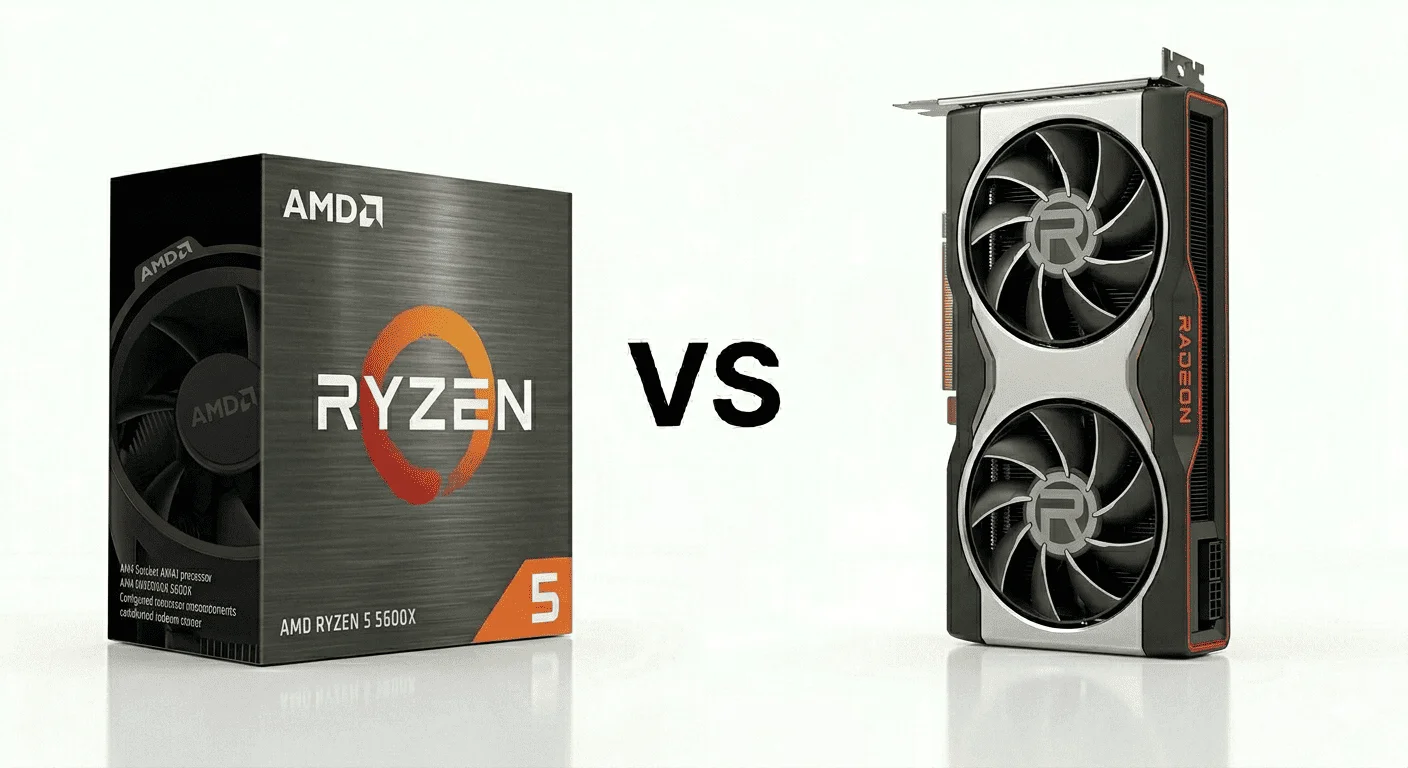
11. AMD Ryzen 5 5600X vs AMD Radeon RX 6700 XT
Specification Details
| Feature Category | AMD Ryzen 5 5600X | AMD Radeon RX 6700 XT |
|---|---|---|
| Architecture | Zen 3 processor architecture | RDNA 2 graphics architecture |
| Core Configuration | 6 Cores | 2560 Stream Processors |
| Thread Capacity | 12 Threads | Parallel graphics compute engine |
| Base Clock Speed | 3.7 GHz | 2321 MHz Game Clock |
| Maximum Boost Speed | Up to 4.6 GHz | Up to 2581 MHz Boost Clock |
| Cache Structure | 35MB Combined Cache | 96MB Infinity Cache |
| Memory Compatibility | DDR4 Support | 12GB GDDR6 VRAM |
| Upscaling Features | Optimized gaming workload handling | AMD FSR support |
| Graphics Rendering Support | Supports modern graphics APIs | Hardware ray tracing support |
| Typical Power Requirement | Around 65W TDP | Around 230W Board Power |
| Target Gaming Resolution | Strong for mainstream gaming | Optimized for 1080p Ultra and 1440p High |
| Streaming & Media Support | Stable multitasking capability | Hardware encoding support |
| Thermal Characteristics | Easier to cool than higher-tier CPUs | Moderate heat output under load |
| Upgrade Compatibility | AM4 platform support | PCIe Gen 4 support |
The Ryzen 5 5600X and Radeon RX 6700 XT combination remains one of the most common recommendations for gamers building a capable 1080p or entry-level 1440p gaming system on a controlled budget. The processor focuses on maintaining stable game logic, physics calculations, AI behavior, and background task handling without creating unnecessary power or cooling demands.
The RX 6700 XT is responsible for texture rendering, shader processing, lighting effects, environmental detail, and high-resolution asset management. Its 12GB VRAM capacity became one of the strongest reasons many gamers preferred it over competing GPUs in the same price segment, especially in modern games where texture usage continues increasing.
When paired together, the processor maintains consistent frame delivery while the graphics card handles graphical workloads comfortably at higher settings. Many community reviews around this setup mention balanced gaming performance without requiring expensive supporting hardware or oversized cooling solutions.
A common point mentioned in user feedback is that the Ryzen 5 5600X still performs reliably in modern games despite being older than current-generation processors, particularly when paired with GPUs designed for mainstream gaming resolutions.
Recommended Supporting Components
RAM
- 16GB DDR4 3600MHz recommended
- 32GB preferred for multitasking and newer AAA titles
Motherboard
- B550 motherboard recommended
- B450 boards can work after BIOS updates
Power Supply
- 650W quality PSU is recommended
- Gold-rated units preferred for long-term stability
Cooling
- Mid-range air cooler sufficient for most builds
- Front mesh airflow cases improve GPU temperatures during longer sessions
Storage
- 1TB NVMe SSD recommended
- Additional SSD storage useful for larger game libraries
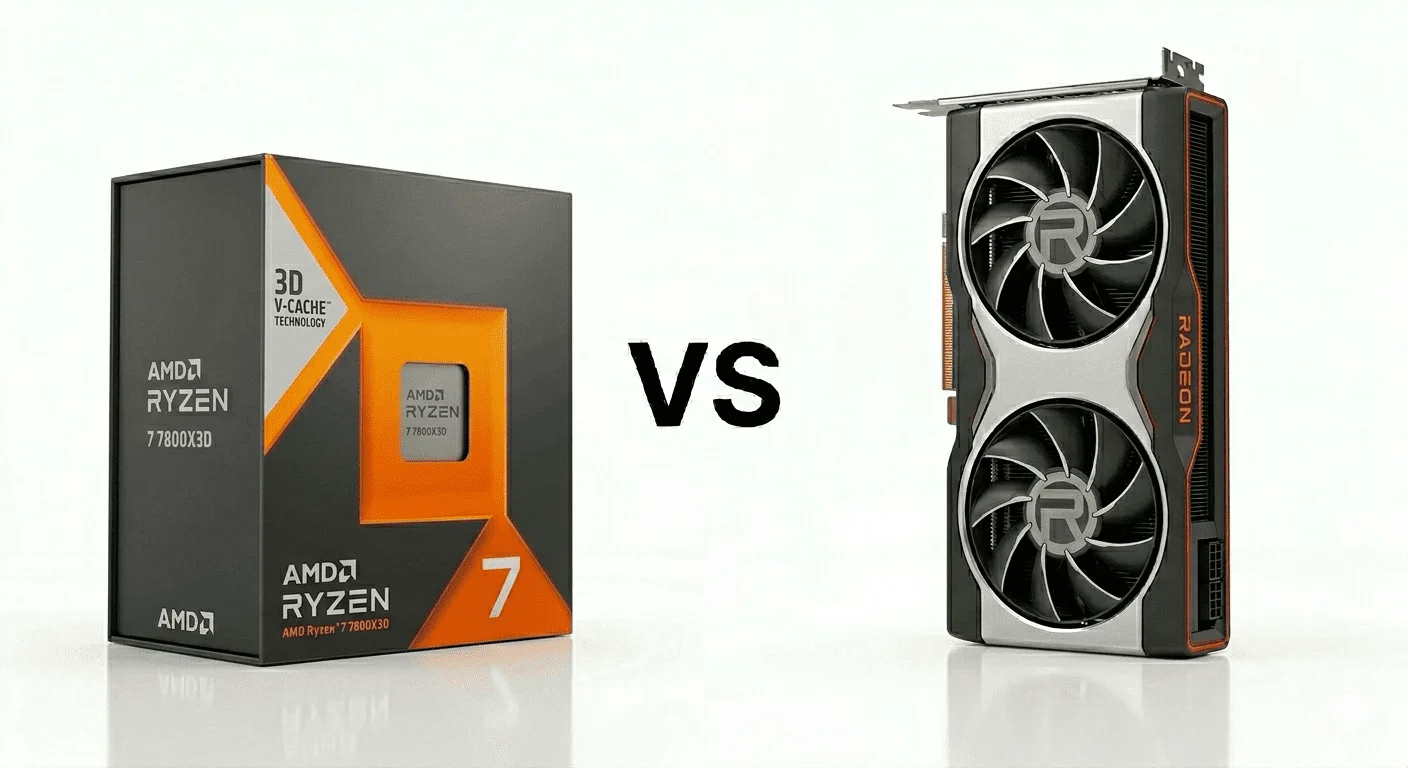
12. AMD Ryzen 7 7800X3D vs AMD Radeon RX 7900 XTX
Specification Details
| Feature Category | AMD Ryzen 7 7800X3D | AMD Radeon RX 7900 XTX |
|---|---|---|
| Architecture | Zen 4 with 3D V-Cache | RDNA 3 graphics architecture |
| Core Configuration | 8 Cores | 6144 Stream Processors |
| Thread Capacity | 16 Threads | Parallel graphics compute engine |
| Base Clock Speed | 4.2 GHz | 1855 MHz Game Clock |
| Maximum Boost Speed | Up to 5.0 GHz | Up to 2499 MHz Boost Clock |
| Cache Structure | 96MB L3 Cache | 96MB Infinity Cache |
| Memory Compatibility | DDR5 Support | 24GB GDDR6 VRAM |
| Upscaling Features | Gaming-focused cache optimization | AMD FSR support |
| Graphics Rendering Support | Optimized for gaming-focused tasks | Hardware ray tracing support |
| Typical Power Requirement | Around 120W TDP | Around 355W Board Power |
| Target Gaming Resolution | Optimized for high-refresh gaming | Designed for native 4K gaming |
| Streaming & Media Support | Stable multitasking capability | AV1 hardware encoding support |
| Thermal Characteristics | Lower heat output than many flagship CPUs | Higher GPU thermal output under load |
| Upgrade Compatibility | AM5 platform support | PCIe Gen 4 support |
This is the kind of cpu gpu combo many gamers move toward after getting tired of unstable frame pacing in heavier AAA titles. The Ryzen 7 7800X3D is not just popular because of higher FPS numbers. What actually makes it different is the way its 3D V-Cache handles game data. In open-world games, the processor keeps frequently used game assets closer to the CPU instead of repeatedly pulling them from slower system memory. That is one of the reasons players often notice fewer sudden frame dips while driving fast across maps, entering crowded cities, or loading larger combat areas.
The RX 7900 XTX approaches gaming differently compared to many NVIDIA cards in the same category. AMD pushed stronger raw raster performance and larger VRAM capacity here. The 24GB GDDR6 memory becomes useful in games using ultra-resolution texture packs because the GPU can hold more visual assets directly inside VRAM instead of constantly reloading them. That helps reduce texture streaming issues that some players notice in newer titles when memory usage climbs higher.
One thing community discussions mention frequently is consistency during longer sessions. Because the Ryzen 7 7800X3D runs comparatively cooler than some higher-core CPUs, many users report more stable boost behavior without aggressive thermal spikes during extended gameplay.
Recommended Supporting Components
RAM
- 32GB DDR5 6000MHz CL30 recommended
- Ryzen processors generally respond better to lower-latency memory kits
Motherboard
- B650E or X670 motherboard recommended
- Boards with stronger VRM cooling help maintain stability during extended usage
Power Supply
- 850W to 1000W quality PSU is recommended
- ATX 3.0 units preferred for cleaner power delivery
Cooling
- 240mm or 360mm liquid cooler is recommended
- High-airflow mesh cases help GPU temperatures significantly
Storage
- Gen4 NVMe SSD recommended
- Larger SSDs become useful because modern AAA games regularly exceed 100GB installations
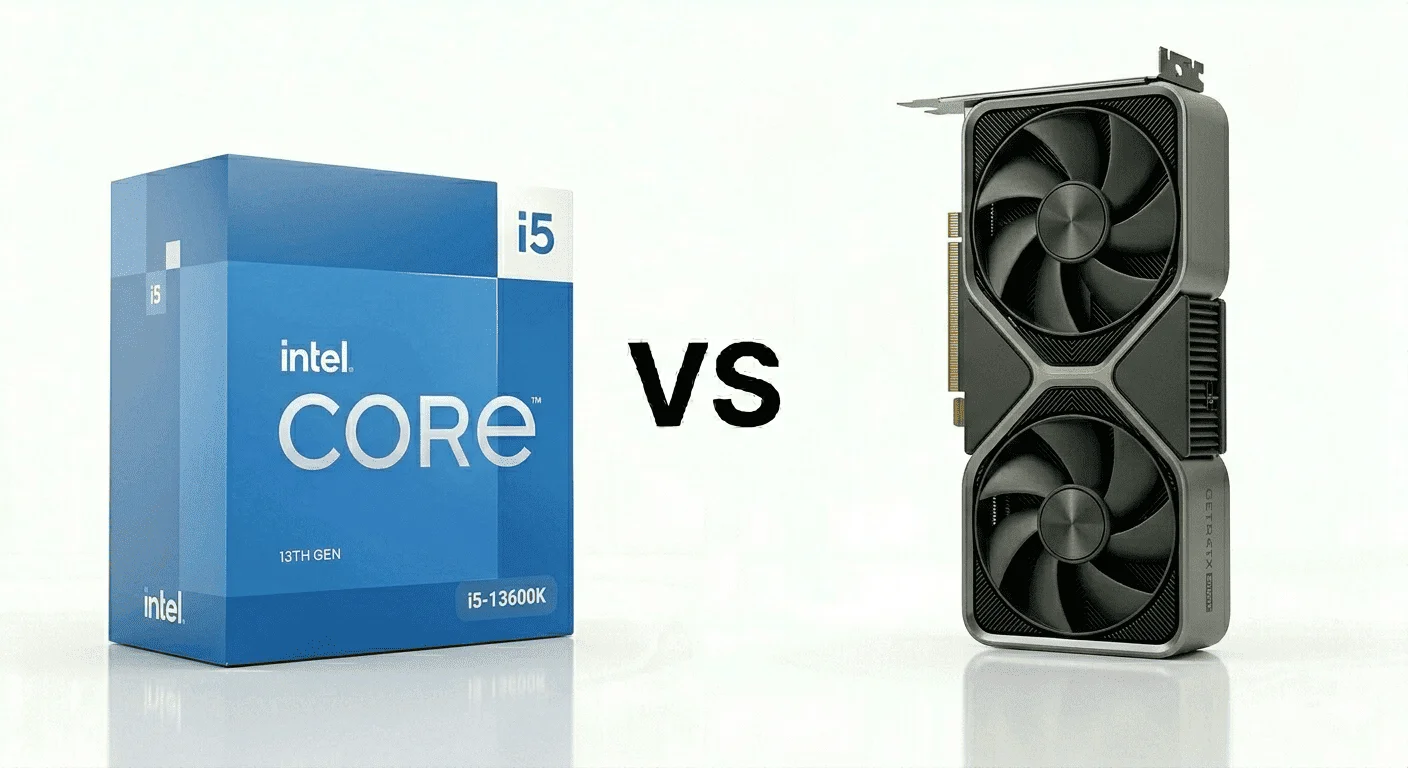
13. Intel Core i5-13600K vs NVIDIA GeForce RTX 4070 Super
Specification Details
| Feature Category | Intel Core i5-13600K | NVIDIA RTX 4070 Super |
|---|---|---|
| Architecture | Raptor Lake hybrid architecture | Ada Lovelace GPU architecture |
| Core Configuration | 14 Cores | 7168 CUDA Cores |
| Thread Capacity | 20 Threads | Parallel rendering engine |
| Base Clock Speed | 3.5 GHz | 1980 MHz Base Clock |
| Maximum Boost Speed | Up to 5.1 GHz | Up to 2475 MHz Boost Clock |
| Cache Structure | 24MB Smart Cache | 48MB L2 Cache |
| Memory Compatibility | DDR4 & DDR5 Support | 12GB GDDR6X VRAM |
| AI & Upscaling Features | Intel Thread Director optimization | DLSS 3 Frame Generation |
| Graphics Rendering Support | Supports modern graphics APIs | Hardware ray tracing support |
| Typical Power Requirement | Around 125W Base Power | Around 220W Graphics Power |
| Target Gaming Resolution | Strong for high-refresh gaming | Optimized for 1440p Ultra settings |
| Streaming & Media Support | Handles background applications efficiently | AV1 and NVENC encoding support |
| Thermal Characteristics | Easier to cool than higher-tier i7 and i9 CPUs | Moderate thermal output |
| Upgrade Compatibility | LGA1700 platform support | PCIe Gen 4 support |
The Core i5-13600K and RTX 4070 Super combination became popular for one simple reason: it avoids the common problem where one component starts holding the other back too early. A lot of mid-range gaming builds either pair a strong GPU with a weaker processor or spend too much on the CPU while using a graphics card that cannot fully utilize it. This setup stays balanced in a way many gamers actually notice during gameplay rather than just benchmarks.
The i5-13600K uses a hybrid core design with Performance cores and Efficiency cores working separately. During gaming, the Performance cores focus on game instructions, physics calculations, NPC behavior, and frame delivery, while the Efficiency cores quietly manage background apps like Discord, Chrome tabs, launchers, OBS, or Windows tasks. That separation helps games feel smoother because background activity interferes less with gameplay responsiveness.
The RTX 4070 Super handles texture rendering, shader calculations, lighting effects, reflections, particle systems, and DLSS frame generation. One thing users consistently mention after upgrading to this card is smoother texture loading at 1440p ultra settings, especially in games where environments load rapidly during movement. Its 12GB VRAM also gives more flexibility compared to older 8GB GPUs that sometimes struggle with newer texture-heavy titles.
Recommended Supporting Components
RAM
- 32GB DDR5 6000MHz recommended
- DDR4 still works for users upgrading older Intel systems
Motherboard
- Z790 motherboard is recommended for unlocked tuning support
- B760 boards suitable for mainstream gaming builds
Power Supply
- 750W quality PSU recommended
- Gold-rated units preferred for cleaner power delivery
Cooling
- 240mm liquid cooler or a premium air cooler is recommended
- Mesh-front airflow cases improve sustained temperatures
Storage
- Gen4 NVMe SSD recommended
- 2TB storage preferred for larger game libraries
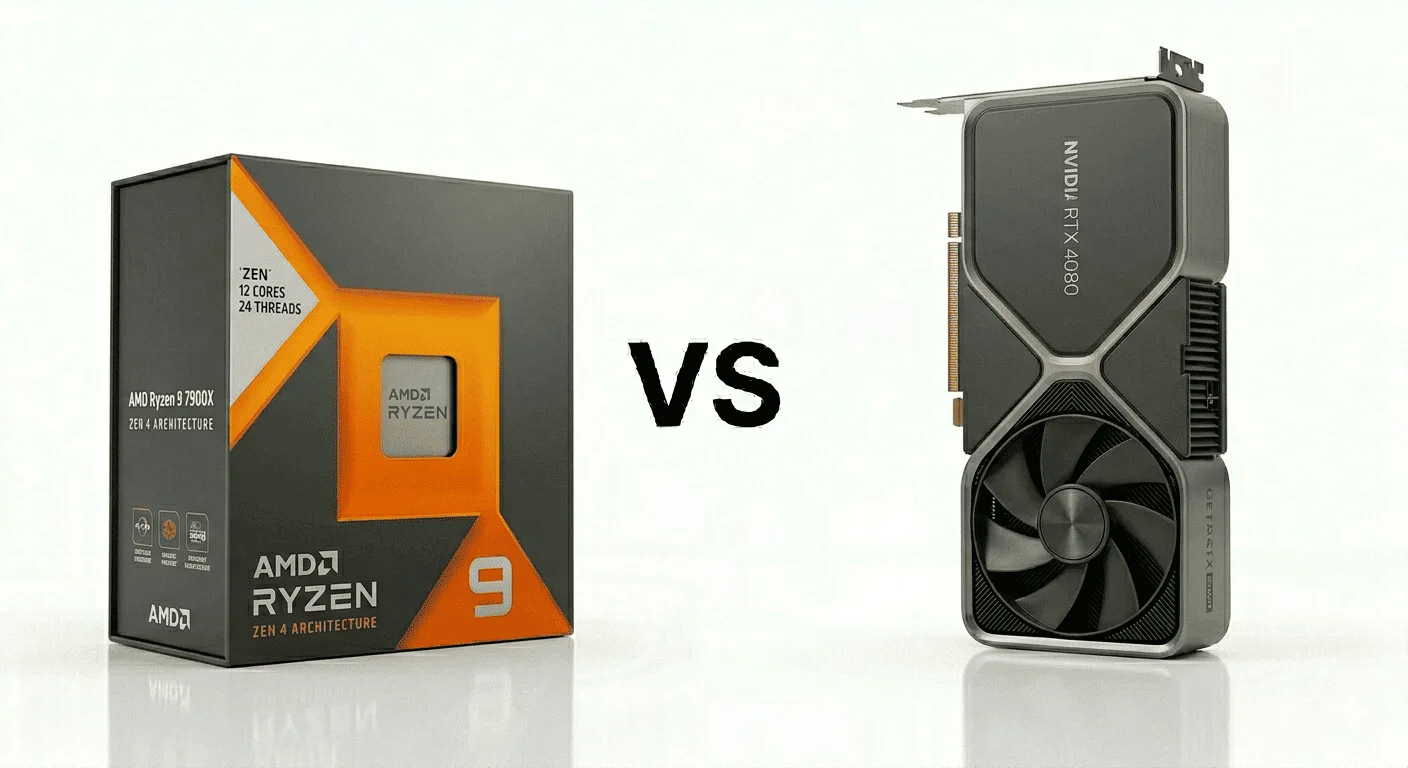
14. AMD Ryzen 9 7900X vs NVIDIA GeForce RTX 4080
Specification Details
| Feature Category | AMD Ryzen 9 7900X | NVIDIA RTX 4080 |
|---|---|---|
| Architecture | Zen 4 processor architecture | Ada Lovelace GPU architecture |
| Core Configuration | 12 Cores | 9728 CUDA Cores |
| Thread Capacity | 24 Threads | Parallel rendering engine |
| Base Clock Speed | 4.7 GHz | 2205 MHz Base Clock |
| Maximum Boost Speed | Up to 5.6 GHz | Up to 2505 MHz Boost Clock |
| Cache Structure | 76MB Combined Cache | 64MB L2 Cache |
| Memory Compatibility | DDR5 Support | 16GB GDDR6X VRAM |
| AI & Upscaling Features | Optimized for multitasking workloads | DLSS 3 Frame Generation |
| Graphics Rendering Support | Supports modern graphics APIs | Advanced ray tracing hardware |
| Typical Power Requirement | Around 170W TDP | Around 320W Graphics Power |
| Target Gaming Resolution | Strong for multitasking and gaming | Designed for high-end 4K gaming |
| Streaming & Media Support | Strong multi-application behavior | AV1 and NVENC encoder support |
| Thermal Characteristics | Runs warmer under sustained load | Moderate-to-high GPU heat output |
| Upgrade Compatibility | AM5 platform support | PCIe Gen 4 support |
The Ryzen 9 7900X and RTX 4080 combination is usually picked by users who spend as much time inside editing software and creator applications as they do inside games. This is not the type of setup people normally build only for esports titles. Most buyers choosing this combination are working with heavier timelines, higher-resolution textures, layered projects, cinematic games, or multitasking-heavy setups where several applications stay open together.
The Ryzen 9 7900X comes with 12 cores and 24 threads, which changes how the system behaves during multitasking. While gaming, the processor can still dedicate separate resources to background tasks like rendering previews, Discord calls, browser tabs, OBS recording, or file extraction without slowing the game down immediately. That is one reason many users moving from 6-core processors say the entire system feels less “busy” during heavier sessions.
The RTX 4080 focuses heavily on rendering quality and frame stability at higher resolutions. Its 16GB GDDR6X memory helps the GPU keep larger texture assets loaded properly, especially in games using ultra texture packs or advanced lighting systems. The card also handles ray tracing more comfortably than many previous-generation GPUs, particularly in titles where reflections, shadows, and environmental lighting affect overall image quality noticeably.
Recommended Supporting Components
RAM
- 32GB DDR5 minimum recommended
- 64GB preferred for editing and creator-focused setups
Motherboard
- X670 or B650E motherboard recommended
- Strong VRM cooling helps maintain CPU stability under load
Power Supply
- 850W quality PSU is recommended
- ATX 3.0 support is preferred for modern GPU compatibility
Cooling
- 360mm liquid cooler is recommended
- High-airflow full-tower or mid-tower cases work best
Storage
- Gen4 NVMe SSD recommended
- Separate SSDs useful for editing projects and game installations
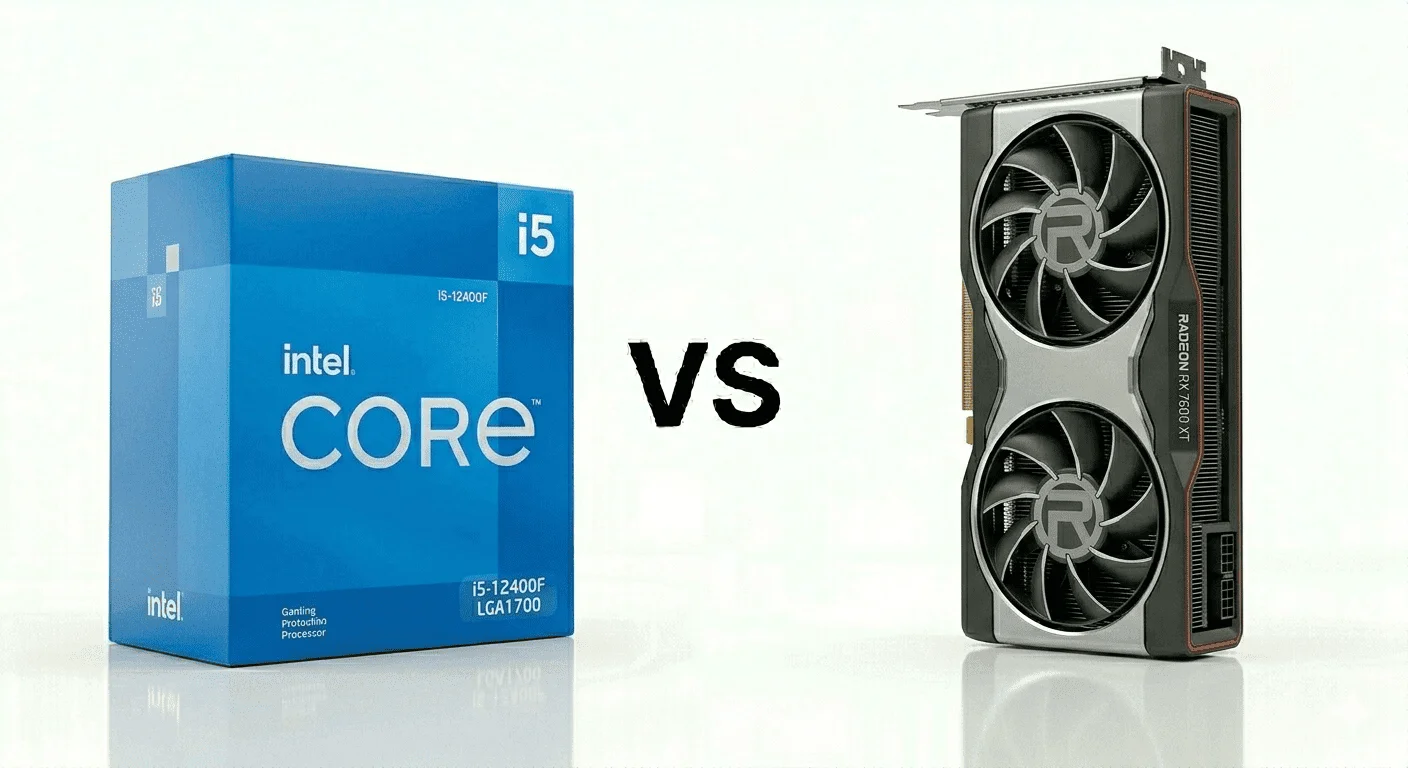
15. Intel Core i5-12400F vs AMD Radeon RX 7600 XT
Specification Details
| Feature Category | Intel Core i5-12400F | AMD Radeon RX 7600 XT |
|---|---|---|
| Architecture | Alder Lake processor architecture | RDNA 3 graphics architecture |
| Core Configuration | 6 Performance Cores | 2048 Stream Processors |
| Thread Capacity | 12 Threads | Parallel graphics compute engine |
| Base Clock Speed | 2.5 GHz | 1980 MHz Game Clock |
| Maximum Boost Speed | Up to 4.4 GHz | Up to 2755 MHz Boost Clock |
| Cache Structure | 18MB Smart Cache | 32MB Infinity Cache |
| Memory Compatibility | DDR4 & DDR5 Support | 16GB GDDR6 VRAM |
| Upscaling Features | Intel scheduling optimization | AMD FSR support |
| Graphics Rendering Support | Supports modern graphics APIs | Hardware ray tracing support |
| Typical Power Requirement | Around 65W Base Power | Around 190W Board Power |
| Target Gaming Resolution | Strong for mainstream gaming | Optimized for 1080p Ultra and entry-level 1440p |
| Streaming & Media Support | Stable multitasking behavior | AV1 hardware encoding support |
| Thermal Characteristics | Easier to cool than unlocked CPUs | Moderate GPU heat output |
| Upgrade Compatibility | LGA1700 platform support | PCIe Gen 4 support |
The Core i5-12400F and Radeon RX 7600 XT combination is usually recommended to people building a modern gaming PC for the first time without stretching into expensive hardware categories. What makes this setup interesting is not raw benchmark numbers. It is the way both components stay practical for everyday gaming without creating extra expenses around cooling, power supplies, or motherboard upgrades.
The i5-12400F uses six performance cores with strong single-core behavior, which matters more in many games than simply stacking higher core counts. In titles where the CPU constantly handles player movement, enemy AI, map calculations, and frame scheduling, this processor keeps gameplay responsive without drawing excessive power. One reason many gamers still recommend it is because it avoids the heat spikes commonly seen in higher-end unlocked processors.
The RX 7600 XT focuses mainly on stable 1080p gaming with extra VRAM headroom. Its 16GB GDDR6 memory is one of the main reasons users choose it over some competing GPUs carrying only 8GB memory buffers. In newer games, larger texture files continue loading into VRAM while moving through maps, especially at higher texture settings. When VRAM becomes limited, players often notice blurry textures appearing temporarily or sudden drops in texture quality. The RX 7600 XT reduces that issue in many modern titles because the GPU can keep more assets loaded directly inside memory.
Recommended Supporting Components
RAM
- 16GB DDR4 3600MHz recommended
- 32GB preferred for multitasking and future game requirements
Motherboard
- B660 or B760 motherboard recommended
- DDR4 boards help reduce the total build cost
Power Supply
- 650W quality PSU is recommended
- Bronze or Gold-rated units both work effectively
Cooling
- Standard tower air cooler sufficient for most users
- Front airflow fans improve GPU temperatures during longer sessions
Storage
- 1TB NVMe SSD recommended
- Additional SSD storage useful for larger game libraries
What Things to Consider Before Buying a CPU GPU Combo?
A lot of people spend most of their budget on the latest CPU and GPU, but completely ignore the rest of the system. Later, they realize the PC is still not running the way they expected. The reason is simple: a gaming or creator setup only performs properly when all components stay balanced together.
For example, if you install a high-end GPU inside a system that still uses outdated RAM, slower storage, weak cooling, or an older motherboard, the system can start creating bottlenecks. In some cases, the processor cannot keep up with the graphics card properly. In other situations, the GPU stays underutilized because the CPU or RAM cannot process data fast enough.
That is why upgrading only one or two components does not always guarantee smoother gaming or better rendering performance.
Before buying any CPU GPU combo, you should first look at your current system properly and check whether your existing hardware can actually support those components or not.
Some of the most common issues users face are:
For example, modern games continuously load textures, shaders, lighting data, and map assets while you move through the environment. If your storage drive is too slow or your RAM cannot transfer data efficiently, you may notice stuttering, delayed texture loading, sudden FPS drops, or inconsistent frame pacing even with a powerful graphics card installed.
The same thing happens with cooling. Many newer processors automatically increase clock speeds when temperatures stay under control. But if the cooler or airflow is weak, the CPU starts reducing its boost behavior to protect temperatures, which directly affects gaming and rendering performance.
That is why, if you are building a gaming setup, streaming PC, editing workstation, or any heavy-use system, it is always better to upgrade the platform properly instead of focusing only on the CPU and GPU.
Before purchasing any combo, make sure you check:
A balanced setup always performs better than a system where one expensive component is trying to compensate for outdated hardware around it.
Conclusion
Choosing the right CPU GPU combo mainly depends on your budget, your workload, and the type of setup you actually want to build. A gamer, streamer, video editor, and content creator all have different requirements, which is why every combo cannot work perfectly for every user.
Another important thing is your existing system. A lot of users upgrade only the CPU and GPU, but ignore the rest of the components already installed inside the PC. If the motherboard, RAM, storage, cooling, or power supply cannot properly keep up with newer hardware, bottlenecks and stability issues can start appearing. In that situation, even expensive hardware cannot deliver the experience users expect.
That is why, throughout this guide, we also covered the recommended supporting components that should be paired with every CPU GPU combo. Whether you choose an entry-level setup or a high-end gaming build, supporting hardware still plays an important role in maintaining stable temperatures, smoother gameplay, better texture loading, and consistent system behavior.