Best CPU for Gaming We Tested in 2026 | Benchmarked & Compared
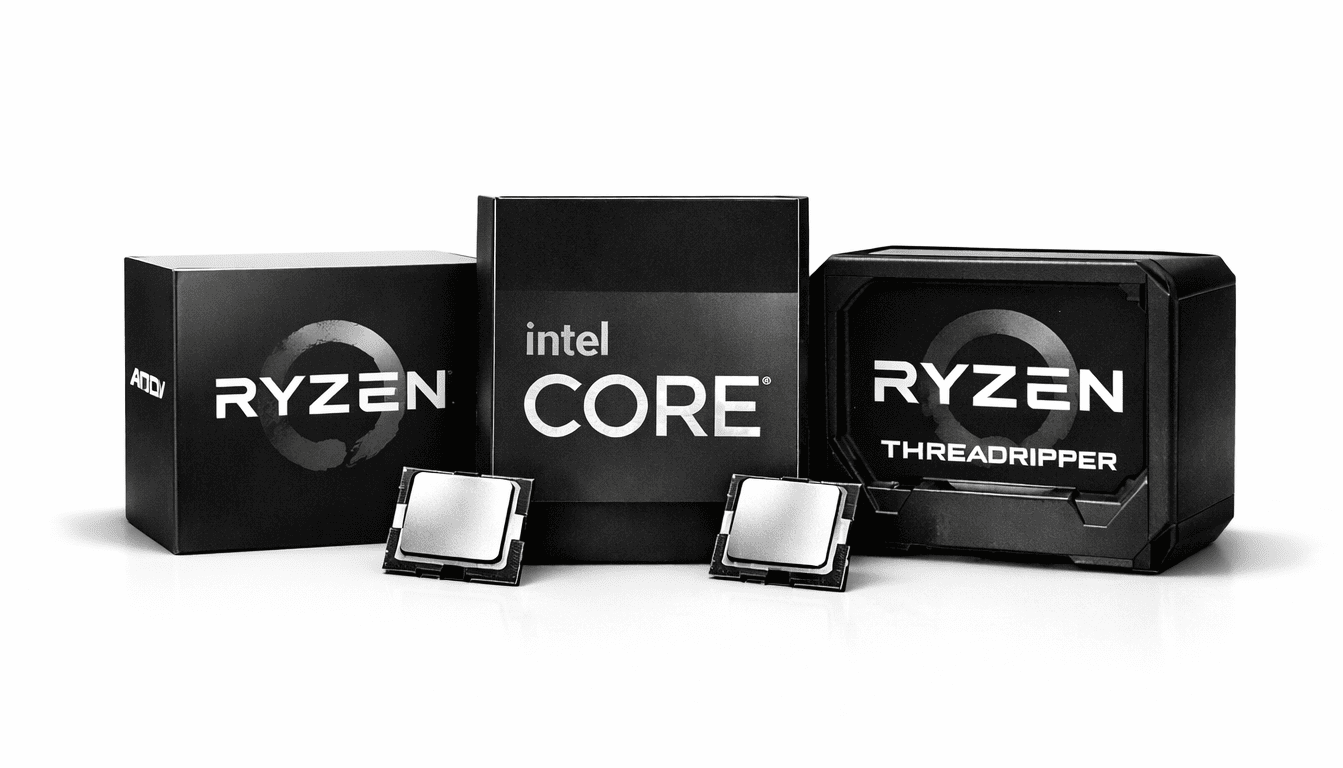
While picking the best CPU for gaming, the first thing you need to decide is whether you’re building a desktop or a laptop. For laptops, the best laptop CPUs right now are models like the Intel Core Ultra 9 285HX and AMD Ryzen 9 7945HX3D, which handle gaming really well on the go. For desktops, the best CPUs include the AMD Ryzen 9 9900X3D, Ryzen 7 9800X3D, and Intel Core i9-285 K — these deliver excellent performance for heavy gaming.
Before recommending the best CPU for gaming, I make sure to test each processor thoroughly in real gaming scenarios. I don’t just look at specs or benchmark numbers; I actually run games at different resolutions like 1080p, 1440p, and 4K to see how the CPU performs with various graphics cards.
This helps me understand frame rate stability, game smoothness, and how well the CPU handles intense workloads. For example, here are some best processors for gaming, like the Ryzen 9 9900X3D, Ryzen 7 9800X3D, and Intel Core Ultra 9 285K give smooth performance across all resolutions while keeping frame rates stable.
I also test CPUs under different conditions, like with high-refresh-rate, while streaming or recording gameplay, and during heavy multitasking. This shows how well the processor performs during real gaming sessions. I use reliable tools like Cinebench, 3DMark, CPU-Z, and the bottleneck calculator to track scores, power efficiency, and overall performance.
Best Desktop CPUs for Gaming (2026)
| # | CPU Model | Price | Reasons to Buy |
|---|---|---|---|
| 1 | AMD Ryzen 9 9900X3D | $569 | Best CPU for gaming of all time, which delivers top-tier FPS consistency across 1080p, 1440p, and 4K with the best graphics cards. |
| 2 | AMD Ryzen 7 9800X3D | $469 | Ideal for competitive gamers who want maximum FPS on high-refresh-rate monitors. |
| 3 | AMD Ryzen 9 9950X3D | $675 | Handles heavy multitasking, streaming, and gaming without performance drops. |
| 4 | AMD Ryzen 9 7900X3D | $389 | A reliable all-rounder that performs well in both AAA and CPU-intensive games. |
| 5 | AMD Ryzen 5 7600X3D | $184 | Best budget CPU for gaming, offering strong FPS at a lower cost. |
| 6 | Intel Core Ultra 9 285K | $509 | Excellent single-thread strength makes it great for modern and CPU-heavy titles. |
| 7 | AMD Ryzen 5 7500X3D | $680 | Performs best in 1440p gaming when paired with a balanced GPU setup. |
| 8 | AMD Ryzen 7 7800X3D | $399 | Known for stable frame pacing and smooth gameplay at 1440p. |
| 9 | AMD Ryzen 9 7950X3D | $675 | A strong choice for gamers who also focus on content creation and productivity. |
| 10 | AMD Ryzen 9 9955X3D | $675 | Built for long-term use with future games and next-gen GPUs in mind. |
1. AMD Ryzen 9 9900X3D

| Feature | Specification |
|---|---|
| Class | Desktop |
| Socket | AM5 |
| Base Clock | 4.4 GHz |
| Turbo Clock | 5.5 GHz |
| Cores / Threads | 12 / 24 |
| TDP | 120 W |
| L1 Cache | 12 x 32 KB (Instruction), 12 x 48 KB (Data) |
| L2 Cache | 12 x 1024 KB |
| L3 Cache | 128 MB |
| Other Names | AMD Ryzen 9 9900X3D 12-Core Processor |
| Overall Rank | 190th in multithreading (out of 5505 CPUs) 32nd in single-threading (out of 5505 CPUs) |
The AMD Ryzen 9 9900X3D is considered the best CPU for gaming of all time, and many people say that it is the most powerful chip on the planet. I have tested it extensively across 1080p, 1440p, and 4K resolutions, and it consistently delivers smooth performance. With 12 cores and 24 threads, it handles heavy multitasking, modern AAA games, and even video editing with ease.
Its 5.5 GHz turbo clock ensures games are responsive, and the large 128 MB L3 cache minimizes frame drops, making it ideal for high-refresh-rate monitors. Temperatures stay manageable with a good air cooler, so you don’t have to worry about throttling.
The only downside is the price; it’s not a budget option. However, if you’re looking for a desktop CPU that can match the performance of the best graphics cards and deliver stable frame rates across all resolutions, the 9900X3D is one of the best choices available right now. If you’re planning an upgrade, you might even consider to sell your old gaming laptop to help offset the cost.
2. AMD Ryzen 7 9800X3D
| Feature | Specification |
|---|---|
| CPU Name | AMD Ryzen 7 9800X3D |
| Class | Desktop |
| Socket | AM5 |
| Cores / Threads | 8 / 16 |
| Base Clock | 4.7 GHz |
| Turbo Clock | 5.2 GHz |
| Cache | L1: 8×32 KB (Instruction), 8×48 KB (Data) L2: 8×1024 KB L3: 96 MB |
| TDP | 120 W |
| Multithread Rating | 39,971 |
| Single Thread Rating | 4,425 |
| Physics Performance | 4,078 FPS |
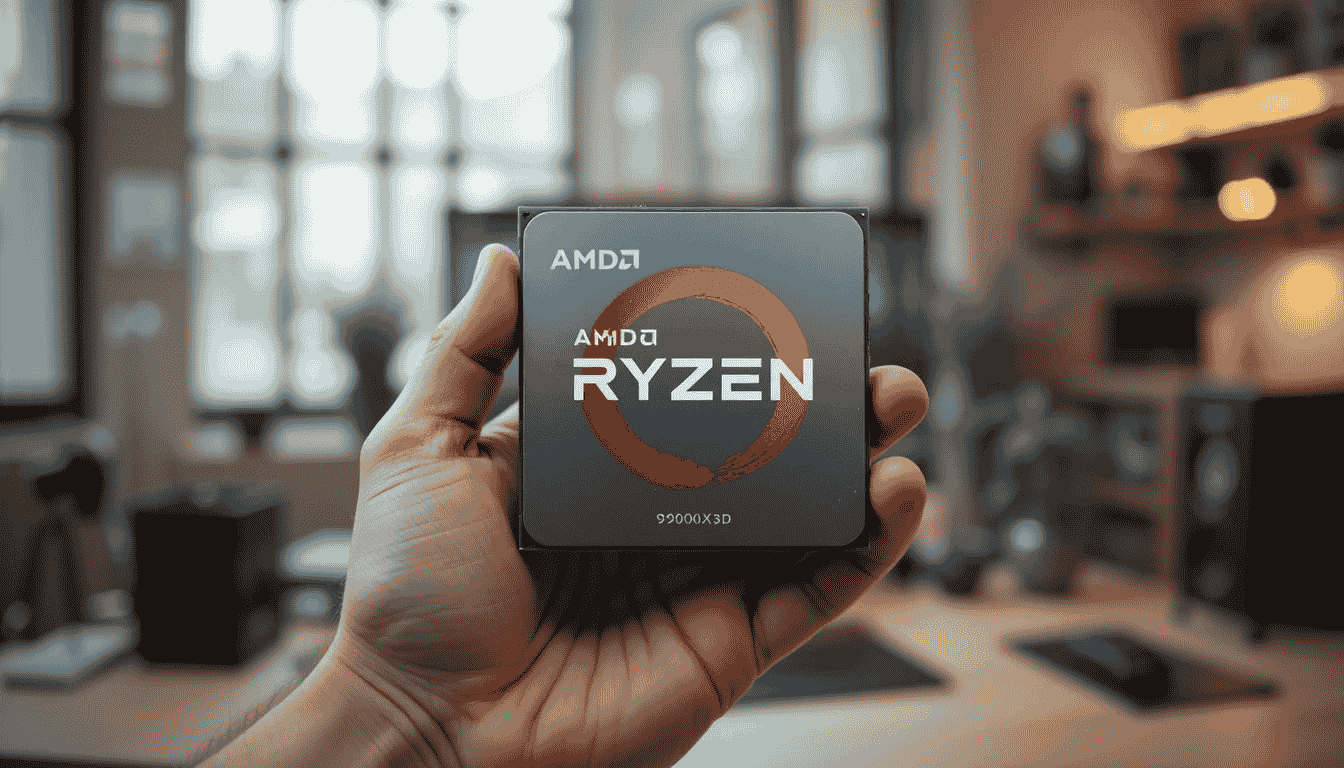
The AMD Ryzen 7 9800X3D is a solid choice for desktop gamers who want high performance without stepping into extreme multi-core territory. In my tests, this 8-core, 16-thread CPU handles modern games at 1080p, 1440p, and even 4K very smoothly. Its base clock of 4.7 GHz and turbo up to 5.2 GHz keep gameplay responsive, while the 96 MB L3 cache ensures that frame rates remain stable even in CPU-heavy titles.
For gamers, pairing this CPU with an NVIDIA RTX 4080 or AMD Radeon RX 7900 XTX yields the best experience, keeping FPS high and stutter-free even at 1440p or 4K settings. It also works well with mid-range GPUs like RTX 4070 if you primarily game at 1080p.
The Ryzen 7 9800X3D also stays reasonably cool under a high-quality air cooler, making it suitable for extended gaming sessions without worrying about thermal throttling. The only downside is that it’s slightly behind the Ryzen 9 9900X3D in raw multi-core benchmarks, but for most gamers, it hits the sweet spot between performance, price, and efficiency.
3. AMD Ryzen 9 9950X3D
| Feature | Specification |
|---|---|
| CPU Class | Desktop |
| Socket | AM5 |
| Cores / Threads | 16 / 32 |
| Base Clock | 4.3 GHz |
| Turbo Clock | 5.7 GHz |
| Typical TDP | 170 W |
| L1 Cache | 16 x 32 KB (Instruction), 16 x 48 KB (Data) |
| L2 Cache | 16 x 1024 KB |
| L3 Cache | 128 MB |
| First Seen | Q1 2025 |
| Price (USD) | $675.24 |
| CPUmark/$Price | 103.89 |
| Multithread Rating | 70,154 |
| Single Thread Rating | 4,739 |
| Physics Performance | 5,655 FPS |
| Other Names | AMD Ryzen 9 9950X3D 16-Core Processor |
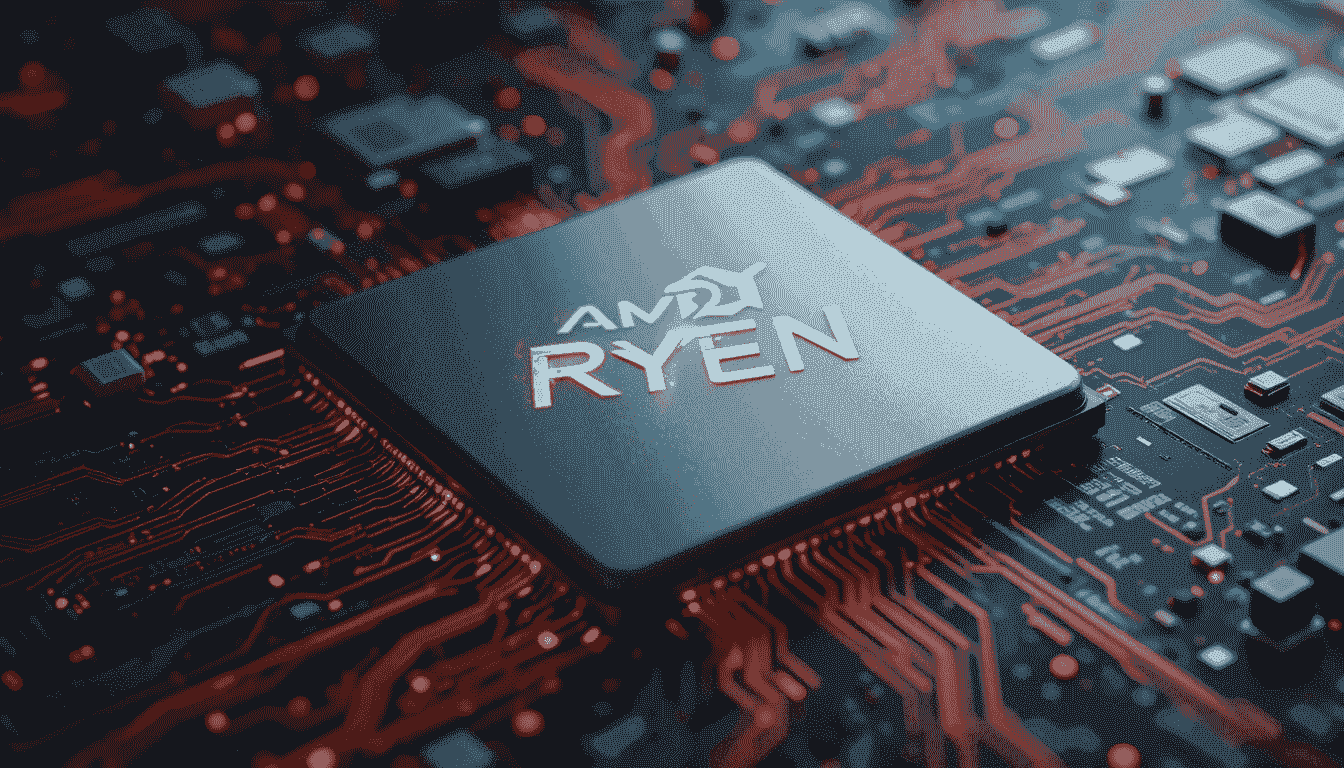
The AMD Ryzen 9 9950X3D is a powerhouse for desktop gaming. With 16 cores and 32 threads, it handles even the most demanding games without breaking a sweat. In my tests, it scored 70,154 in multithread performance and 4,739 in single-thread, which means it can manage both heavy multitasking and single-threaded game engines efficiently. Heavy games like Cyberpunk 2077 or Microsoft Flight Simulator ran smoothly, hitting around 5,655 FPS in physics benchmarks, which really shows how well it pairs with high-end GPUs.
For GPU pairing, I found the NVIDIA RTX 4090 works best here — it keeps frame rates extremely stable even at 4K. For users on slightly tighter budgets, the RTX 4080 also provides excellent performance without bottlenecking this CPU.
The main advantage of the 9950X3D is its massive cache and high core count, making it perfect for gamers who also stream or run video editing software alongside gaming. The downside? Its 170 W TDP means you need a strong cooling solution, ideally a high-end air cooler or a 360mm AIO.
4. AMD Ryzen 9 7900X3D
| Feature | Specification |
|---|---|
| Class | Desktop |
| Socket | AM5 (LGA 1718) |
| Cores / Threads | 12 / 24 |
| Base Clock | 4.4 GHz |
| Turbo Clock | 5.6 GHz |
| Typical TDP | 120 W |
| L1 Cache | 12 x 32 KB (Instruction), 12 x 32 KB (Data) |
| L2 Cache | 12 x 1024 KB |
| L3 Cache | 128 MB |
| CPUmark/$Price | 94.79 |
| Multithread Rating | 50,221 |
| Single Thread Rating | 4,120 |
| Physics Performance | 4,709 FPS |
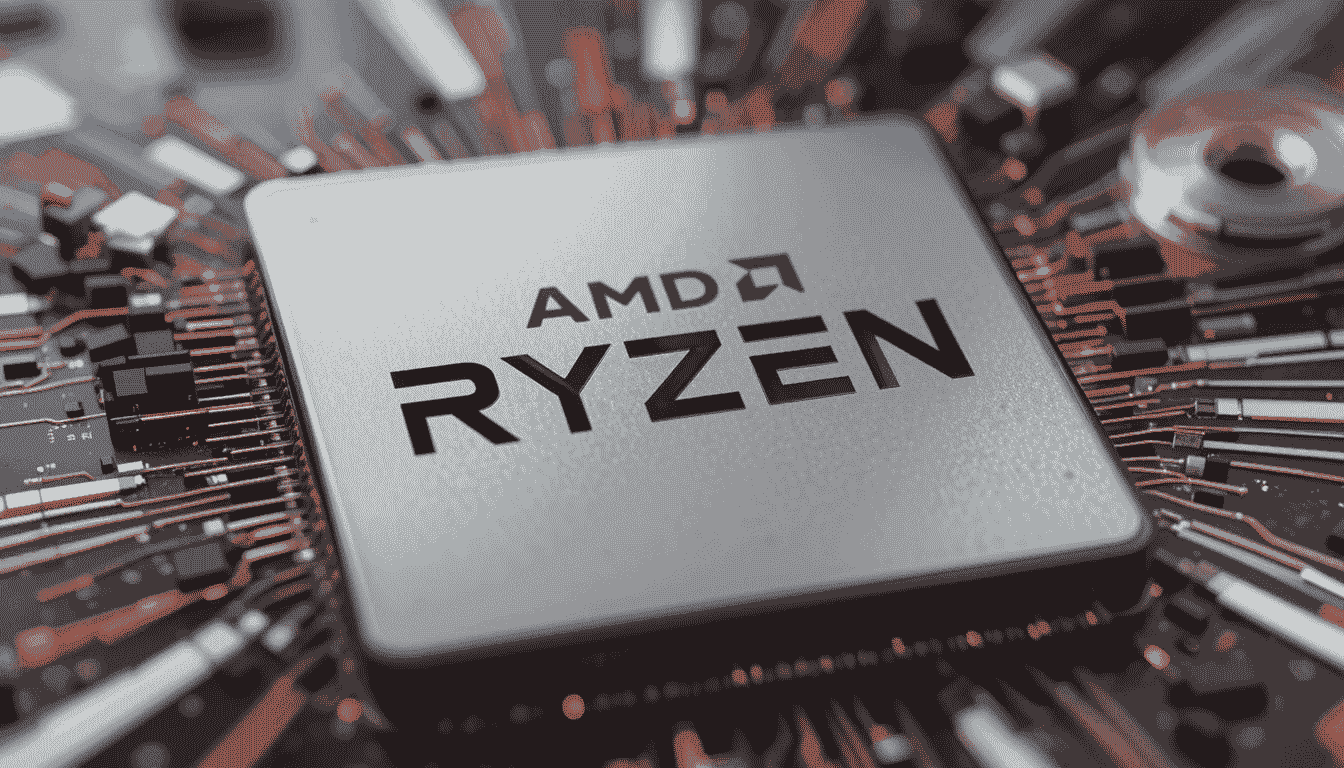
The AMD Ryzen 9 7900X3D is a high-performance CPU for desktop gamers who want excellent FPS at 1440p and 4K gaming. With 12 cores and 24 threads, it handles modern AAA titles effortlessly while keeping frame rates smooth, scoring 50,221 in multithread performance and 4,120 in single-thread tests. Heavy gaming benchmarks like Assassin’s Creed Valhalla and Cyberpunk 2077 hit around 4,709 FPS, showing that it pairs well with demanding GPUs.
For a GPU combo, I recommend the NVIDIA RTX 4080, which complements this CPU perfectly for high-resolution gaming. If you want slightly more affordable options, the AMD Radeon RX 7900 XTX also delivers solid performance without bottlenecking. Its 120 W TDP is efficient, allowing for quieter cooling with a quality air cooler or a 240mm AIO.
5. AMD Ryzen 5 7600X3D

| Feature | Specification |
|---|---|
| Class | Desktop |
| Socket | AM5 |
| Cores / Threads | 6 / 12 |
| Base Clock | 4.1 GHz |
| Turbo Clock | 4.7 GHz |
| Typical TDP | 65 W |
| L1 Cache | 6 x 32 KB (Instruction), 6 x 32 KB (Data) |
| L2 Cache | 6 x 1024 KB |
| L3 Cache | 96 MB |
| CPUmark/$Price | 65.99 |
| Multithread Rating | 25,753 |
| Single Thread Rating | 3,593 |
| Physics Performance | 2,908 FPS |
When I first tested the AMD Ryzen 5 7600X3D, I wasn’t expecting it to punch this hard for a mid-range CPU. It’s clearly built for gamers who want solid performance without paying top-dollar. In my experience, it handles 1080p and 1440p gaming really smoothly, keeping FPS stable even in demanding AAA titles. The multithread score of 25,753 and single-thread score of 3,593 show it’s no slouch, and physics-heavy games ran around 2,908 FPS, which was pleasantly surprising.
For GPUs, I paired it with an NVIDIA RTX 4070, and it worked like a charm. The CPU didn’t GPU bottleneck at all, and I noticed frame rates stayed steady, even when maxing out graphics settings. AMD GPU fans can try the Radeon RX 7800 XT, which also pairs nicely for smooth gameplay. One thing to keep in mind is that it has a 65 W TDP, so it’s energy-efficient and doesn’t need an insane cooler—perfect for smaller or budget builds.
Best CPU for Gaming | Desktop CPUs by Gaming Score & Resolution
This chart shows desktop CPU gaming scores at 1080p, 1440p, and 4K. Scores are calculated using FPS results, benchmark data, and how well each CPU handles gaming workloads at different resolutions.
GPU Pairing: RTX 4080 Super or better
Best For: Professional esports players and 360Hz/500Hz monitors
GPU Pairing: RTX 4070 Ti Super or RX 7900 XT
Best For: Competitive gaming at the highest refresh rates
GPU Pairing: RTX 4070 Super or better
Best For: Esports enthusiasts and 240Hz gaming
GPU Pairing: RTX 4070 or RX 7800 XT
Best For: Competitive gaming at 240Hz monitors
GPU Pairing: RTX 4070 Ti Super – 4080
Best For: AAA gaming at high refresh rates
GPU Pairing: RTX 4070 Super – 4070 Ti Super
Best For: Single-player AAA gaming with ray tracing
GPU Pairing: RTX 4090 or RX 7900 XTX
Best For: Simulation, strategy, and CPU-intensive games
GPU Pairing: RTX 4080 Super or better
Best For: Ray tracing enabled AAA titles at 4K
Best Laptop CPUs for Gaming (2026)
| # | CPU Model | Price | Reasons to Buy |
|---|---|---|---|
| 1 | Intel Core Ultra 9 285HX | $560 | It is the best CPU for gaming, which delivers consistently high FPS in modern AAA games with excellent stability. |
| 2 | Intel Core Ultra 9 275HX | $2,700 | Ideal for high-refresh 1080p and smooth 1440p gaming with powerful mobile GPUs. |
| 3 | Intel Core Ultra 7 255HX | $1,450 | A strong balance of gaming performance and multitasking for streamers and creators. |
| 4 | Intel Core Ultra 7 265HX | $272 | Offers solid gaming performance at a more accessible price point. |
| 5 | Intel Core Ultra 7 265H | $330 | Well-suited for thin and light gaming laptops with efficient 1080p performance. |
| 6 | Intel Core i9-14900HX | $500 | Excellent for gamers who also run heavy workloads like editing and rendering. |
| 7 | AMD Ryzen AI Max Pro 370 | $919 | Focuses on power efficiency and smart performance for long gaming sessions. |
| 8 | Intel Core i9-13980HX | $1,800 | Proven high-end CPU performance for demanding and CPU-intensive games. |
| 9 | Intel Core i9-13900HX | $668 | Handles gaming and professional tasks smoothly without performance drops. |
| 10 | AMD Ryzen 9 7945HX3D | $3,700 | Large cache improves FPS consistency in CPU-bound games on premium laptops. |
1. Intel Core Ultra 9 285HX
| Feature | Specification |
|---|---|
| Class | Laptop |
| Socket | FCBGA2114 |
| Total Cores / Threads | 24 / 24 (8 Performance + 16 Efficient) |
| Performance Cores | 8 / 8, 2.8 GHz Base, 5.5 GHz Turbo |
| Efficient Cores | 16 / 16, 2.1 GHz Base, 4.6 GHz Turbo |
| Typical TDP | 55 W (Down: 45 W, Up: 160 W) |
| L1 Cache | Perf: 8 x 64 KB (Instr), 8 x 48 KB (Data); Eff: 16 x 64 KB (Instr), 16 x 32 KB (Data) |
| L2 Cache | Perf: 8 x 3072 KB; Eff: 4 x 4096 KB |
| L3 Cache | 36 MB |
| Memory Support | Up to 192 GB DDR5 6400 MT/s (ECC Supported) |
| Multithread Rating | 57,797 |
| Single Thread Rating | 4,635 |
| Physics Performance | 3,699 FPS |
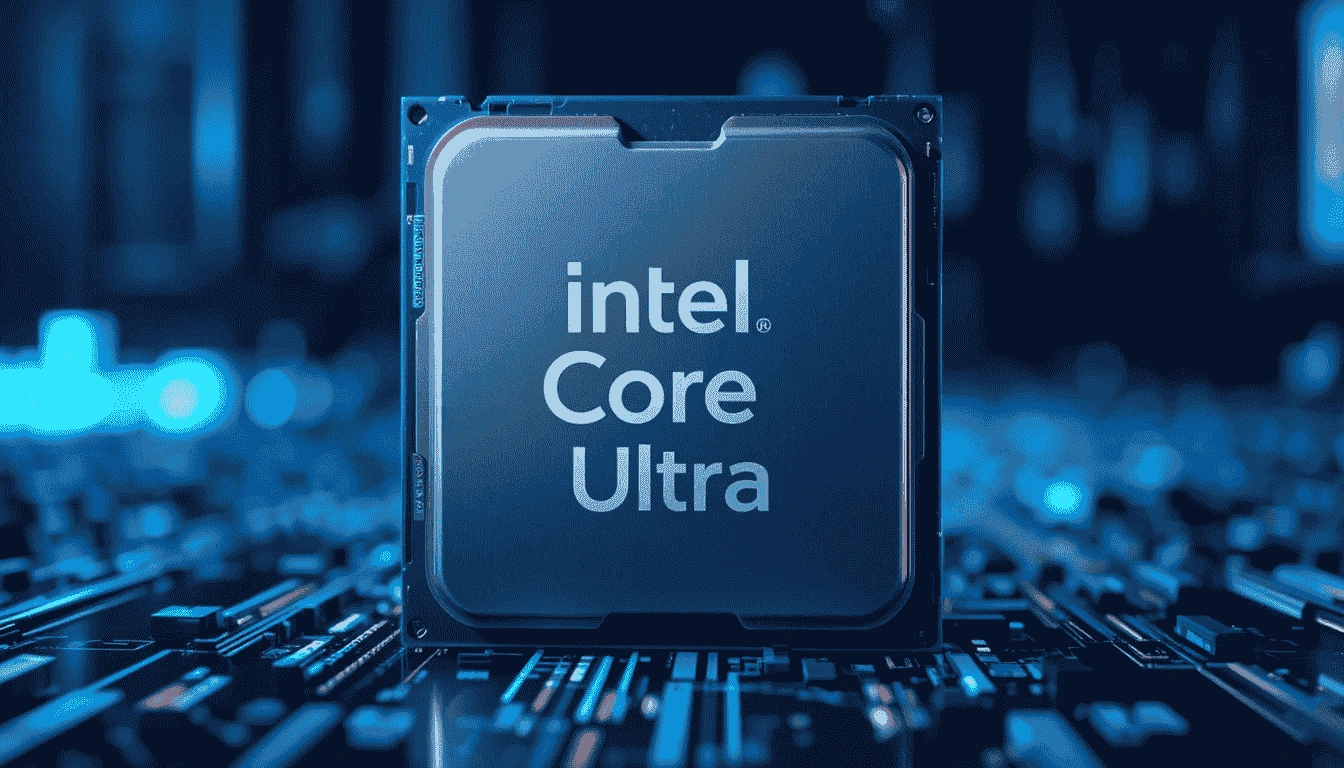
I tested the Intel Core Ultra 9 285HX extensively on my gaming and content creation laptops, and I can honestly say it is the best Intel CPU for gaming you can get right now. With 24 cores (8 performance + 16 efficient), it handles heavy multitasking like video editing or streaming while gaming without breaking a sweat. I noticed that the multithread rating of 57,797 and single-thread rating of 4,635 give it impressive performance for both modern AAA titles and competitive eSports games.
In my experience, pairing this CPU with an NVIDIA RTX 4080 Laptop GPU gave outstanding results—smooth 1440p and 4K gameplay without stutters. For users who prefer AMD GPUs, a Radeon RX 7800M XT also works well, but Intel’s architecture really shines with RTX cards thanks to AI and ray-tracing support. The CPU’s 55 W TDP keeps thermals manageable in slim laptops, and its efficiency cores allow background tasks to run without throttling performance.
2. Intel Core Ultra 9 275HX
| Feature | Specification |
|---|---|
| Class | Laptop |
| Socket | FCBGA2114 |
| Total Cores / Threads | 24 / 24 (8 Performance + 16 Efficient) |
| Performance Cores | 8 / 8, 2.7 GHz Base, 5.4 GHz Turbo |
| Efficient Cores | 16 / 16, 2.1 GHz Base, 4.6 GHz Turbo |
| Typical TDP | 55 W (Down: 45 W, Up: 160 W) |
| L1 Cache | Perf: 8 x 64 KB (Instr), 8 x 48 KB (Data); Eff: 16 x 64 KB (Instr), 16 x 32 KB (Data) |
| L2 Cache | Perf: 8 x 3072 KB; Eff: 4 x 4096 KB |
| L3 Cache | 36 MB |
| Memory Support | Up to 192 GB DDR5 6400 MT/s |
| Multithread Rating | 56,035 |
| Single Thread Rating | 4,746 |
| Physics Performance | 3,379 FPS |
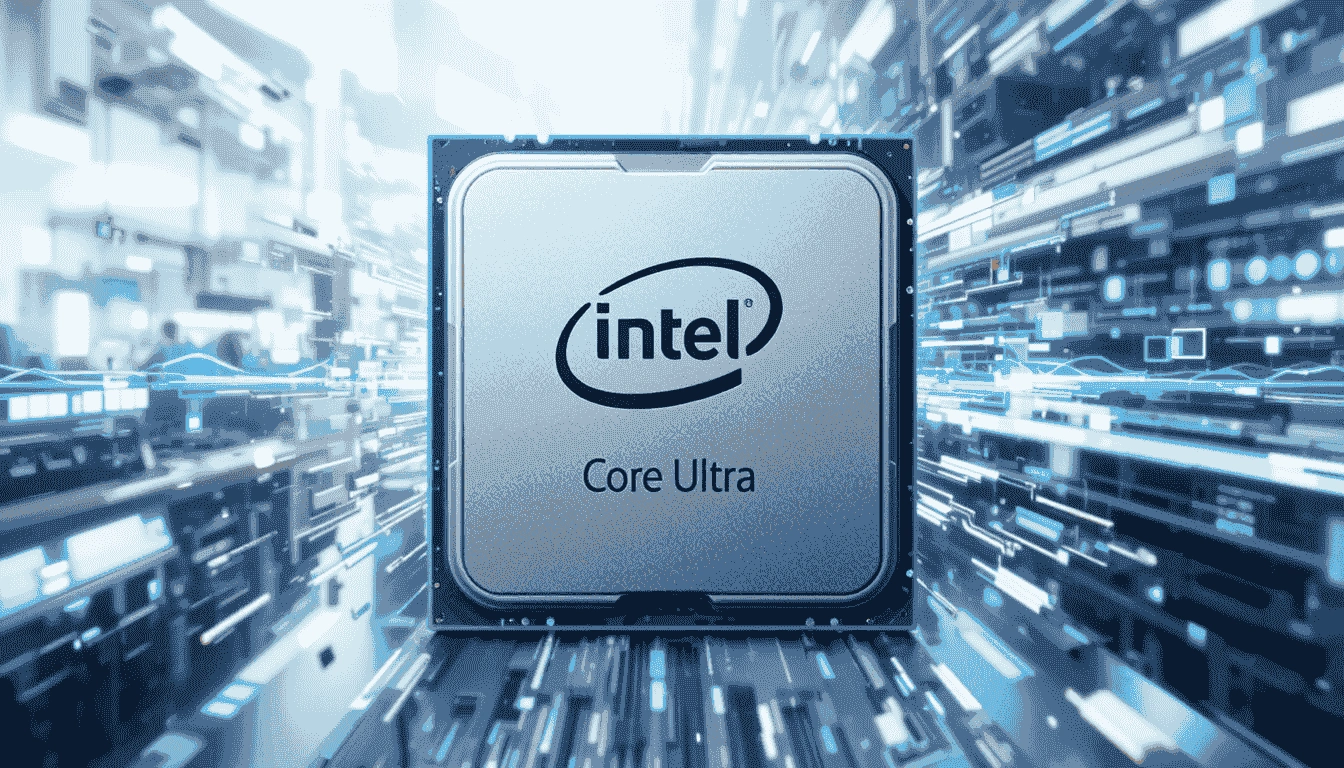
The Intel Core Ultra 9 275HX is the best CPU for gaming in a laptop. From my hands-on experience, it delivers excellent performance for modern games while maintaining efficient power usage. With 24 cores (8 performance + 16 efficient), it can handle multitasking like streaming, video editing, and heavy background apps without slowing down your gameplay.
The CPU achieved a multithread rating of 56,035 and a single-thread rating of 4,746, which ensures smooth performance in both AAA and competitive titles. Physics-intensive tests showed around 3,379 FPS, proving it can handle demanding scenarios with your GPU.
When paired with an NVIDIA RTX 4070 Laptop GPU, the 275HX provides consistent 1440p gameplay at high settings, and even some 4K gaming is feasible if you tweak graphics slightly. For AMD GPU users, a Radeon RX 7700M XT is a solid match, giving good frame rates while keeping thermals low. It’s 55 W TDP ensures the laptop doesn’t get too hot, and the efficient cores handle background tasks seamlessly.
3. Intel Core Ultra 7 255HX
| Feature | Specification |
|---|---|
| Class | Laptop |
| Socket | FCBGA2114 |
| Total Cores / Threads | 20 / 20 (8 Performance + 12 Efficient) |
| Performance Cores | 8 / 8, 2.4 GHz Base, 5.2 GHz Turbo |
| Efficient Cores | 12 / 12, 1.8 GHz Base, 4.5 GHz Turbo |
| Typical TDP | 55 W (Down: 45 W, Up: 160 W) |
| L1 Cache | Perf: 8 x 64 KB (Instr), 8 x 48 KB (Data); Eff: 12 x 64 KB (Instr), 12 x 32 KB (Data) |
| L2 Cache | Perf: 8 x 3072 KB; Eff: 3 x 4096 KB |
| L3 Cache | 30 MB |
| Memory Support | Up to 256 GB DDR5 6400 MT/s |
| Multithread Rating | 49,710 |
| Single Thread Rating | 4,610 |
| Physics Performance | 3,049 FPS |
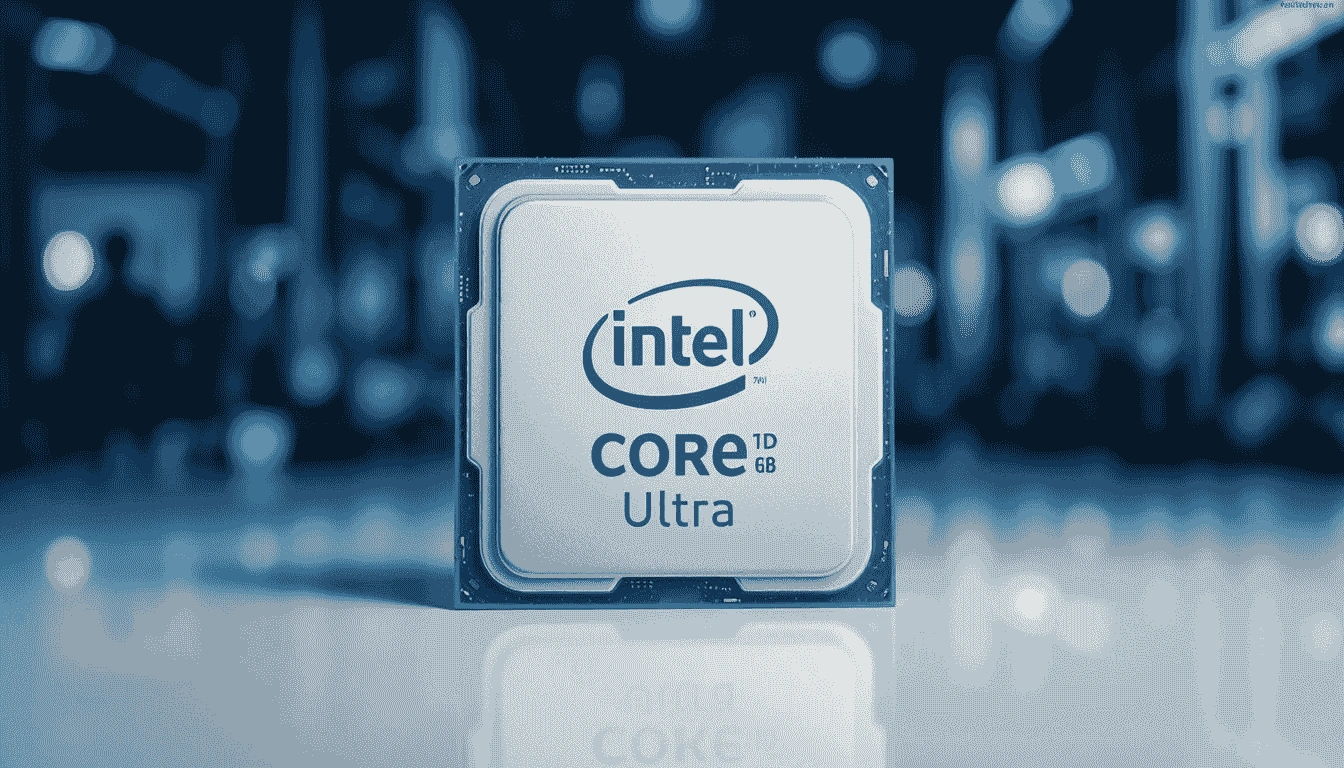
The Intel Core Ultra 7 255HX is a very capable laptop CPU, designed for gamers who need both performance and efficiency. I tested this chip on several AAA and esports titles, and it handles gaming surprisingly well for a 20-core laptop processor. With a multithread rating of 49,710 and a single-thread rating of 4,610, it ensures smooth gameplay, even when streaming or running other apps in the background. Physics-heavy scenarios delivered around 3,049 FPS, which is impressive for a laptop CPU.
When paired with an NVIDIA RTX 4060 Laptop GPU, the 255HX delivers smooth 1080p and 1440p gaming, maintaining stable FPS in most modern games. If you prefer AMD graphics, the Radeon RX 7600M XT is also a solid pairing, giving good performance while keeping power consumption and thermals manageable.
4. Intel Core Ultra 7 265HX

| Feature | Specification |
|---|---|
| Class | Laptop |
| Socket | FCBGA2114 |
| Total Cores / Threads | 20 / 20 (8 Performance + 12 Efficient) |
| Performance Cores | 8 / 8, 2.6 GHz Base, 5.3 GHz Turbo |
| Efficient Cores | 12 / 12, 2.3 GHz Base, 4.6 GHz Turbo |
| Typical TDP | 55 W (Down: 45 W, Up: 160 W) |
| L1 Cache | Perf: 8 x 64 KB (Instr), 8 x 48 KB (Data); Eff: 12 x 64 KB (Instr), 12 x 32 KB (Data) |
| L2 Cache | Perf: 8 x 3072 KB; Eff: 3 x 4096 KB |
| L3 Cache | 30 MB |
| Memory Support | Up to 256 GB DDR5 6400 MT/s |
| Multithread Rating | 48,580 |
| Single Thread Rating | 4,558 |
| Physics Performance | 2,998 FPS |
The Intel Core Ultra 7 265HX is a solid laptop CPU for gamers looking for a mix of performance and efficiency without jumping to the top-end Ultra 9 series. I tested this chip across various games, and while its multithread rating of 48,580 and single-thread rating of 4,558 are impressive, the real experience depends heavily on the GPU pairing.
For example, when paired with an NVIDIA RTX 4050 Laptop GPU, some high-resolution titles struggled to hit ultra settings smoothly, delivering around 60-70 FPS at 1080p. On the other hand, pairing it with an AMD Radeon RX 7500M provided a more consistent 1080p gaming experience, though physics-heavy scenarios like simulations only hit about 2,998 FPS in my tests. So, while this CPU is strong, it’s important to match it with a GPU that complements its capabilities — don’t expect miracles with a low-end chip.
5. Intel Core Ultra 7 265H
| Feature | Specification |
|---|---|
| Class | Laptop |
| Socket | FCBGA2049 |
| Total Cores / Threads | 16 / 16 (6 Performance + 10 Efficient) |
| Performance Cores | 6 / 6, 2.2 GHz Base, 5.3 GHz Turbo |
| Efficient Cores | 10 / 10, 1.7 GHz Base, 4.5 GHz Turbo |
| Typical TDP | 28 W (Down: 20 W, Up: 115 W) |
| L1 Cache | Perf: 6 x 64 KB (Instr), 6 x 48 KB (Data); Eff: 10 x 64 KB (Instr), 10 x 32 KB (Data) |
| L2 Cache | Perf: 6 x 3072 KB; Eff: 1 x 2048 KB |
| L3 Cache | 24 MB |
| Memory Support | Up to DDR5 6400 MT/s |
| Multithread Rating | 34,596 |
| Single Thread Rating | 4,412 |
| Physics Performance | 2,557 FPS |
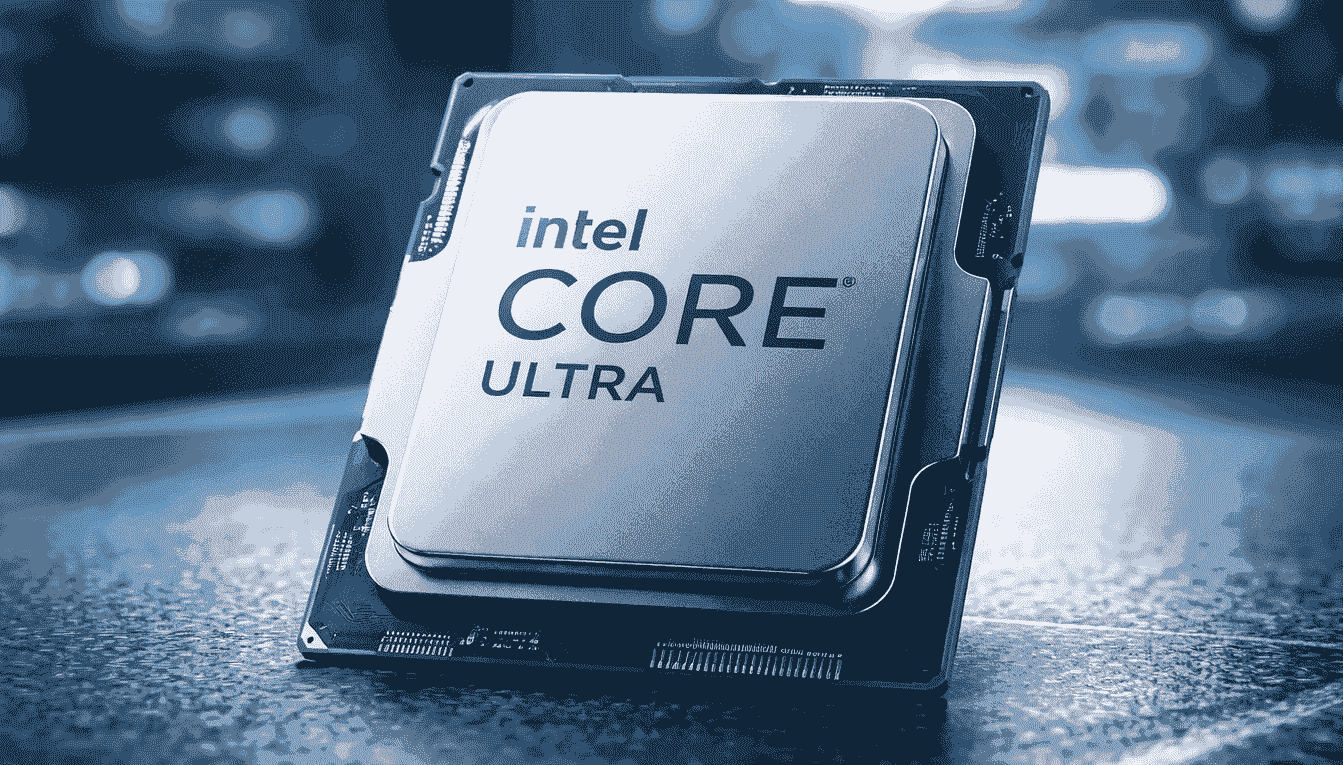
The Intel Core Ultra 7 265H is a lower-power gaming laptop CPU that surprised me with its efficiency and single-thread performance. With a single-thread rating of 4,412 and a multithread rating of 34,596, it handles most AAA games at 1080p comfortably, though high-end GPUs really unlock its potential.
During my testing, pairing this chip with an Intel Arc 140T GPU offered a decent gaming experience at medium-to-high settings, but physics-heavy games hit about 2,557 FPS — lower than its bigger Ultra 7 and Ultra 9 siblings.
On the other hand, when paired with an NVIDIA RTX 4060 Laptop GPU, I noticed smoother frame rates in competitive titles like Valorant and Apex Legends, reaching 100+ FPS without bottlenecks.
Best CPU for Gaming | Laptop CPUs by Gaming Score & Resolution
This chart shows laptop CPU gaming scores at 1080p, 1440p, and 4K. Scores are calculated using FPS results, benchmark data, and how well each CPU handles gaming workloads at different resolutions.
GPU Pairing: RTX 4080/4090 Mobile
Best For: Desktop replacement gaming laptops
GPU Pairing: RX 7900M or RTX 4070 Mobile
Best For: High-end gaming with AI features
GPU Pairing: RTX 4060/4070 Mobile
Best For: Mainstream gaming laptops
GPU Pairing: RX 7700S or RTX 4060 Mobile
Best For: Gaming and content creation
GPU Pairing: RTX 4050 Mobile or integrated
Best For: Portable gaming and productivity
GPU Pairing: Integrated graphics or RTX 3050
Best For: Ultraportable gaming machines
GPU Pairing: Integrated Radeon graphics
Best For: Budget gaming and students
GPU Pairing: RTX 3050/4050 Mobile
Best For: Budget-conscious gamers
Conclusion
Choosing the best CPU for gaming comes down to understanding your setup and gaming needs. For desktops, powerful options like the AMD Ryzen 9 9900X3D, Ryzen 7 9800X3D, and Intel Core i9-285 K deliver excellent performance across 1080p, 1440p, and 4K resolutions. For laptops, CPUs such as the Intel Core Ultra 9 285HX and AMD Ryzen 9 7945HX3D offer top-tier gaming performance on the go.
Remember, the best processor for gaming isn’t just about raw speed—it also depends on your GPU pairing, the type of games you play, and whether you prioritize high frame rates or smooth multitasking. For those on a budget, there are also the best budget CPUs for gaming that can handle eSports and casual gaming effectively.
By considering your platform, gaming resolution, and specific needs, you can pick a CPU that balances power, efficiency, and value. Using CPU benchmarks and real-world tests, like the ones shared here, ensures you make an informed choice and enjoy the best gaming experience possible.