Best Graphics Card for 4K Gaming |Top 5 Picks (2026)
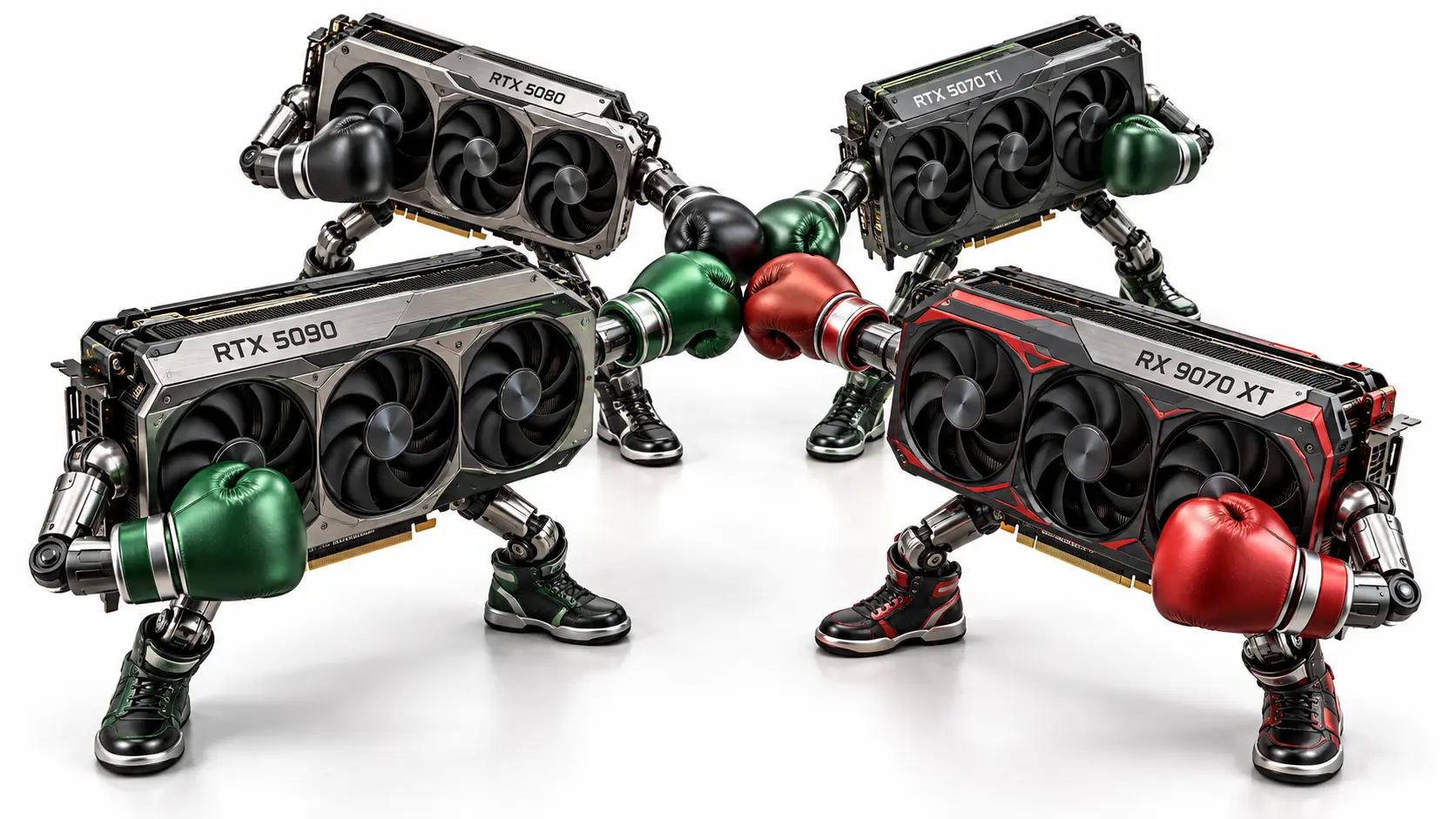
The NVIDIA GeForce RTX 5090 is my pick for the best graphics card for 4K gaming when maximum performance is the priority. Its rendering power supports demanding graphics settings, while 32GB of GDDR7 memory provides capacity for detailed textures and memory-intensive modifications. DLSS Super Resolution and Multi Frame Generation offer additional performance options in supported games, although generated frame rates should be assessed separately from native FPS.
NVIDIA’s official specifications list 575W total graphics power, and its Founders Edition installation guide requires a 1,000W minimum system power supply, so suitable cooling and power delivery belong in your purchase budget. I would recommend it for a premium 4K setup where its performance justifies the total cost.
Top Best Graphics Cards for 4K Gaming We Have Tested
| Graphics Card | Buy Now | 4K Ultra FPS | VRAM & Specs |
|---|---|---|---|
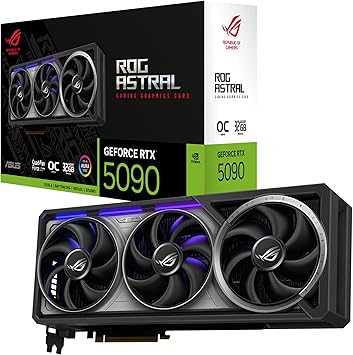 GeForce RTX 5090ASUS ROG Astral OCHighest 4K FPS in this listLinked offer: used — very good | Buy Now | 110.8 FPS | 32GB GDDR7512-bit memory bus575W reference power |
 GeForce RTX 4090MSI Gaming X TrioHigh-FPS 4K gaming | Buy Now | 89.1 FPS | 24GB GDDR6X384-bit memory bus450W reference power |
 GeForce RTX 5080GIGABYTE Gaming OCPremium 4K gaming | Buy Now | 77.4 FPS | 16GB GDDR7256-bit memory bus360W reference power |
 Radeon RX 7900 XTXASRock Phantom Gaming OCHighest AMD FPS in this listLinked offer: used | Buy Now | 70.6 FPS | 24GB GDDR6384-bit memory bus355W reference power |
 GeForce RTX 4080 SUPERNVIDIA Founders Edition60+ FPS 4K average | Buy Now | 69.4 FPS | 16GB GDDR6X256-bit memory bus320W reference power |
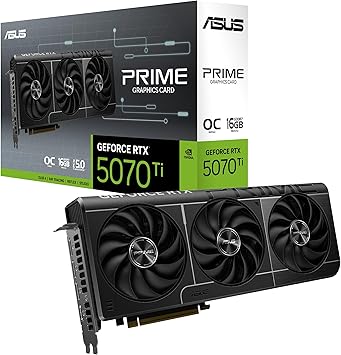 GeForce RTX 5070 TiASUS Prime OC4K gaming pick | Buy Now | 68.6 FPS | 16GB GDDR7256-bit memory bus300W reference power |
 Radeon RX 9070 XTASUS Prime OCAMD 4K gaming pick | Buy Now | 65.8 FPS | 16GB GDDR6256-bit memory bus304W reference power |
 Radeon RX 7900 XTSapphire PulseNear-60 FPS 4K average | Buy Now | 59.8 FPS | 20GB GDDR6320-bit memory bus315W reference power |
 GeForce RTX 3090 TiNVIDIA Founders Edition24GB gaming option | Buy Now | 59.3 FPS | 24GB GDDR6X384-bit memory bus450W reference power |
 GeForce RTX 4070 Ti SUPERPNY XLR8 Gaming Verto OCNear-60 FPS 4K averageLinked offer: used | Buy Now | 58.5 FPS | 16GB GDDR6X256-bit memory bus285W reference power |
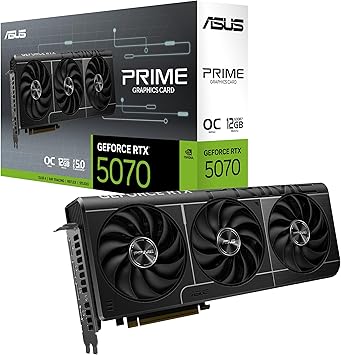 GeForce RTX 5070ASUS Prime OC4K with settings tuning | Buy Now | 54.3 FPS | 12GB GDDR7192-bit memory bus250W reference power |
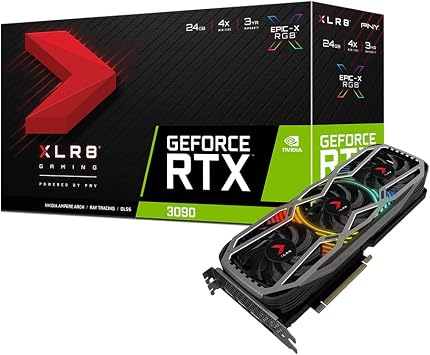 GeForce RTX 3090PNY XLR8 Gaming Revel24GB gaming optionLinked offer: used | Buy Now | 53.1 FPS | 24GB GDDR6X384-bit memory bus350W reference power |
 GeForce RTX 3080 TiNVIDIA Founders Edition4K with settings tuning | Buy Now | 51.0 FPS | 12GB GDDR6X384-bit memory bus350W reference power |
 GeForce RTX 4070 SUPERNVIDIA Founders Edition4K with settings tuning | Buy Now | 49.2 FPS | 12GB GDDR6X192-bit memory bus220W reference power |
 Radeon RX 9070 GREGIGABYTE Gaming OC4K with settings tuning | Buy Now | 46.3 FPS | 12GB GDDR6192-bit memory bus220W reference power |
 Radeon RX 7800 XTGIGABYTE Gaming OC16GB gaming option | Buy Now | 45.1 FPS | 16GB GDDR6256-bit memory bus263W reference power |
 GeForce RTX 3080NVIDIA Founders Edition / AllyFlex bundle4K with settings tuning | Buy Now | 43.9 FPS | 10GB GDDR6X320-bit memory bus320W reference power |
 Radeon RX 6800 XTASRock Taichi X OC16GB gaming option | Buy Now | 42.2 FPS | 16GB GDDR6256-bit memory bus300W reference power |
 GeForce RTX 4070GIGABYTE WINDFORCE OC4K with settings tuning | Buy Now | 41.3 FPS | 12GB GDDR6X192-bit memory bus200W reference power |
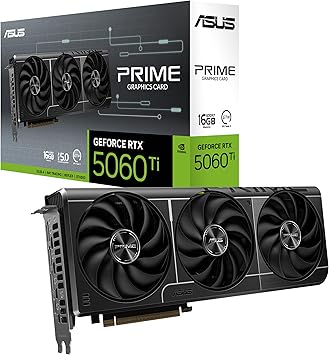 GeForce RTX 5060 Ti 16GBASUS Prime16GB gaming option | Buy Now | 40.2 FPS | 16GB GDDR7128-bit memory bus180W reference power |
 Radeon RX 7700 XTGIGABYTE Gaming OC4K with reduced settingsLinked offer: used | Buy Now | 38.0 FPS | 12GB GDDR6192-bit memory bus245W reference power |
 Radeon RX 9060 XT 16GBASUS DualEntry-level 4K option | Buy Now | 35.2 FPS | 16GB GDDR6128-bit memory bus160W reference power |
 GeForce RTX 4060 TiPNY XLR8 Gaming Verto OCEntry-level 4K optionLinked offer: used | Buy Now | 31.3 FPS | 16GB GDDR6128-bit memory bus165W reference power |
 Radeon RX 9060 XT 8GBGIGABYTE Gaming OCBetter suited to 1440p | Buy Now | 29.7 FPS | 8GB GDDR6128-bit memory bus150W reference power |
 GeForce RTX 5060 Ti 8GBMSI Shadow 2X OCBetter suited to 1440p | Buy Now | 28.1 FPS | 8GB GDDR7128-bit memory bus180W reference power |
1. NVIDIA GeForce RTX 5090
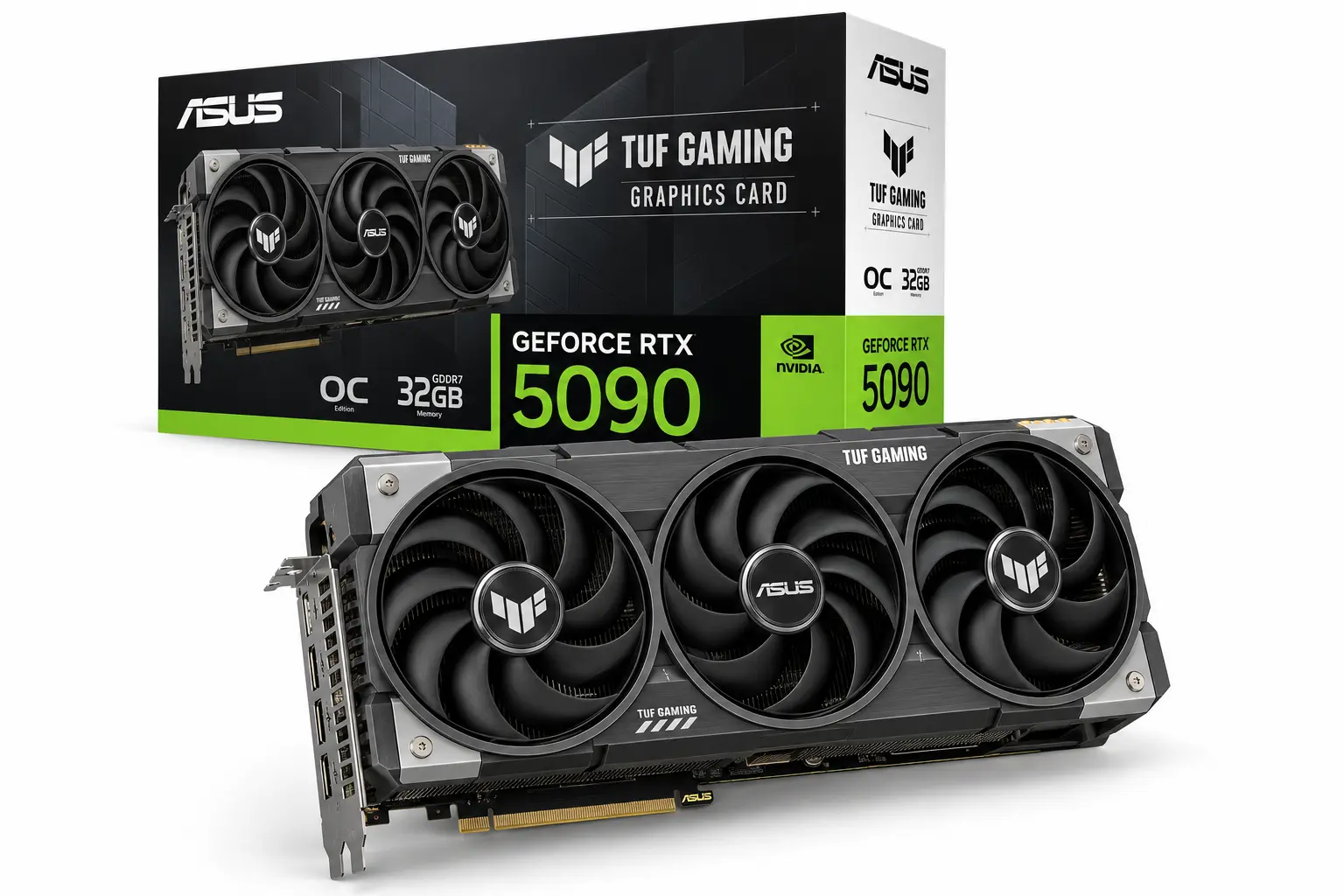
Official specifications
| Specification | NVIDIA reference specification |
| Architecture | Blackwell |
| CUDA cores | 21,760 |
| VRAM | 32GB GDDR7 |
| Memory interface | 512-bit |
| Base/boost clock | 2.01 / 2.41GHz |
| Total graphics power | 575W |
| Required system power | 1,000W |
| PCI Express | Gen 5 |
Remarks-
The 32GB memory capacity gives this graphics card more room for demanding textures and memory-heavy workloads in 4 K gaming than the 16GB alternatives. That capacity matters when a game actually needs it; unused VRAM doesn’t add frames. The wider memory interface is part of the overall design, while the 575W power specification makes airflow and PSU planning necessary parts of the purchase.
I would include the cost of a suitable power supply and case before deciding whether this is the best graphics card for 4K gaming for a particular build. A large factory-overclocked edition also needs room around its power cable. The reference card’s dimensions cannot establish whether an ASUS ROG Astral or another partner model will fit.
Gameplay overview
This is a graphics card for 4K gaming aimed at players who want more freedom with visual settings and a high-refresh display. Published testing also shows why game selection matters: lighter workloads and CPU limits can reduce the advantage over an RTX 4090. For demanding ray-traced games, DLSS offers additional options, but a high displayed frame rate with generated frames should not be treated as an equivalent native rendering result.
For competitive play, I would first tune settings for consistent frame delivery and responsive input. For a slower single-player game, the same GPU can instead spend more of its performance on image quality. Buying this much rendering power is most useful when you know which of those experiences you want. Performance analysis · Frame generation analysis.
Gaming FPS results
| Game | Resolution | Preset | Average FPS | 1% low FPS |
| Resident Evil 4 | 3840 × 2160 | Prioritize Graphics | 206.7 | 174.2 |
| Starfield | 3840 × 2160 | Ultra | 107.6 | 67.9 |
| Dying Light 2 | 3840 × 2160 | High / Custom | 126.4 | 112.6 |
Reasons to buy
- Highest performance of these five cards in the three selected game tests.
- 32GB VRAM for demanding games, texture modifications, and mixed gaming and creative use.
- DLSS Super Resolution, Ray Reconstruction, and Multi Frame Generation support in compatible games.
Reasons to avoid
- A 575W reference power specification raises cooling and power-supply demands.
- A substantial outlay is difficult to justify for a build targeting modest frame rates.
- CPU limits and individual game engines can reduce the benefit of the faster GPU.
2. NVIDIA GeForce RTX 5080
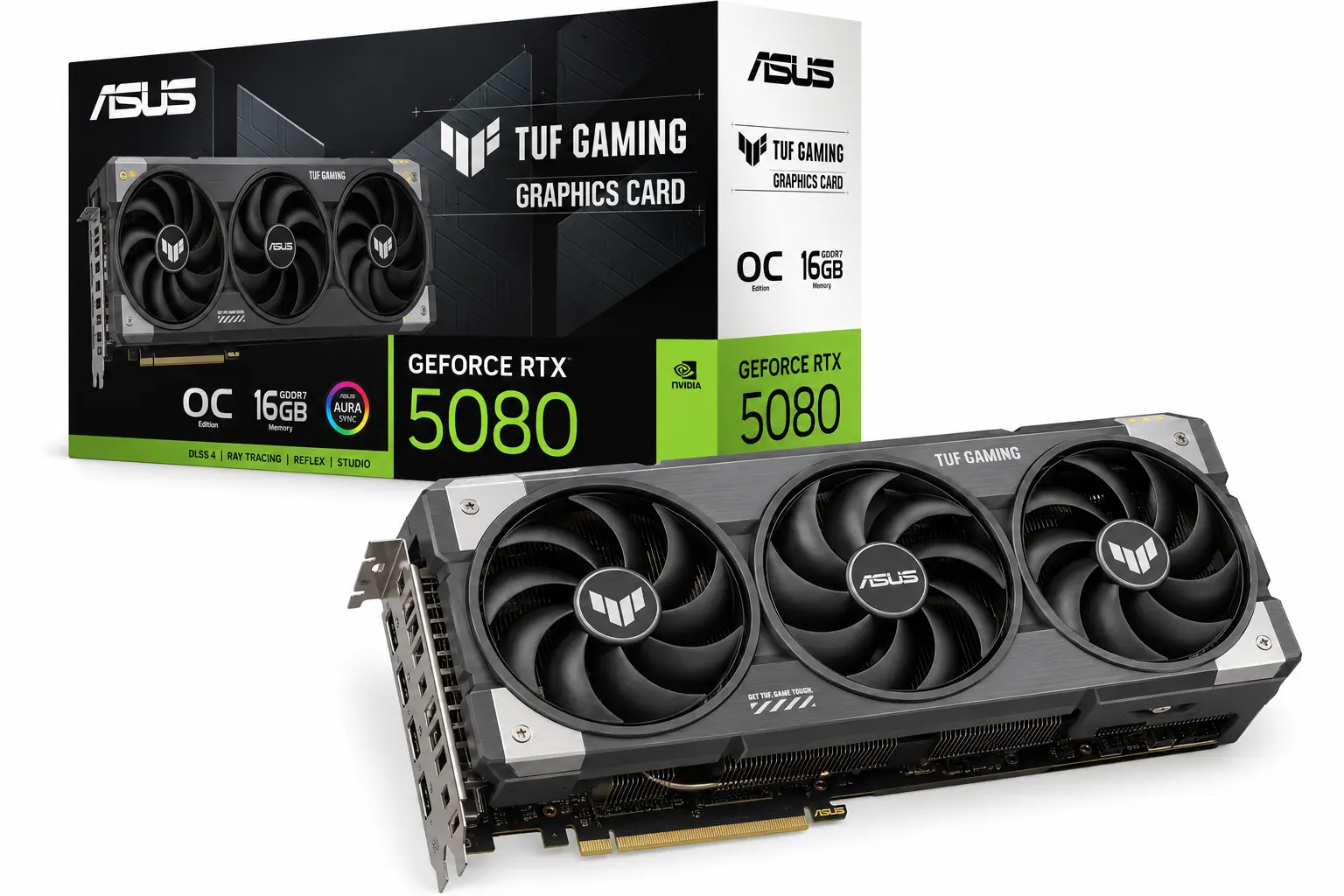
Official specifications
| Specification | NVIDIA reference specification |
| Architecture | Blackwell |
| CUDA cores | 10,752 |
| VRAM | 16GB GDDR7 |
| Memory interface | 256-bit |
| Base / boost clock | 2.30 / 2.62GHz |
| Total graphics power | 360W |
| Required system power | 850W |
| PCI Express | Gen 5 |
Remarks-
The RTX 5080 combines 16GB of GDDR7 with a 256-bit interface, giving buyers a different balance from the 32GB flagship. When assessing a graphics card for 4K gaming, memory capacity should be checked alongside performance in the settings you actually intend to use. A higher memory generation does not make a 16GB card equivalent to a 24GB or 32GB model when a workload exceeds its capacity.
The 360W reference power figure also needs context: it is not a promise of constant consumption while gaming. Power changes with the game, frame cap, and card settings. I would choose an edition with suitable dimensions and a well-reviewed cooler before paying extra for a small advertised clock increase.
Gameplay overview
The RTX 5080 makes sense as a graphics card for 4K gaming when you want strong conventional rendering plus DLSS options for heavier scenes. However, the best graphics card for 4K gaming should deliver a worthwhile improvement over what you already own. Launch testing found limited gains over the RTX 4080 SUPER in several games, so the upgrade case depends on the title and settings.
Ray tracing still requires a separate decision. In demanding games, you may prefer a selective mix of effects and quality upscaling to simply enabling the highest preset. I would compare the image while moving through a representative scene, then check whether the extra lighting detail is worth the reduction in responsiveness. Published RTX 5080 testing.
Gaming FPS results
| Game | Resolution | Preset | Average FPS | 1% low FPS |
| Resident Evil 4 | 3840 × 2160 | Prioritize Graphics | 122.4 | 102.8 |
| Starfield | 3840 × 2160 | Ultra | 76.2 | 57.2 |
| Dying Light 2 | 3840 × 2160 | High / Custom | 81.0 | 73.0 |
Reasons to buy
- Strong 4K performance with DLSS upscaling and Multi Frame Generation support.
- Lower reference power requirements than the RTX 5090.
- A useful candidate for a new premium gaming PC with an appropriate monitor.
Reasons to avoid
- The improvement from an RTX 4080 SUPER can be too small to justify replacement.
- It offers the same 16GB capacity as the RTX 5070 Ti.
- Its value weakens when the selling price moves too close to a faster alternative.
3. NVIDIA GeForce RTX 5070 Ti
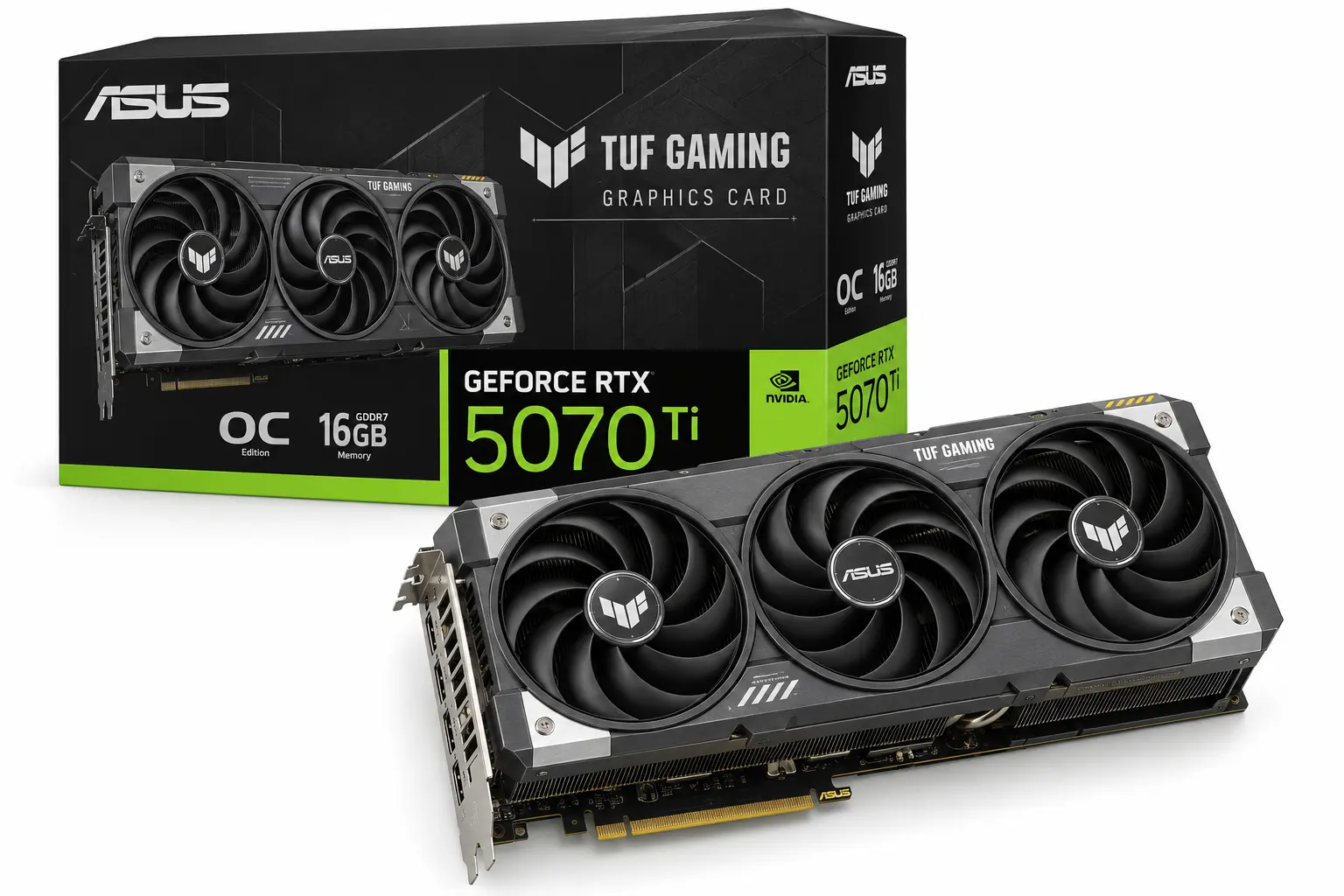
Official specifications
| Specification | NVIDIA reference specification |
| Architecture | Blackwell |
| CUDA cores | 8,960 |
| VRAM | 16GB GDDR7 |
| Memory interface | 256-bit |
| Base / boost clock | 2.30 / 2.45GHz |
| Total graphics power | 300W |
| Required system power | 750W |
| PCI Express | Gen 5 |
Remarks-
The RTX 5070 Ti retains a useful memory configuration while using fewer CUDA cores than the RTX 5080. For a graphics card for 4K gaming, that means the larger card’s advantage must be judged through benchmarks, rather than through the shared 16GB label. Equal capacity does not establish equal rendering speed, and reference power ratings do not guarantee equal behaviour across factory-overclocked models.
This can be the best graphics card for 4K gaming for someone who wants NVIDIA features but would rather adjust a few demanding settings than move into a higher spending tier. I would keep money available for a variable-refresh monitor and adequate cooling instead of automatically choosing the most expensive version of this GPU.
Gameplay overview
Think of this graphics card for 4K gaming as a candidate for carefully configured high-quality play. It can deliver strong results in conventional rendering, while demanding ray tracing changes the calculation. Published launch testing recorded difficult 4K results in Alan Wake II and Black Myth Wukong with demanding RT settings, even with quality upscaling enabled.
That is a reason to choose settings deliberately. Start with a native or upscaled rendering rate you find responsive, then consider frame generation for additional visual smoothness. If the base performance feels sluggish, increasing the displayed frame count alone is unlikely to solve the whole problem. Published RTX 5070 Ti testing.
Gaming FPS results
| Game | Resolution | Preset | Average FPS | 1% low FPS |
| Resident Evil 4 | 3840 × 2160 | Prioritize Graphics | 106.5 | 89.5 |
| Starfield | 3840 × 2160 | Ultra | 68.1 | 54.4 |
| Dying Light 2 | 3840 × 2160 | High / Custom | 69.2 | 62.1 |
Reasons to buy
- 16GB GDDR7 without moving to the RTX 5080 tier.
- DLSS upscaling, Ray Reconstruction, and Multi Frame Generation support.
- A sensible option when the price difference can improve the rest of the setup.
Reasons to avoid
- Demanding 4K ray tracing can still require substantial settings adjustments.
- Expensive partner editions can undermine its position below the RTX 5080.
- RX 9070 XT offers should be compared if conventional rendering is your priority.
4. AMD Radeon RX 9070 XT
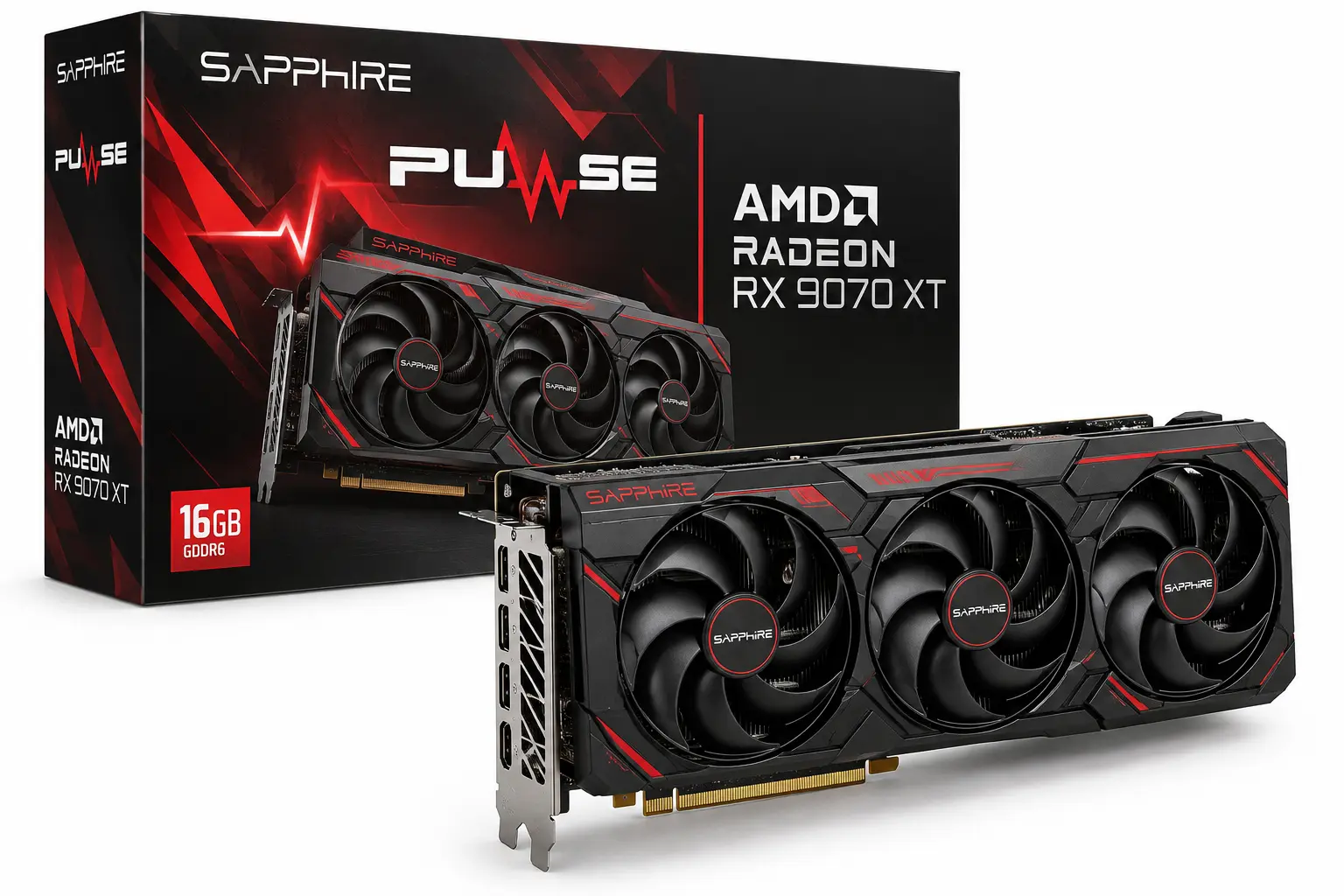
Official specifications
| Specification | AMD reference specification |
| Architecture | RDNA 4 |
| Compute units/stream processors | 64 / 4,096 |
| VRAM | 16GB GDDR6 |
| Memory interface | 256-bit |
| Game / maximum boost clock | 2.40 / up to 2.97GHz |
| Typical board power | 304W |
| Minimum recommended PSU | 750W |
| PCI Express | Gen 5 x16 |
Remarks-
The RX 9070 XT is a graphics card for 4K gaming that should be assessed as a complete design. Its GDDR6 label alone does not establish whether it will trail a GDDR7 competitor in a particular game. Architecture, available bandwidth, cache behaviour, and the game’s workload all influence performance. AMD’s stream-processor count also cannot be compared directly with NVIDIA’s CUDA-core count as a measure of gaming speed.
The card supports AMD’s FSR technologies, with availability depending on the game and software support. Check the features used by your own library before assuming that an upscaling or frame-generation option will be available everywhere. Also inspect the exact card’s power sockets rather than ordering cables from the reference specification alone.
Gameplay overview
The strongest reason to consider the RX 9070 XT is how closely it can compete with the RTX 5070 Ti in conventional rendering. The balance changes across games, and demanding ray tracing remains a separate comparison. Calling either model the best graphics card for 4K gaming without checking those conditions can lead to the wrong purchase.
I would favour the Radeon when its offer is better, and the games I care about do not justify paying more for NVIDIA-specific features. For a library centred on demanding path-traced titles, I would inspect those exact benchmarks before choosing. A broad raster average cannot answer that question. Independent RX 9070 XT analysis.
Gaming FPS results
| Game | Resolution | Preset | Average FPS | 1% low FPS |
| Resident Evil 4 | 3840 × 2160 | Prioritize Graphics | 102.9 | 88.1 |
| Starfield | 3840 × 2160 | Ultra | 70.2 | 55.0 |
| Dying Light 2 | 3840 × 2160 | High / Custom | 61.6 | 55.1 |
Reasons to buy
- Competitive conventional 4K rendering in a range of games.
- 16GB VRAM and support for AMD’s FSR feature set.
- Worth prioritising when its selling price is meaningfully below the RTX 5070 Ti.
Reasons to avoid
- Heavy ray tracing can favour the competing GeForce models.
- It cannot use NVIDIA’s DLSS features.
- A small price gap makes the choice more dependent on your games and feature preferences.
5. NVIDIA GeForce RTX 4090
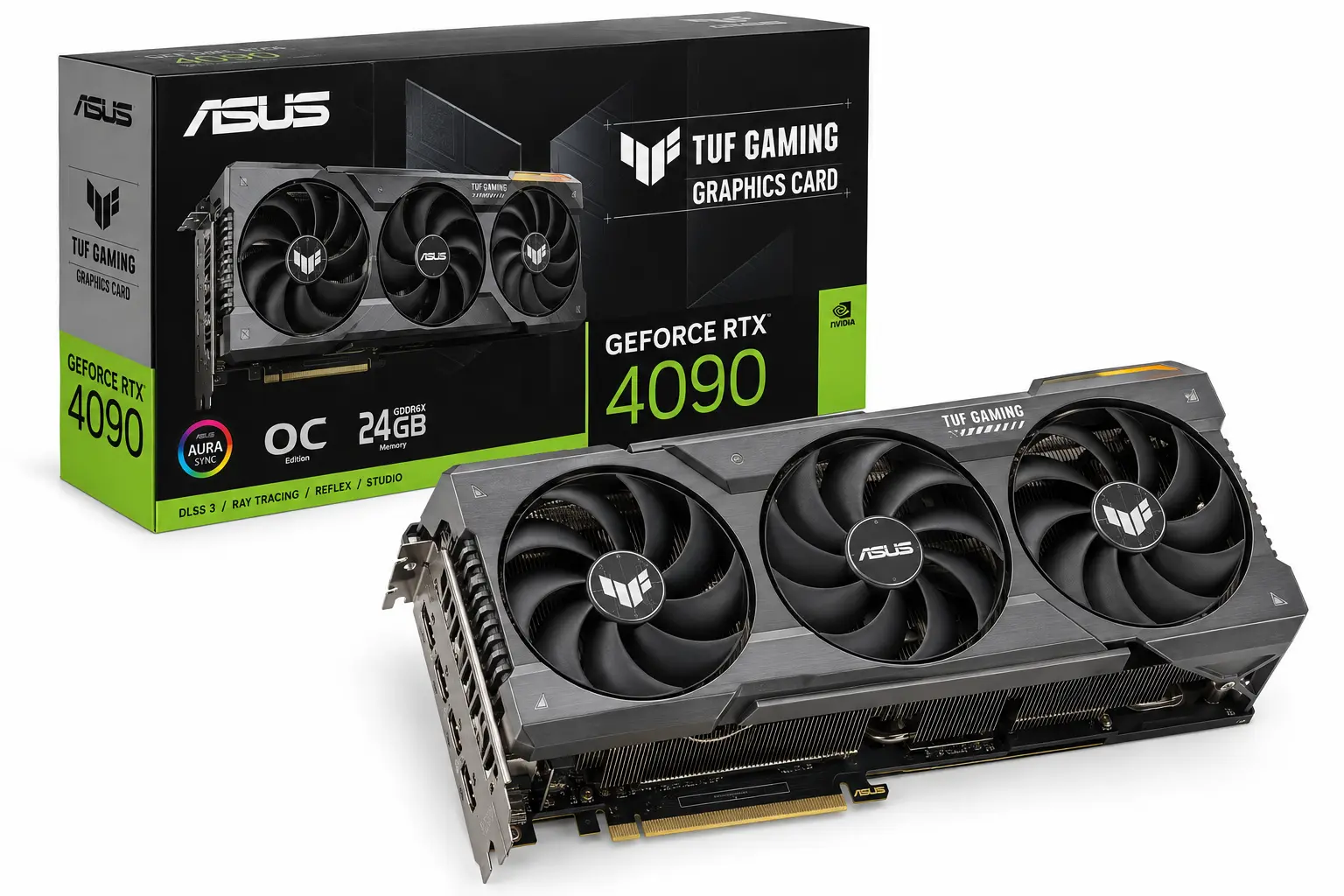
Official specifications
| Specification | NVIDIA reference specification |
| Architecture | Ada Lovelace |
| CUDA cores | 16,384 |
| VRAM | 24GB GDDR6X |
| Memory interface | 384-bit |
| Base / boost clock | 2.23 / 2.52GHz |
| Total graphics power | 450W |
| Required system power | 850W |
| PCI Express | Gen 4 |
Remarks-
The 24GB memory capacity remains useful for demanding games and texture modifications. However, its age does not remove the need to check the physical card: cooler size, connector condition, and the seller’s return terms matter. A used flagship is a purchase of a specific unit, not just a GPU specification.
The RTX 4090 supports DLSS upscaling, Ray Reconstruction, and Frame Generation, but it does not support the RTX 50-series Multi Frame Generation feature. The best graphics card for 4K gaming is therefore not always the one with the newest feature list; a buyer must weigh useful features against native performance and ownership cost. DLSS feature support.
Gameplay overview
As a graphics card for 4K gaming, the RTX 4090 remains capable enough that an upgrade should solve a specific problem. That might be performance in a demanding game, a higher refresh-rate target, or a workload that needs more memory. If you cannot identify the limitation, keeping the card and adjusting settings is worth considering before replacing it.
For a new buyer, I would compare the complete deal with current-generation options. A weaker warranty or uncertain condition can outweigh an attractive specification sheet. The table gives a performance reference, while the seller and exact model determine what you are actually buying.
Gaming FPS results
| Game | Resolution | Preset | Average FPS | 1% low FPS |
| Resident Evil 4 | 3840 × 2160 | Prioritize Graphics | 151.3 | 126.2 |
| Starfield | 3840 × 2160 | Ultra | 92.3 | 61.1 |
| Dying Light 2 | 3840 × 2160 | High / Custom | 91.6 | 81.3 |
Reasons to buy
- Strong native 4K rendering and 24GB VRAM.
- Existing owners can keep a capable GPU without paying for a modestly useful upgrade.
- A worthwhile option when a verified offer includes suitable condition and warranty terms.
Reasons to avoid
- No RTX 50-series Multi Frame Generation support.
- A 450W reference power specification still requires a suitable PSU and cooling.
- An inflated price or uncertain used condition can make a newer card the better purchase.
Choosing the best graphics card for 4K gaming for your setup
My performance-first selection is the RTX 5090. For a new premium build, I would compare the RTX 5080 with the RTX 5070 Ti before committing, because the useful difference depends on the games and the asking prices. The RX 9070 XT belongs in that same comparison when conventional rendering matters most. Existing RTX 4090 owners should identify a clear limitation before upgrading.
The best graphics card for 4K gaming should improve the part of the experience that bothers you: low rendering performance, inconsistent delivery, or settings you cannot comfortably use. Compare your intended purchase with your current card in the same games and settings. Our GPU benchmark guide can help organise that comparison.
Before committing to a graphics card for 4K gaming, also review the processor and monitor. The CPU benchmark guide provides a starting point for processor comparisons, while the bottleneck calculator can help plan a configuration. Use configuration estimates alongside game-specific tests; they cannot establish a guaranteed FPS result.
Things to know before buying
Even the best graphics card for 4K gaming needs to suit the rest of your PC, so check these details before placing the order.
Conclusion
The best graphics card for 4K gaming is the one that delivers your target frame rate in the games you play without forcing unnecessary spending elsewhere. Among these five options, I would choose the RTX 5090 for maximum performance, the RTX 5080 for a premium new build, and the RTX 5070 Ti or RX 9070 XT when the purchase price carries more weight. An existing RTX 4090 owner should identify a clear performance limitation before upgrading. Compare native FPS, frame-rate dips, and the settings behind each result, then check the exact card’s cooling, dimensions, and power requirements before buying.