Best Budget Gaming Computer Options Guide for 2026
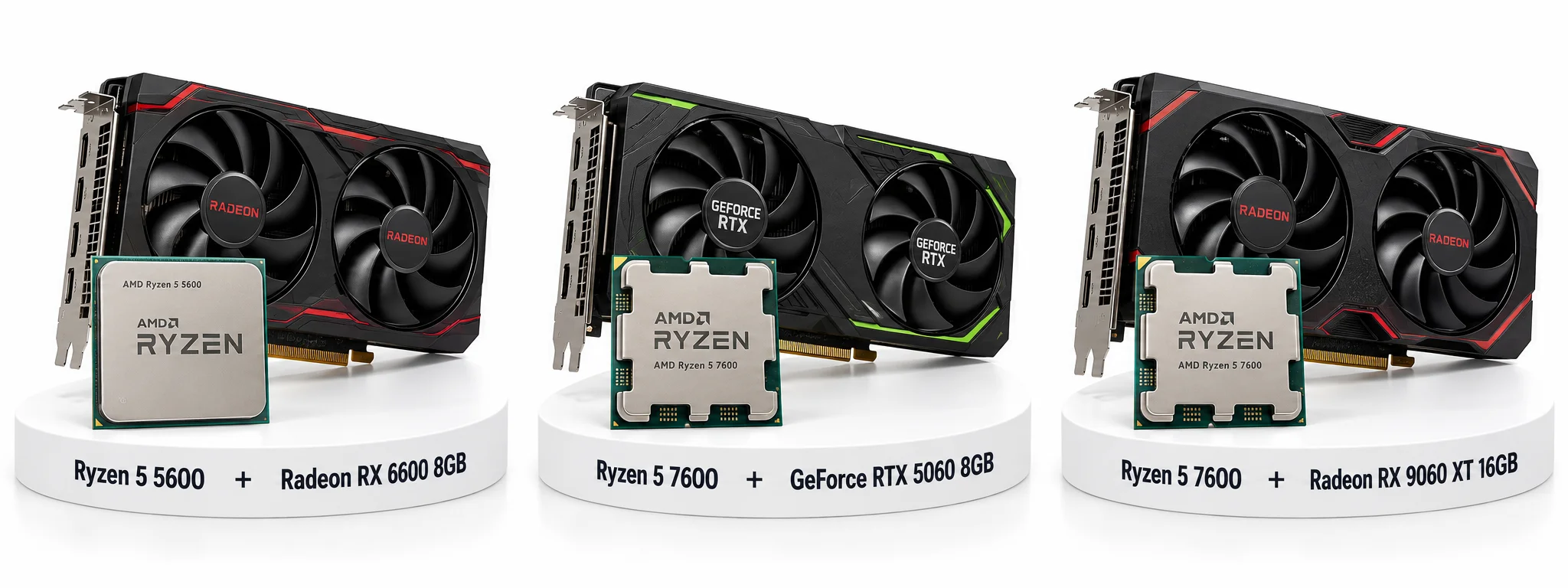
A good budget gaming computer prioritizes a capable graphics card, enough memory, and dependable supporting components over a premium processor or decorative extras. For buyers who want an assembled desktop, the $899 ABS Cyclone Aqua with an RTX 5060. For builders, a Ryzen 5 7600 and Radeon RX 9060 XT 16GB is a stronger longer-term target when the complete parts bill fits the budget. The right choice changes with your games, monitor, local prices, and willingness to buy used.
Best Budget Gaming Computer Options
| CPU | Buy CPU | + | GPU | Buy GPU |
|---|---|---|---|---|
| Used Ryzen 5 5600 | Buy Now | + | RX 6600 | Buy Now |
| New Ryzen 5 5600 | Buy Now | + | RX 6600 | Buy Now |
| Ryzen 5 5600 | Buy Now | + | RX 7600 | Buy Now |
| Ryzen 5 7600 | Buy Now | + | RTX 5060 | Buy Now |
| Ryzen 5 7600 | Buy Now | + | RX 9060 XT 8GB | Buy Now |
| Ryzen 5 7600 | Buy Now | + | RX 9060 XT 16GB | Buy Now |
| Ryzen 5 7600 | Buy Now | + | RTX 5060 Ti 16GB | Buy Now |
How to read the gaming results?
Frames per second, or FPS, describes how frequently a game presents frames. Average FPS summarizes throughput; a 1% low summarizes the slower part of a recorded run and helps reveal uneven delivery. Neither guarantees a particular minimum during every moment of play. A high average can coexist with visible stutter.
The five-game tables use published graphics-card measurements as reference points. They are not FPS predictions for the listed computers. A slower CPU, different memory layout, changed game version, or different cooling can alter the result. Repeated GPUs deliberately receive the same reference data; no adjustment factor has been invented to make each configuration appear separately tested.
Reference A: TechSpot’s June 2025 Radeon RX 9060 XT review used a Ryzen 7 9800X3D, MSI MPG X870E Carbon WiFi, DDR5-6000 CL30-38-38-96, Windows 11 24H2, and enabled Resizable BAR. Its BIOS entry is 7E49v1A23. The tables here transcribe the review’s 1080p charts at the named presets. These belong to its standard rasterization tests, rather than its separate ray-tracing comparisons.
The source does not clearly attribute an exact driver to every card, or provide every game build and scene detail; those limitations remain unresolved. Upscaling and frame-generation settings are not separately established for every chart. Do not treat these historical figures as current-driver retests.
Read Reference A and its test configuration. Reference B, used for the 8GB RX 9060 XT, is explained in that product section because its resolution and method differ.
1. Used Ryzen 5 5600 + RX 6600
Specification Details
| Processor | AMD Ryzen 5 5600 |
| CPU cores/threads | 6 cores / 12 threads |
| CPU architecture/socket | Zen 3 / AM4 |
| CPU base / maximum boost | 3.5 / up to 4.4GHz |
| CPU L3 cache/default TDP | 32MB / 65W |
| Graphics card | RX 6600 8GB |
| Graphics memory/bus | 8GB GDDR6; 128-bit |
| GPU processing resources | 28 compute units / 1,792 stream processors |
| GPU reference power | 132W; not complete-system consumption |
| GPU interface | PCIe 4.0 x8 |
| Motherboard target | MSI B550M PRO-VDH WIFI |
| Memory target | 16GB, 2 × 8GB DDR4-3200 |
| Memory slots/storage sockets | 4 DDR4 slots; 2 M.2 sockets |
| Storage target | 512GB minimum; 1TB preferred |
| Cooling target | AMD Wraith Stealth if included and serviceable; otherwise compatible air cooler |
| Power-supply target | Quality 650W unit; verify model, protections, age, and GPU connectors |
| Case target | Ventilated micro-ATX-compatible case; verify GPU and cooler clearance |
| Networking | Board Wi-Fi and Ethernet |
| Operating system | Budget separately for a valid Windows license if required |
| Warranty | Used seller terms |
CPU and GPU entries describe manufacturer specifications; GPU partner boards can differ in clocks, cooling, connectors, and dimensions. Rows marked “target” are editorial selections, not specifications of a sold computer.
Sources: GPU specifications; AMD processor specifications; Motherboard specifications.
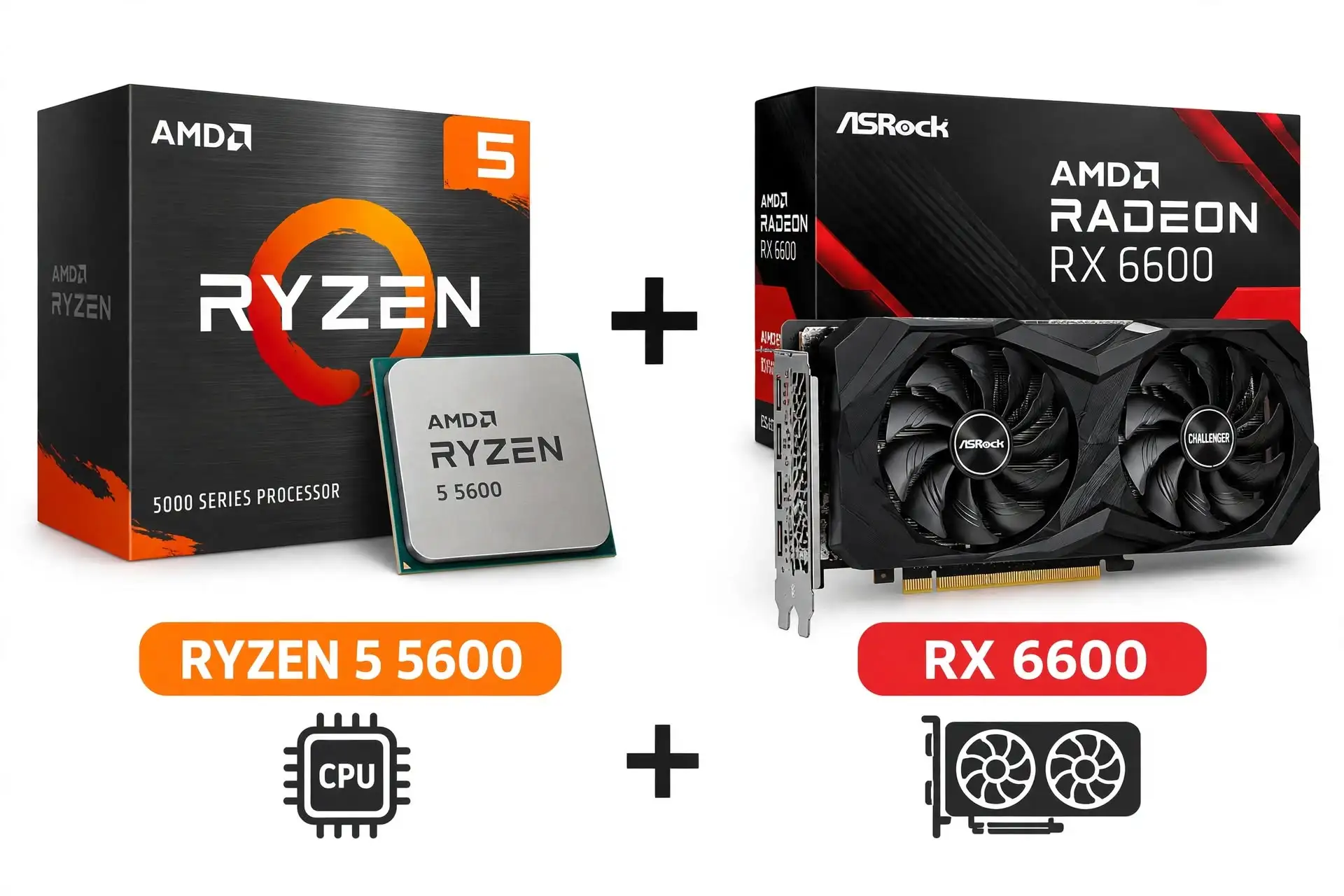
A used Ryzen 5 5600 and RX 6600 computer is an option when a new desktop would force you to accept much weaker graphics. The appeal comes from the complete purchase price, not from the age or original launch price of its components. Ask for the exact motherboard, power supply, storage model, and photographs of the interior before arranging a demonstration.
A machine with clean operation, a documented configuration, and a sensible power supply can be more useful than one advertising extra RGB fans or a large hard drive. The RX 6600 reference results also show why expectations matter: older or lighter competitive games are a different workload from Starfield at Ultra. Treat the $450 ceiling as a negotiating limit, not evidence that a matching local listing exists. Reserve money for any missing SSD capacity, unreliable fans, or necessary maintenance before agreeing on a price.
Reasons to buy
- Lowest spending target in the selection.
- Useful if you can inspect and test the exact machine.
Reasons to avoid
- Condition and remaining warranty vary.
- Upgrade or repair costs can erase the savings.
Gaming Results
| Game | Test setting | Average FPS | 1% low FPS |
| Counter-Strike 2 | 1080p Medium | 325 | 194 |
| Cyberpunk 2077: Phantom Liberty | 1080p High | 60 | 52 |
| Warhammer 40,000: Space Marine 2 | 1080p Ultra | 52 | 43 |
| Hogwarts Legacy | 1080p High | 55 | 39 |
| Starfield | 1080p Ultra | 28 | 22 |
Reference A: RX 6600 8GB on the review’s Ryzen 7 9800X3D system, not this computer. See the shared methodology above and original charts. No CPU correction, synthetic FPS estimate, or multiplication by a frame-generation factor has been applied.
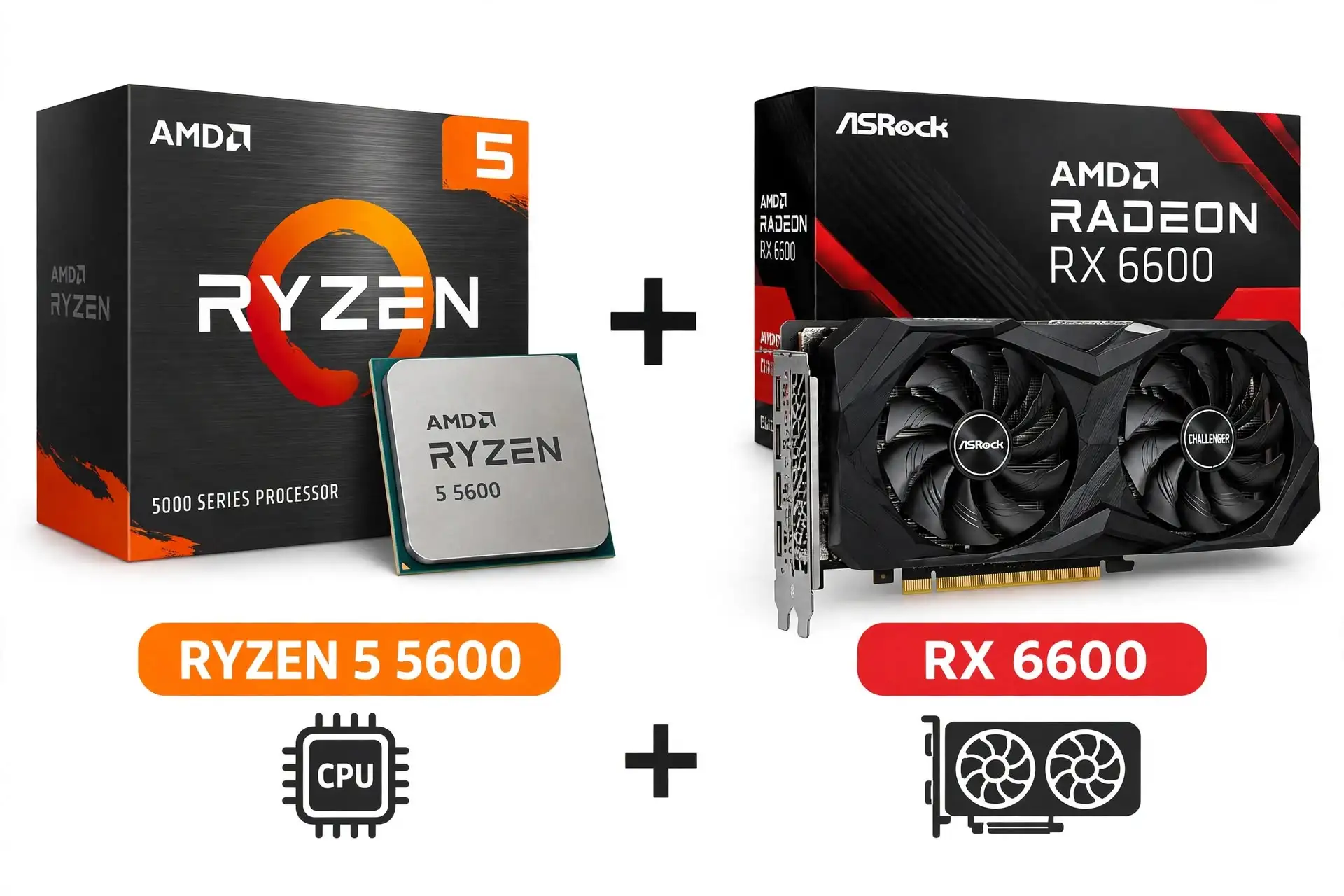
2. New Ryzen 5 5600 + RX 6600
Specification Details
| Processor | AMD Ryzen 5 5600 |
| CPU cores/threads | 6 cores / 12 threads |
| CPU architecture/socket | Zen 3 / AM4 |
| CPU base / maximum boost | 3.5 / up to 4.4GHz |
| CPU L3 cache/default TDP | 32MB / 65W |
| Graphics card | RX 6600 8GB |
| Graphics memory/bus | 8GB GDDR6; 128-bit |
| GPU processing resources | 28 compute units / 1,792 stream processors |
| GPU reference power | 132W; not complete-system consumption |
| GPU interface | PCIe 4.0 x8 |
| Motherboard target | MSI B550M PRO-VDH WIFI |
| Memory target | 16GB, 2 × 8GB DDR4-3200 |
| Memory slots/storage sockets | 4 DDR4 slots; 2 M.2 sockets |
| Storage target | 1TB NVMe SSD; confirm exact model and warranty |
| Cooling target | AMD Wraith Stealth if included and serviceable; otherwise compatible air cooler |
| Power-supply target | Quality 650W unit; verify model, protections, age, and GPU connectors |
| Case target | Ventilated micro-ATX-compatible case; verify GPU and cooler clearance |
| Networking | Board Wi-Fi and Ethernet |
| Operating system | Budget separately for a valid Windows license if required |
| Warranty | Separate component warranties; no whole-PC service assumed |
CPU and GPU entries describe manufacturer specifications; GPU partner boards can differ in clocks, cooling, connectors, and dimensions. Rows marked “target” are editorial selections, not specifications of a sold computer.
Sources: GPU specifications; AMD processor specifications; Motherboard specifications.
Building a new RX 6600 system makes sense only when its total price remains clearly below newer alternatives. The Ryzen 5 5600 supplies a practical six-core foundation, while B550 avoids some of the connectivity compromises found in the cheapest boards. A new build also lets you choose the power supply and confirm the memory arrangement instead of discovering them after delivery.
However, old graphics-card stock can be priced poorly, and a familiar model name does not make an inflated listing a bargain. Compare the complete cart with the checked ABS offers, including a Windows license if you need one. If the difference becomes small, assembly, support, and a faster graphics card can outweigh the appeal of selecting every component. Buy this configuration to meet a low spending limit; do not spend extra trying to turn a modest AM4 build into a premium platform.
Reasons to buy
- Full control over supporting components.
- Can reuse suitable AM4 parts and DDR4 memory.
Reasons to avoid
- Old stock may be overpriced.
- AM4 cannot accept AM5 processors.
Gaming Results
| Game | Test setting | Average FPS | 1% low FPS |
| Counter-Strike 2 | 1080p Medium | 325 | 194 |
| Cyberpunk 2077: Phantom Liberty | 1080p High | 60 | 52 |
| Warhammer 40,000: Space Marine 2 | 1080p Ultra | 52 | 43 |
| Hogwarts Legacy | 1080p High | 55 | 39 |
| Starfield | 1080p Ultra | 28 | 22 |
Reference A: RX 6600 8GB on the review’s Ryzen 7 9800X3D system, not this computer. See the shared methodology above and original charts. No CPU correction, synthetic FPS estimate, or multiplication by a frame-generation factor has been applied.
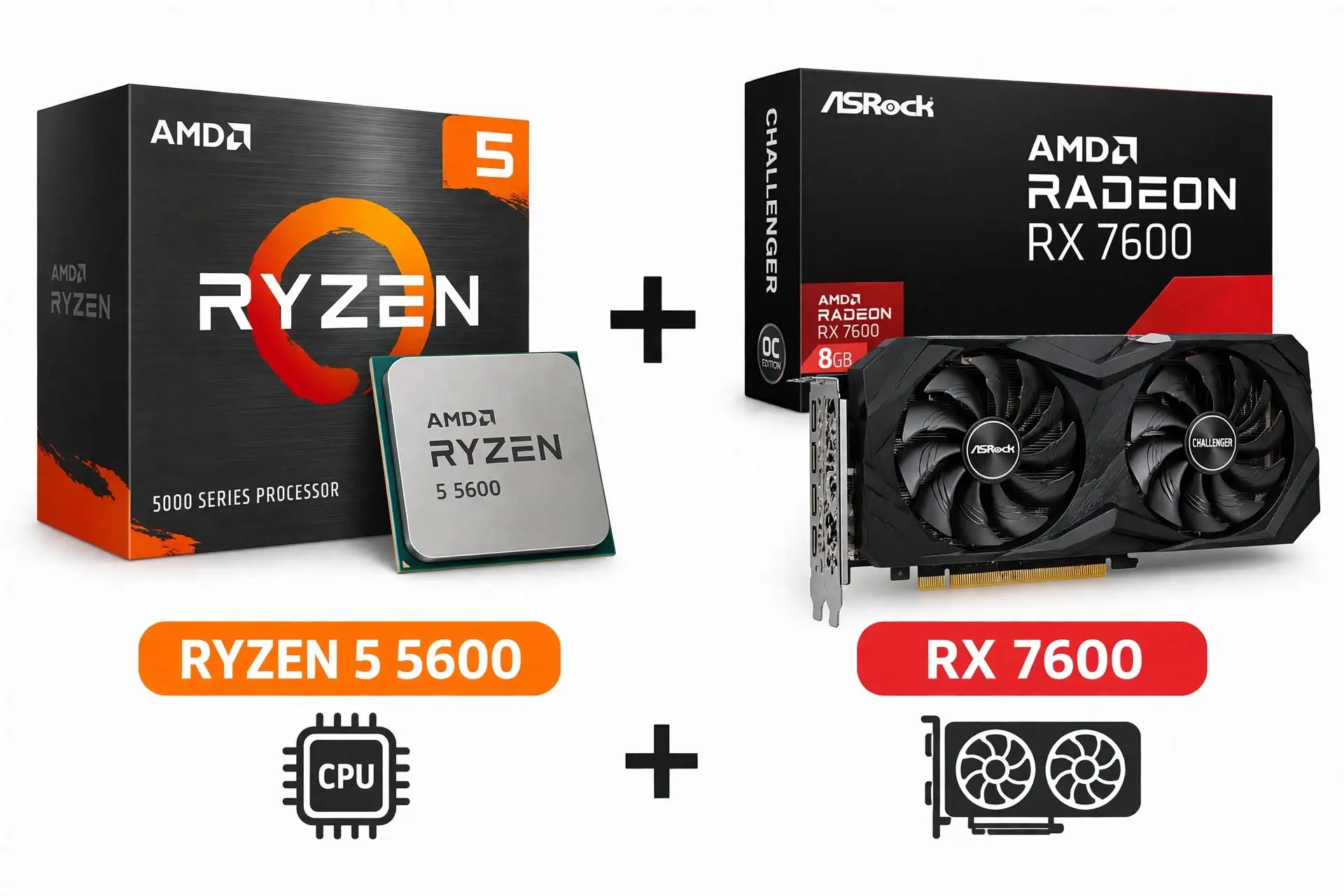
3. Ryzen 5 5600 + RX 7600
Specification Details
| Processor | AMD Ryzen 5 5600 |
| CPU cores/threads | 6 cores / 12 threads |
| CPU architecture/socket | Zen 3 / AM4 |
| CPU base / maximum boost | 3.5 / up to 4.4GHz |
| CPU L3 cache/default TDP | 32MB / 65W |
| Graphics card | RX 7600 8GB |
| Graphics memory/bus | 8GB GDDR6; 128-bit |
| GPU processing resources | 32 compute units / 2,048 stream processors |
| GPU reference power | 165W; not complete-system consumption |
| GPU interface | PCIe 4.0 x8 |
| Motherboard target | MSI B550M PRO-VDH WIFI |
| Memory target | 16GB, 2 × 8GB DDR4-3200 |
| Memory slots/storage sockets | 4 DDR4 slots; 2 M.2 sockets |
| Storage target | 1TB NVMe SSD; confirm exact model and warranty |
| Cooling target | AMD Wraith Stealth if included and serviceable; otherwise compatible air cooler |
| Power-supply target | Quality 650W unit; verify model, protections, age, and GPU connectors |
| Case target | Ventilated micro-ATX-compatible case; verify GPU and cooler clearance |
| Networking | Board Wi-Fi and Ethernet |
| Operating system | Budget separately for a valid Windows license if required |
| Warranty | Separate component warranties; no whole-PC service assumed |
CPU and GPU entries describe manufacturer specifications; GPU partner boards can differ in clocks, cooling, connectors, and dimensions. Rows marked “target” are editorial selections, not specifications of a sold computer.
Sources: GPU specifications; AMD processor specifications; Motherboard specifications.
The RX 7600 version keeps the inexpensive AM4 foundation and directs additional money toward graphics. In the same reference test, it improves on the RX 6600 across all five displayed games, though the gains vary. That makes the upgrade easier to justify for readers who already own compatible DDR4 memory or an AM4 motherboard. Its 8GB graphics memory still requires realistic texture settings in demanding titles, and a faster GPU does not remove CPU limits in competitive play.
The build is most attractive when a discounted card leaves enough budget for a decent SSD and power supply. If its total approaches an RTX 5060 prebuilt or an AM5 configuration, reassess the entire purchase. The objective is a useful increase in gaming capability at a low total cost, not loyalty to a particular graphics generation.
Reasons to buy
- Better reference performance than RX 6600.
- Keeps costs down when compatible AM4 parts are available.
Reasons to avoid
- 8GB VRAM can require texture compromises.
- Less appealing when newer complete systems cost about the same.
Gaming Results
| Game | Test setting | Average FPS | 1% low FPS |
| Counter-Strike 2 | 1080p Medium | 385 | 241 |
| Cyberpunk 2077: Phantom Liberty | 1080p High | 81 | 68 |
| Warhammer 40,000: Space Marine 2 | 1080p Ultra | 70 | 60 |
| Hogwarts Legacy | 1080p High | 76 | 50 |
| Starfield | 1080p Ultra | 48 | 40 |
Reference A: RX 7600 8GB on the review’s Ryzen 7 9800X3D system, not this computer. See the shared methodology above and original charts. No CPU correction, synthetic FPS estimate, or multiplication by a frame-generation factor has been applied.
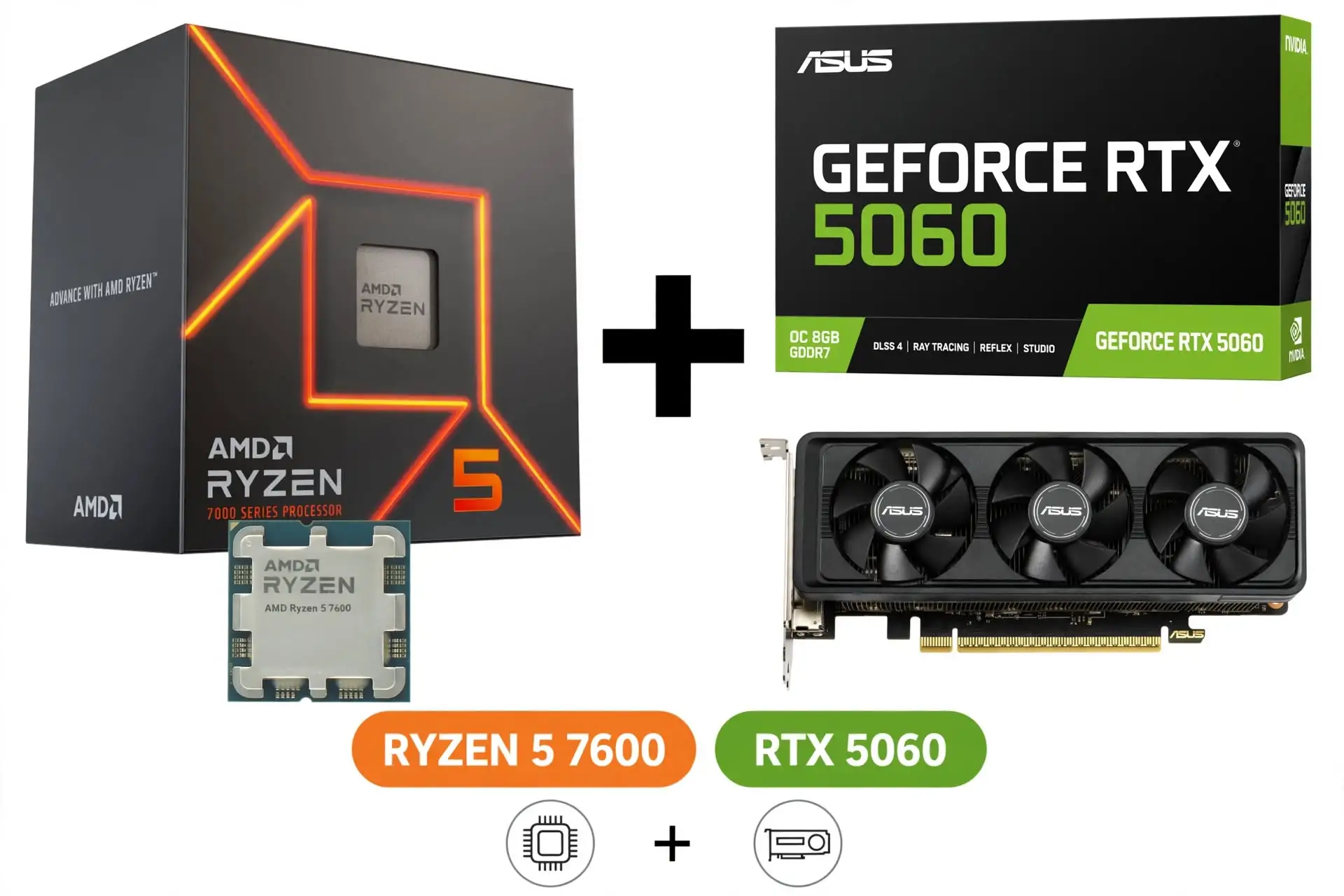
4. Ryzen 5 7600 + RTX 5060
Specification Details
| Processor | AMD Ryzen 5 7600 |
| CPU cores/threads | 6 cores / 12 threads |
| CPU architecture/socket | Zen 4 / AM5 |
| CPU base / maximum boost | 3.8 / up to 5.1GHz |
| CPU L3 cache/default TDP | 32MB / 65W |
| Graphics card | RTX 5060 8GB |
| Graphics memory/bus | 8GB GDDR7; 128-bit |
| GPU processing resources | 3,840 CUDA cores |
| GPU reference power | 145W; not total system consumption |
| GPU interface | PCIe 5.0 x8 |
| Motherboard target | ASRock B650M-HDV/M.2 |
| Memory target | 32GB, 2 × 16GB DDR5; 6000 CL30 EXPO kit target |
| Memory slots/storage sockets | 2 DDR5 slots; 2 M.2 sockets |
| Storage target | 1TB NVMe SSD; confirm exact model and warranty |
| Cooling target | AMD Wraith Stealth if included and serviceable; otherwise compatible air cooler |
| Power-supply target | Quality 650W unit; verify model, protections, age, and GPU connectors |
| Case target | Ventilated micro-ATX-compatible case; verify GPU and cooler clearance |
| Networking | 2.5Gb Ethernet; Wi-Fi adapter costs extra |
| Operating system | Budget separately for a valid Windows license if required |
| Warranty | Separate component warranties; no whole-PC service assumed |
CPU and GPU entries describe manufacturer specifications; GPU partner boards can differ in clocks, cooling, connectors, and dimensions. Rows marked “target” are editorial selections, not specifications of a sold computer.
Sources: GPU specifications; AMD processor specifications; Motherboard specifications.
A Ryzen 5 7600 and RTX 5060 pair an AM5 platform with Nvidia’s current entry-level desktop gaming family in this comparison. The processor choice avoids devoting too much of the budget to CPU cores that a graphics-limited game may not use. The configuration also gives you control over memory capacity, storage, and power-supply quality. Its main weakness is the 8GB graphics-memory limit, which deserves more attention than a large advertised frame-generation number.
For a buyer who values Nvidia-supported game features or compatible creative software, the package can be sensible at the right complete price. The $899 ABS listing is a useful challenge to the DIY cart: the builder must decide whether AM5, 32GB of RAM, and selected components justify any premium. The reference FPS figures below use a substantially faster gaming CPU, so they are evidence about the GPU’s relative capability rather than promises for this build.
Reasons to buy
- AM5 foundation with a selected 32GB memory kit.
- Nvidia features may suit your games and applications.
Reasons to avoid
- 8GB VRAM is the main long-term compromise.
- A competitive prebuilt may undercut the complete cart.
Gaming Results
| Game | Test setting | Average FPS | 1% low FPS |
| Counter-Strike 2 | 1080p Medium | 484 | 274 |
| Cyberpunk 2077: Phantom Liberty | 1080p High | 100 | 81 |
| Warhammer 40,000: Space Marine 2 | 1080p Ultra | 100 | 83 |
| Hogwarts Legacy | 1080p High | 101 | 68 |
| Starfield | 1080p Ultra | 55 | 46 |
Reference A: RTX 5060 8GB on the review’s Ryzen 7 9800X3D system, not this computer. See the shared methodology above and original charts. No CPU correction, synthetic FPS estimate, or multiplication by a frame-generation factor has been applied.
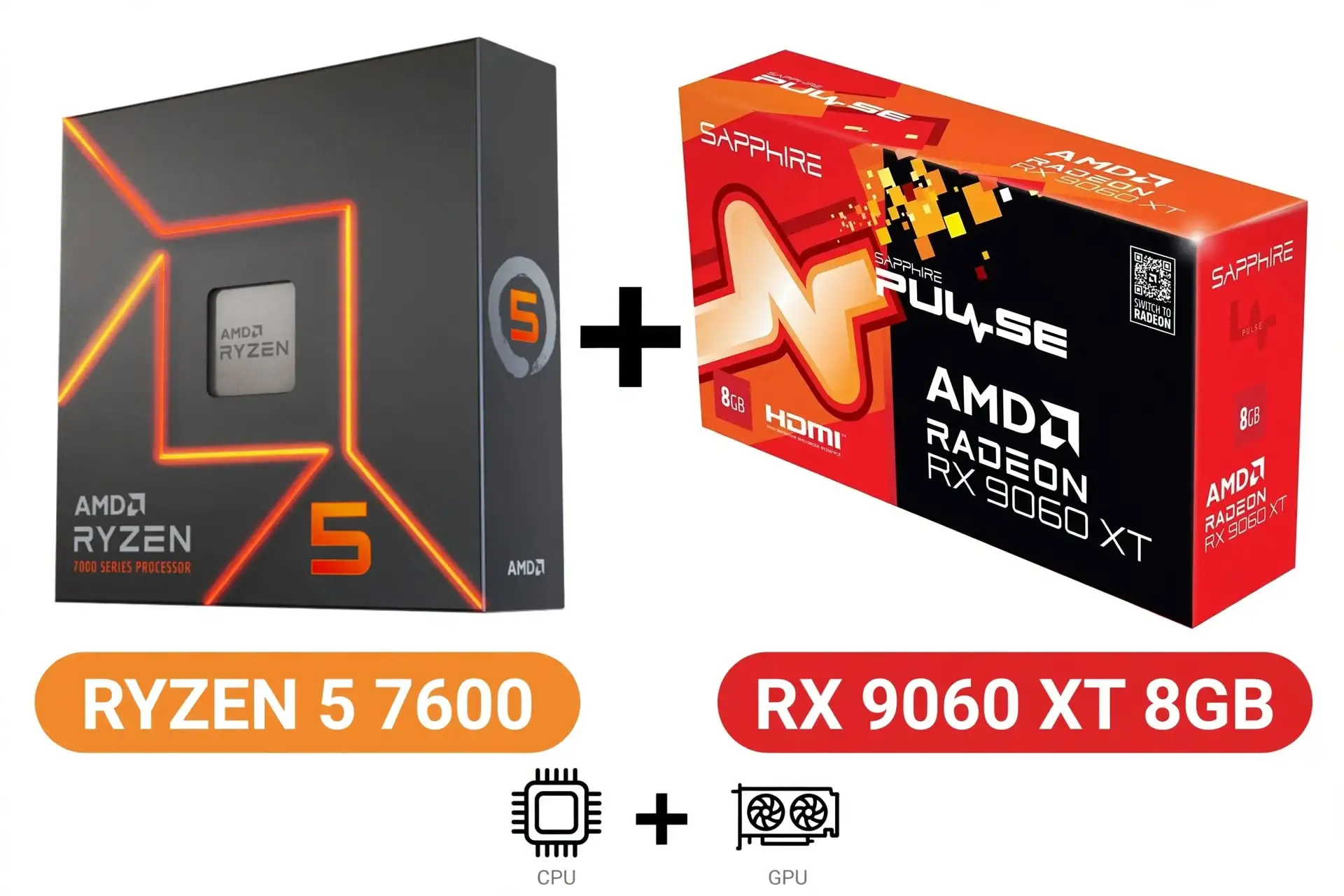
5. Ryzen 5 7600 + RX 9060 XT 8GB
Specification Details
| Processor | AMD Ryzen 5 7600 |
| CPU cores/threads | 6 cores / 12 threads |
| CPU architecture/socket | Zen 4 / AM5 |
| CPU base / maximum boost | 3.8 / up to 5.1GHz |
| CPU L3 cache/default TDP | 32MB / 65W |
| Graphics card | RX 9060 XT 8GB |
| Graphics memory/bus | 8GB GDDR6; 128-bit |
| GPU processing resources | 32 compute units / 2,048 stream processors |
| GPU reference power | 150W; not complete-system consumption |
| GPU interface | PCIe 5.0 x16 |
| Motherboard target | ASRock B650M-HDV/M.2 |
| Memory target | 32GB, 2 × 16GB DDR5; 6000 CL30 EXPO kit target |
| Memory slots/storage sockets | 2 DDR5 slots; 2 M.2 sockets |
| Storage target | 1TB NVMe SSD; confirm exact model and warranty |
| Cooling target | AMD Wraith Stealth if included and serviceable; otherwise compatible air cooler |
| Power-supply target | Quality 650W unit; verify model, protections, age, and GPU connectors |
| Case target | Ventilated micro-ATX-compatible case; verify GPU and cooler clearance |
| Networking | 2.5Gb Ethernet; Wi-Fi adapter costs extra |
| Operating system | Budget separately for a valid Windows license if required |
| Warranty | Separate component warranties; no whole-PC service assumed |
CPU and GPU entries describe manufacturer specifications; GPU partner boards can differ in clocks, cooling, connectors, and dimensions. Rows marked “target” are editorial selections, not specifications of a sold computer.
Sources: GPU specifications; AMD processor specifications; Motherboard specifications.
The 8GB RX 9060 XT is a price-sensitive choice, not the default recommendation for a new computer intended to last several years. It shares its product family with the 16GB model, but graphics-memory capacity can change behavior when textures and other assets exceed available VRAM. The review examples below are deliberately demanding and should not be interpreted as proof that every game needs more than 8GB.
They show why a discount must compensate for the settings compromises you may accept. If the 16GB version is only a modest addition to the complete system cost, trimming decorative extras is usually the more useful saving. Choose the 8GB card when your actual games fit comfortably within its memory budget and its price advantage is meaningful. Do not use a single easy benchmark to conclude that memory capacity can never matter.
Reasons to buy
- Potential savings when deeply discounted.
- Can suit games with modest graphics-memory requirements.
Reasons to avoid
- Demanding settings can expose memory limits.
- Poor value if the 16GB version is only slightly more expensive.
Gaming Results
| Game | Captured setting | 8GB avg / low | 16GB avg / low |
| Doom: The Dark Ages | 1440p, FSR Quality, Ultra | 66 / 47 | 76 / 60 |
| The Last of Us Part II | 1440p, FSR Quality, Ultra | 75 / 13 | 92 / 72 |
| Horizon Forbidden West | 1440p, FSR Quality, Very High | 44 / 36 | 84 / 58 |
| Dragon Age: The Veilguard | 1440p, FSR Quality, Ultra | 35 / 3 | 60 / 40 |
| S.T.A.L.K.E.R. 2: Heart of Chornobyl | 1440p, FSR Quality, Medium | 74 / 57 | 74 / 57 |
Reference B: captured gameplay counters, not complete-run averages or results for this build. These numbers are the average and 1% low FPS shown in selected side-by-side captures in TechSpot’s 8GB review. Its test platform uses the Ryzen 7 9800X3D, MSI X870E Carbon WiFi, BIOS 7E49v1A4, DDR5-6000 CL30, Windows 11 24H2, and Resizable BAR.
The precise game builds and reliable per-card driver attribution are not established. FSR Quality renders below the output resolution and reconstructs the image. These 1440p captures cannot be ranked directly against Reference A’s 1080p charts. The equal Medium-preset result in S.T.A.L.K.E.R. 2 is a useful reminder that memory pressure depends on settings.
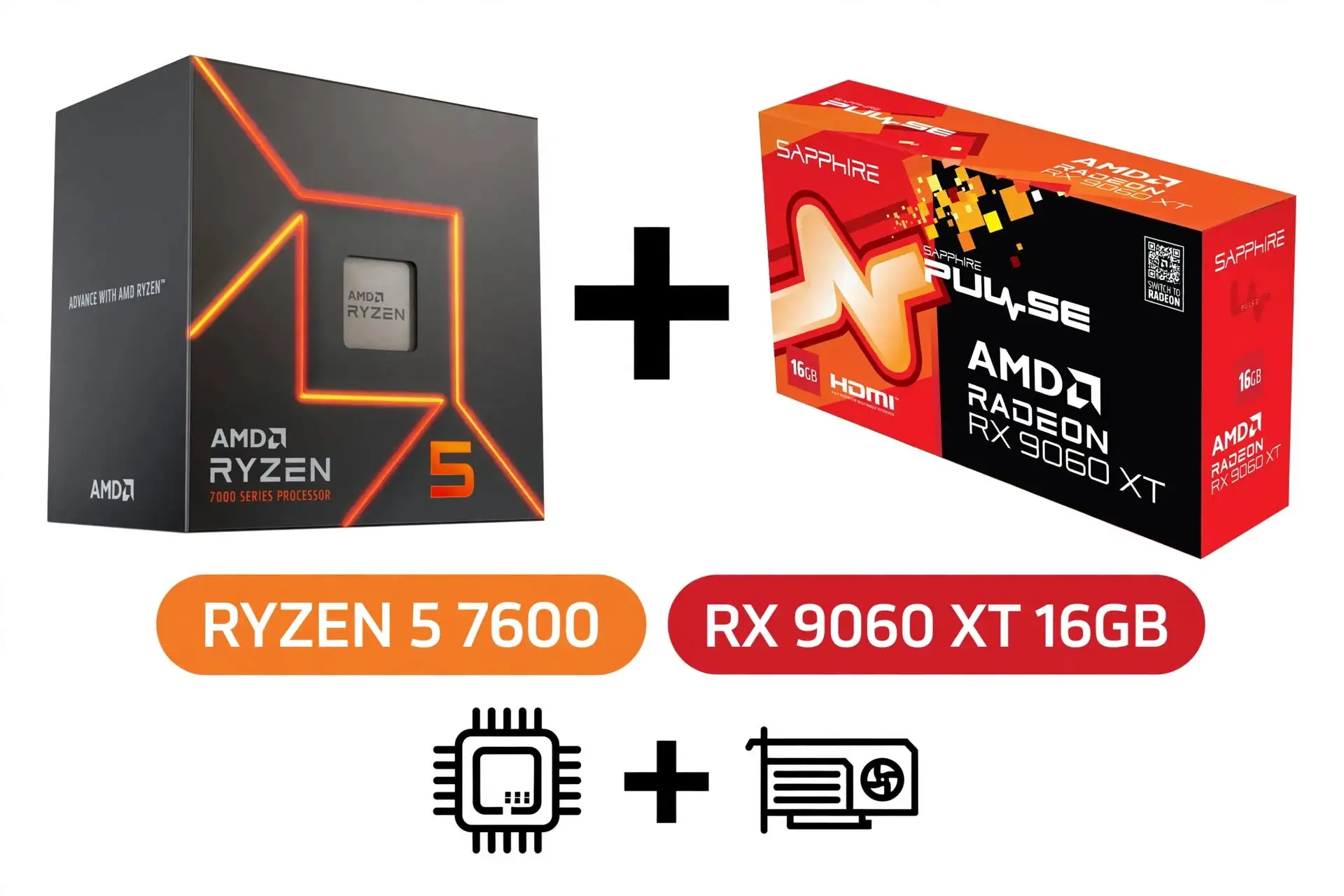
6. Ryzen 5 7600 + RX 9060 XT 16GB
Specification Details
| Processor | AMD Ryzen 5 7600 |
| CPU cores/threads | 6 cores / 12 threads |
| CPU architecture/socket | Zen 4 / AM5 |
| CPU base / maximum boost | 3.8 / up to 5.1GHz |
| CPU L3 cache/default TDP | 32MB / 65W |
| Graphics card | RX 9060 XT 16GB |
| Graphics memory/bus | 16GB GDDR6; 128-bit |
| GPU processing resources | 32 compute units / 2,048 stream processors |
| GPU reference power | 160W; not complete-system consumption |
| GPU interface | PCIe 5.0 x16 |
| Motherboard target | ASRock B650M-HDV/M.2 |
| Memory target | 32GB, 2 × 16GB DDR5; 6000 CL30 EXPO kit target |
| Memory slots/storage sockets | 2 DDR5 slots; 2 M.2 sockets |
| Storage target | 1TB NVMe SSD; confirm exact model and warranty |
| Cooling target | AMD Wraith Stealth if included and serviceable; otherwise compatible air cooler |
| Power-supply target | Quality 650W unit; verify model, protections, age, and GPU connectors |
| Case target | Ventilated micro-ATX-compatible case; verify GPU and cooler clearance |
| Networking | 2.5Gb Ethernet; Wi-Fi adapter costs extra |
| Operating system | Budget separately for a valid Windows license if required |
| Warranty | Separate component warranties; no whole-PC service assumed |
CPU and GPU entries describe manufacturer specifications; GPU partner boards can differ in clocks, cooling, connectors, and dimensions. Rows marked “target” are editorial selections, not specifications of a sold computer.
Sources: GPU specifications; AMD processor specifications; Motherboard specifications.
This is the preferred DIY target here for buyers who can afford an AM5 platform and want more graphics-memory headroom. The RX 9060 XT 16GB allows the budget to address both GPU capability and texture capacity without paying for a high-end processor. The recommendation is conditional on the complete cart: an overpriced motherboard or memory kit can erase the value of an otherwise sensible pairing. Its 16GB specification also does not mean every game will run at a chosen frame rate with maximum settings.
Ray tracing, resolution, and the game engine remain important. Start from a 1080p or carefully tuned 1440p goal, then use benchmarks for your own titles to refine settings. A simple air-cooled build with an adequate power supply is a better fit for this purpose than expensive cooling selected mainly for appearance. Spend extra only where the improvement is visible or functionally useful.
Reasons to buy
- 16GB VRAM gives more room for demanding textures.
- Balanced CPU and GPU allocation for an upgradeable build.
Reasons to avoid
- A target budget is not a confirmed parts offer.
- 16GB does not guarantee high frame rates with ray tracing.
Gaming Results
| Game | Test setting | Average FPS | 1% low FPS |
| Counter-Strike 2 | 1080p Medium | 468 | 309 |
| Cyberpunk 2077: Phantom Liberty | 1080p High | 118 | 101 |
| Warhammer 40,000: Space Marine 2 | 1080p Ultra | 92 | 80 |
| Hogwarts Legacy | 1080p High | 101 | 63 |
| Starfield | 1080p Ultra | 62 | 54 |
Reference A: RX 9060 XT 16GB on the review’s Ryzen 7 9800X3D system, not this computer. See the shared methodology above and original charts. No CPU correction, synthetic FPS estimate, or multiplication by a frame-generation factor has been applied.
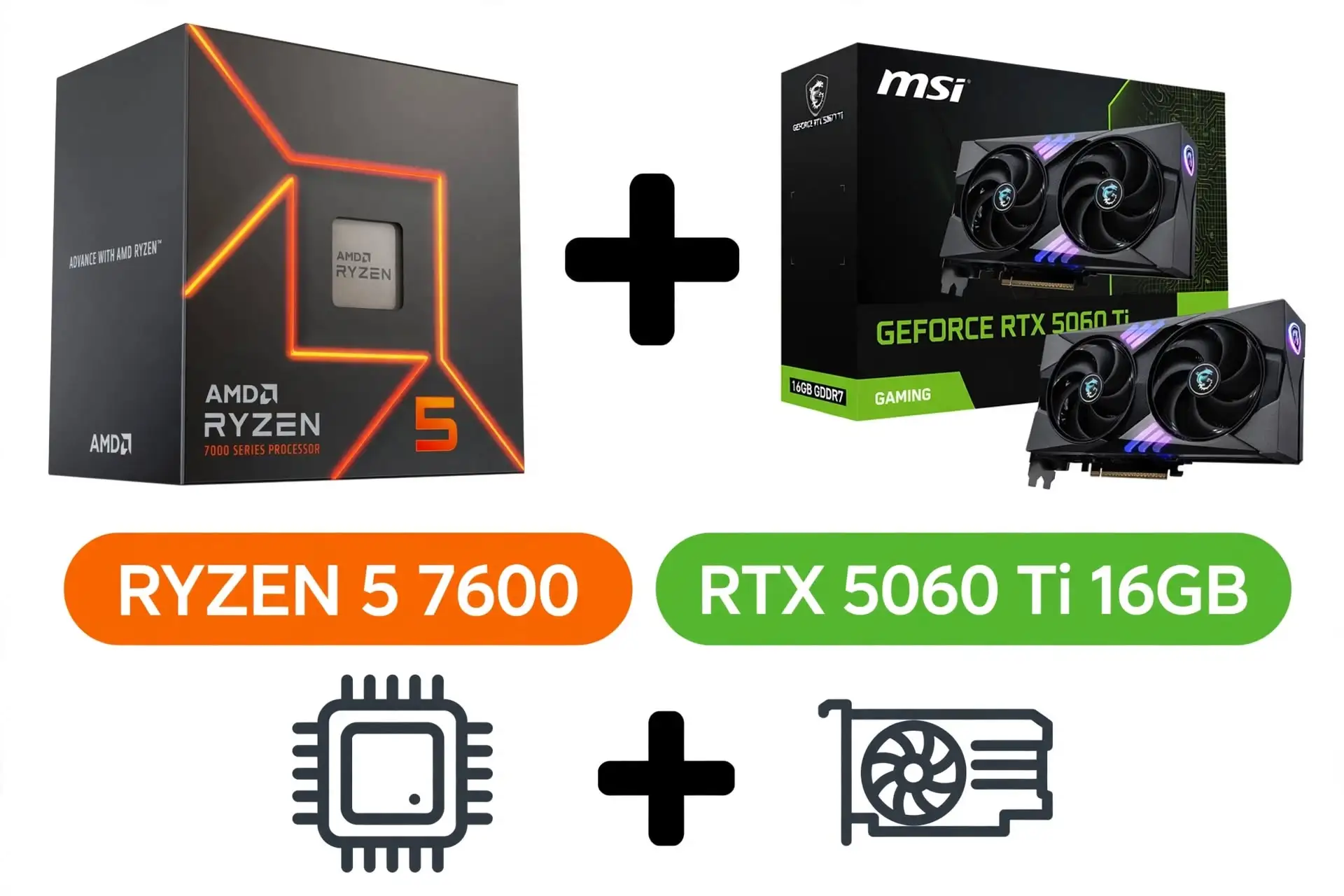
7. Ryzen 5 7600 + RTX 5060 Ti 16GB
Specification Details
| Processor | AMD Ryzen 5 7600 |
| CPU cores/threads | 6 cores / 12 threads |
| CPU architecture/socket | Zen 4 / AM5 |
| CPU base / maximum boost | 3.8 / up to 5.1GHz |
| CPU L3 cache / default TDP | 32MB / 65W |
| Graphics card | RTX 5060 Ti 16GB |
| Graphics memory / bus | 16GB GDDR7; 128-bit |
| GPU processing resources | 4,608 CUDA cores |
| GPU reference power | 180W; not complete-system consumption |
| GPU interface | PCIe 5.0 x8 |
| Motherboard target | ASRock B650M-HDV/M.2 |
| Memory target | 32GB, 2 × 16GB DDR5; 6000 CL30 EXPO kit target |
| Memory slots / storage sockets | 2 DDR5 slots; 2 M.2 sockets |
| Storage target | 1TB NVMe SSD; confirm exact model and warranty |
| Cooling target | AMD Wraith Stealth if included and serviceable; otherwise compatible air cooler |
| Power-supply target | Quality 650W unit; verify model, protections, age, and GPU connectors |
| Case target | Ventilated micro-ATX-compatible case; verify GPU and cooler clearance |
| Networking | 2.5Gb Ethernet; Wi-Fi adapter costs extra |
| Operating system | Budget separately for a valid Windows license if required |
| Warranty | Separate component warranties; no whole-PC service assumed |
CPU and GPU entries describe manufacturer specifications; GPU partner boards can differ in clocks, cooling, connectors, and dimensions. Rows marked “target” are editorial selections, not specifications of a sold computer.
Sources: GPU specifications; AMD processor specifications; Motherboard specifications.
The RTX 5060 Ti 16GB option belongs at the upper edge of a budget guide because its full price can move beyond an entry-level purchase. It is worth comparing when you want Nvidia’s software features and more graphics memory than the standard RTX 5060 provides. The reference table shows stronger results than the RTX 5060 in these five games, but no single percentage describes the improvement in every workload.
Compare the 16GB Ti directly with the RX 9060 XT 16GB using your preferred games and settings, rather than assuming one brand wins all comparisons. Keep the Ryzen 5 7600 unless a specific CPU-heavy workload justifies spending more. If the graphics-card premium forces a questionable power supply or inadequate storage, choose a less expensive configuration. A balanced computer that you can afford to maintain is more useful than a stronger GPU surrounded by avoidable compromises.
Reasons to buy
- 16GB VRAM with Nvidia feature support.
- Stronger reference results than the RTX 5060 in these games.
Reasons to avoid
- Highest DIY spending ceiling here.
- Price premium must be justified by your games or software.
Gaming Results
| Game | Test setting | Average FPS | 1% low FPS |
| Counter-Strike 2 | 1080p Medium | 517 | 295 |
| Cyberpunk 2077: Phantom Liberty | 1080p High | 125 | 103 |
| Warhammer 40,000: Space Marine 2 | 1080p Ultra | 110 | 90 |
| Hogwarts Legacy | 1080p High | 136 | 86 |
| Starfield | 1080p Ultra | 65 | 55 |
Reference A: RTX 5060 Ti 16GB on the review’s Ryzen 7 9800X3D system, not this computer. See the shared methodology above and original charts. No CPU correction, synthetic FPS estimate, or multiplication by a frame-generation factor has been applied.
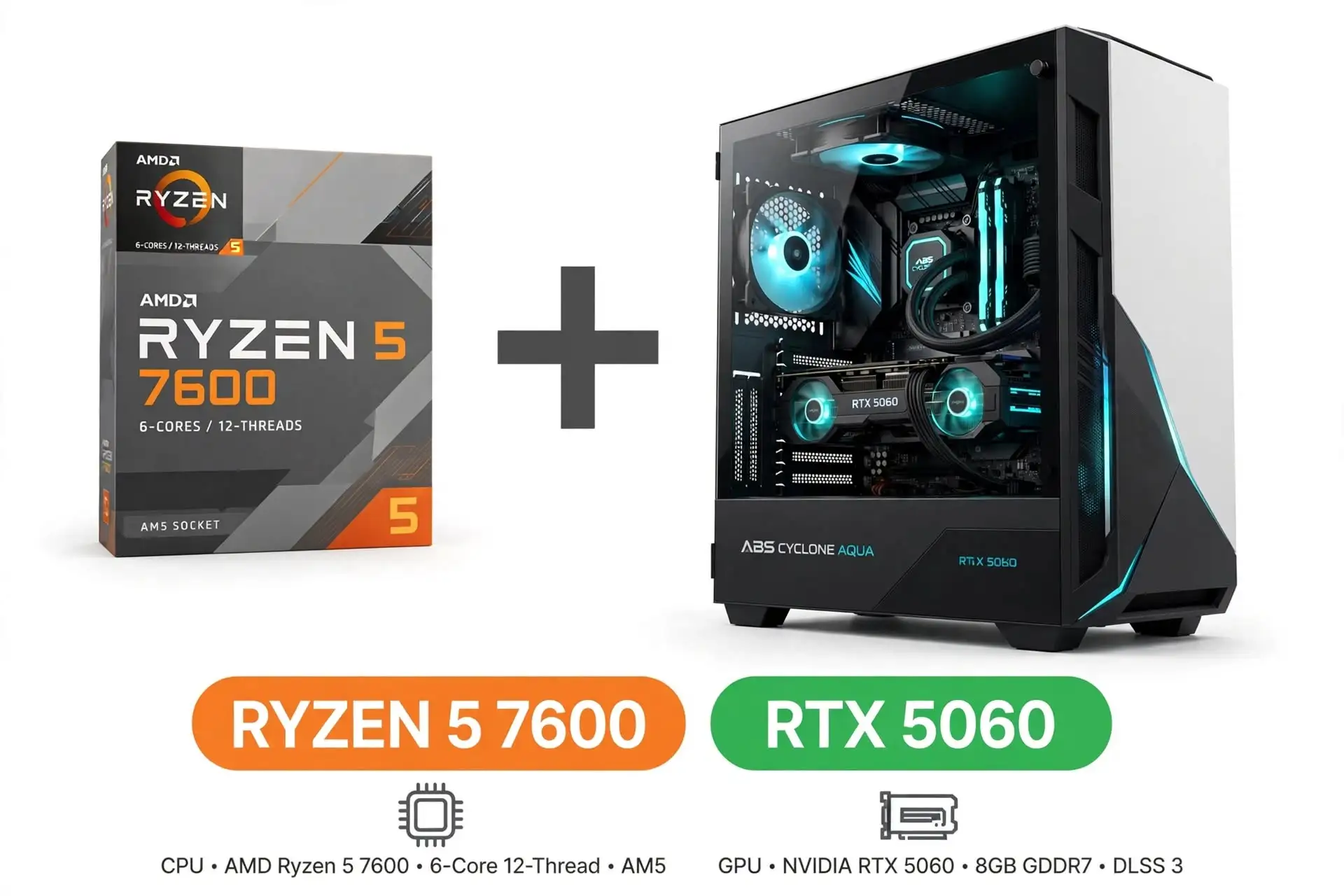
8. ABS Cyclone Aqua RTX 5060
Specification Details
| Processor | Intel Core 5 120 |
| CPU cores / threads | 6 performance cores / 12 threads |
| CPU socket / maximum boost | LGA1700 / up to 4.5GHz |
| Graphics card | RTX 5060 8GB |
| Graphics memory/bus | 8GB GDDR7; 128-bit |
| GPU processing resources | 3,840 CUDA cores |
| GPU reference power | 145W; not complete-system consumption |
| GPU interface | PCIe 5.0 x8 |
| Listed system memory | 16GB DDR4; stick arrangement not verified |
| Listed storage | 1TB NVMe SSD; exact model not verified |
| Motherboard | Exact model not established from retrieved listing |
| Power supply / cooler | Exact models not established; obtain written confirmation |
| Networking | Wi-Fi listed; confirm standard and Ethernet details |
| Operating system | Windows 11; verify supplied edition |
| Warranty | Verify manufacturer coverage; retailer returns are separate |
| Exact listing identifier | 20152655037 |
Listed capacities and included items come from this exact retailer or manufacturer page. Undisclosed details are left unresolved; the reference GPU power is not a measured wall-power reading for this PC.
Sources: GPU specifications; Exact product listing.
The checked $899 ABS Cyclone Aqua listing is a practical prebuilt starting point because it names its processor, graphics card, memory capacity, and SSD capacity. The desktop Core 5 120 should not be confused with a similarly named mobile processor. Its value case is straightforward: it places an RTX 5060 in an assembled Windows computer for less than the price of several slower or more expensive listings examined during research.
The incomplete supporting specifications still matter. Before purchase, ask for the power-supply model, motherboard, RAM stick arrangement, cooling configuration, and written warranty terms. Those answers determine how confidently you can assess upgrades and ownership costs. This is a shortlist recommendation based on listed hardware and price, not a hands-on endorsement of acoustics, temperatures, assembly quality, or support. Verify the exact listing number because the Cyclone Aqua name also appears on computers with different processors and graphics cards.
Reasons to buy
- Verified $899 offer with Windows and 1TB SSD.
- Avoids assembly and separate component ordering.
Reasons to avoid
- Power supply and motherboard details need confirmation.
- DDR4 platform and 8GB VRAM limit the upgrade proposition.
Gaming Results
| Game | Test setting | Average FPS | 1% low FPS |
| Counter-Strike 2 | 1080p Medium | 484 | 274 |
| Cyberpunk 2077: Phantom Liberty | 1080p High | 100 | 81 |
| Warhammer 40,000: Space Marine 2 | 1080p Ultra | 100 | 83 |
| Hogwarts Legacy | 1080p High | 101 | 68 |
| Starfield | 1080p Ultra | 55 | 46 |
Reference A: RTX 5060 8GB on the review’s Ryzen 7 9800X3D system, not this computer. See the shared methodology above and original charts. No CPU correction, synthetic FPS estimate, or multiplication by a frame-generation factor has been applied.
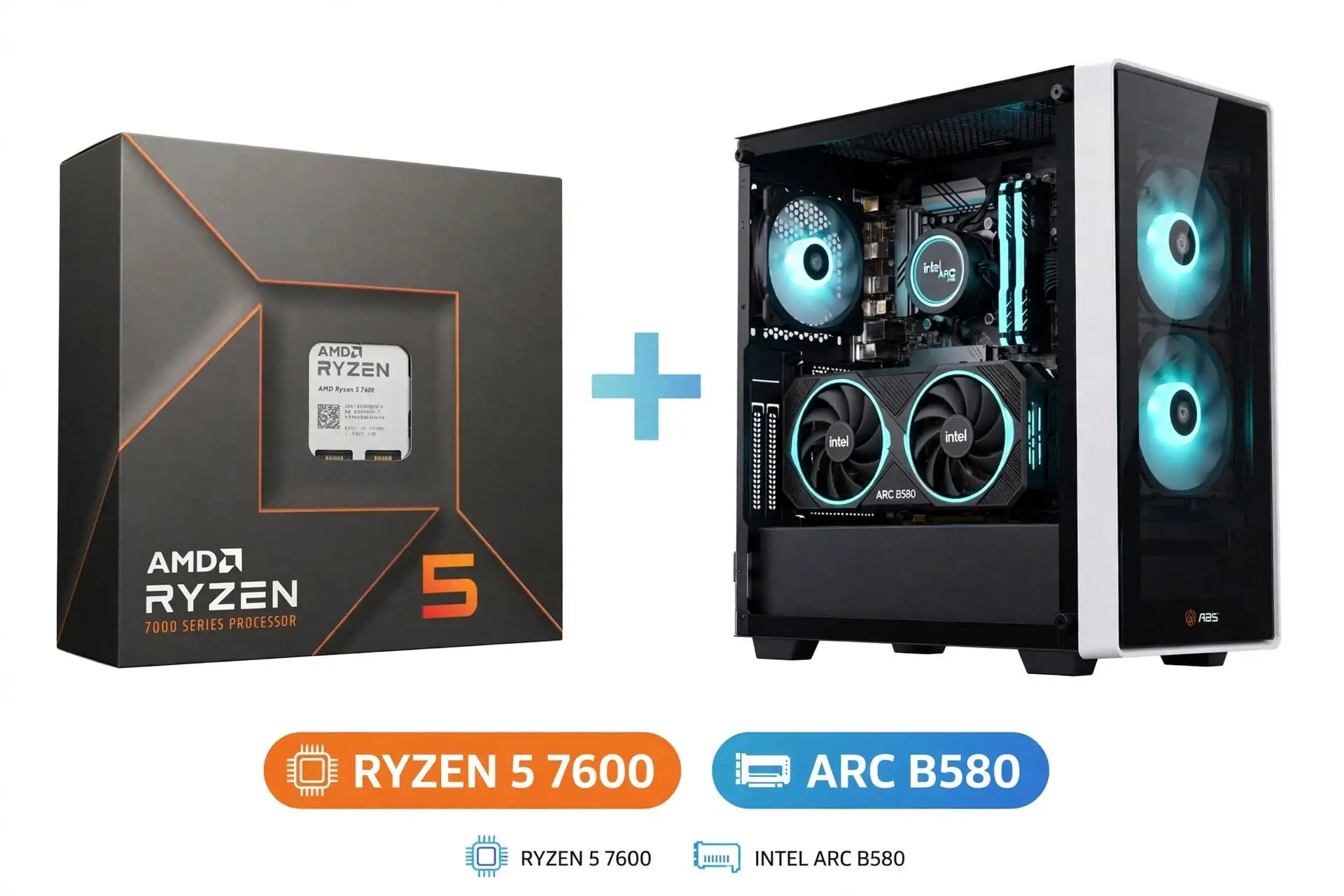
9. ABS Cyclone Aqua Arc B580
Specification Details
| Processor | Intel i5-14400F |
| Graphics card | Arc B580 12GB |
| Graphics memory/bus | 12GB GDDR6; 192-bit |
| GPU processing resources | 20 Xe cores |
| GPU reference power | 190W; not complete-system consumption |
| GPU interface | Confirm installed card specification |
| Listed system memory | 16GB DDR4; stick arrangement not verified |
| Listed storage | 1TB NVMe SSD; exact model not verified |
| Motherboard | Exact model not established from retrieved listing |
| Power supply/cooler | Exact models not established; obtain written confirmation |
| Networking | Wi-Fi listed; confirm standard and Ethernet details |
| Operating system | Windows 11; verify supplied edition |
| Warranty | Verify manufacturer coverage; retailer returns are separate |
| Exact listing identifier | 20133750159 |
Listed capacities and included items come from this exact retailer or manufacturer page. Undisclosed details are left unresolved; the reference GPU power is not a measured wall-power reading for this PC.
Sources: GPU specifications; Exact product listing.
The Arc B580 Cyclone Aqua costs $50 less than the RTX 5060 version at the checked prices and offers 12GB of graphics memory. That combination makes it worth investigating, but memory capacity alone is not a performance ranking. The reference results vary substantially by game, and the 9800X3D test system does not reveal exactly how this i5-based prebuilt behaves. Intel also specifies enabling Resizable BAR for optimal Arc B-series performance, so that setting should be checked during setup.
Choose this system only after looking at current evidence for the titles you actually play and confirming a suitable return policy. Its 1TB SSD and included Windows installation are useful starting specifications, while the undisclosed supporting components require the same questions as the RTX version. The listing is a credible comparison candidate, not a reason to assume Intel, AMD, and Nvidia cards with similar prices are interchangeable.
Reasons to buy
- Verified $849 price and 12GB graphics memory.
- Includes a 1TB SSD and Windows.
Reasons to avoid
- Performance and compatibility need game-specific checking.
- Supporting parts and warranty need confirmation.
Gaming Results
| Game | Test setting | Average FPS | 1% low FPS |
| Counter-Strike 2 | 1080p Medium | 341 | 213 |
| Cyberpunk 2077: Phantom Liberty | 1080p High | 90 | 70 |
| Warhammer 40,000: Space Marine 2 | 1080p Ultra | 56 | 47 |
| Hogwarts Legacy | 1080p High | 71 | 47 |
| Starfield | 1080p Ultra | 40 | 20 |
Reference A: Arc B580 12GB on the review’s Ryzen 7 9800X3D system, not this computer. See the shared methodology above and original charts. No CPU correction, synthetic FPS estimate, or multiplication by a frame-generation factor has been applied.
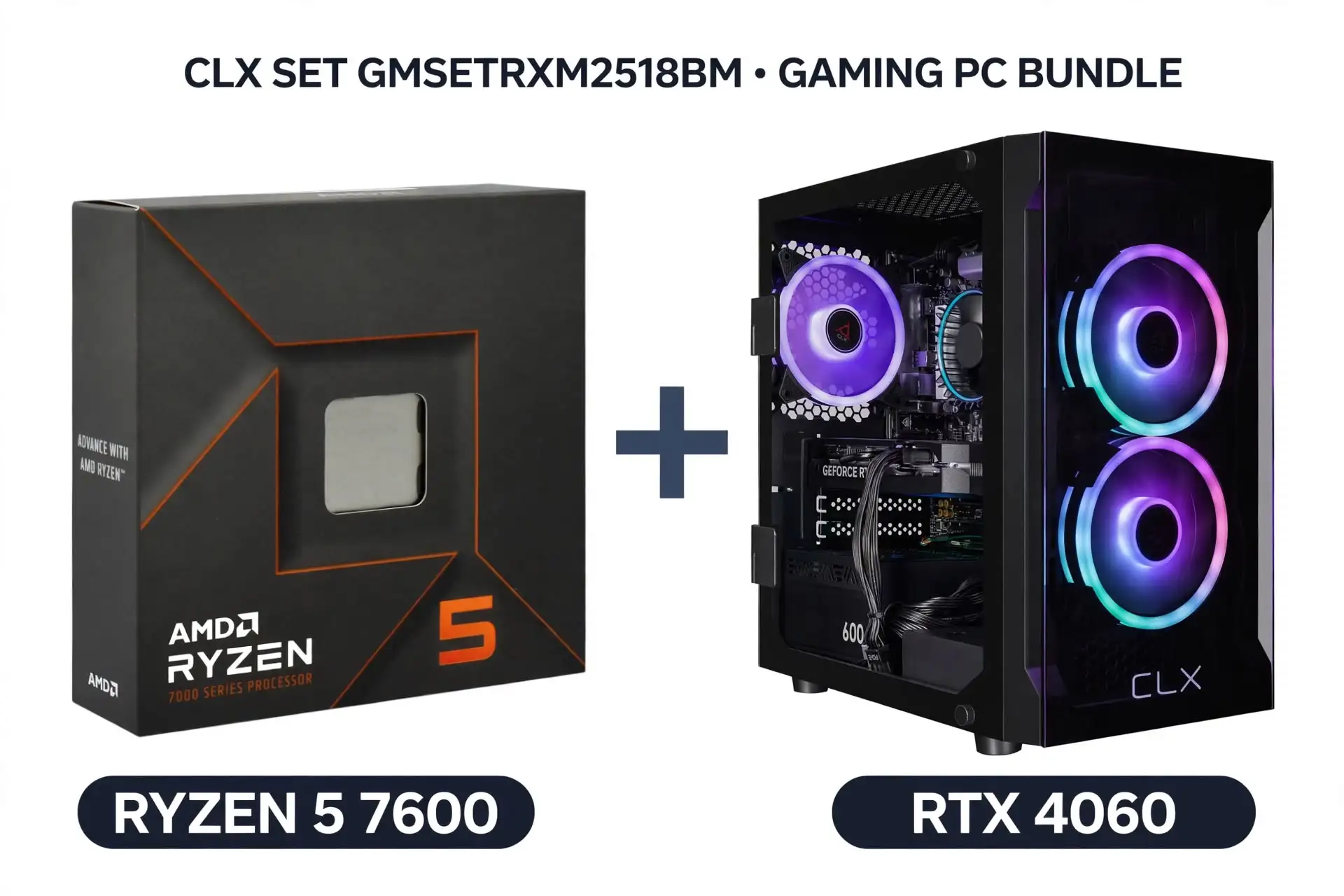
10. CLX SET GMSETRXM2518BM
Specification Details
| Processor | AMD Ryzen 5 5600 |
| CPU cores/threads | 6 cores / 12 threads |
| CPU architecture/socket | Zen 3 / AM4 |
| CPU base / maximum boost | 3.5 / up to 4.4GHz |
| CPU L3 cache/default TDP | 32MB / 65W |
| Graphics card | RX 6600 8GB |
| Graphics memory/bus | 8GB GDDR6; 128-bit |
| GPU processing resources | 28 compute units / 1,792 stream processors |
| GPU reference power | 132W; not complete-system consumption |
| GPU interface | PCIe 4.0 x8 |
| Listed system memory | 16GB DDR4; 2 × 8GB Patriot Signature Line DDR4-3200 |
| Listed storage | 512GB Patriot P300 PCIe 3.0 NVMe |
| Motherboard | ASRock A520M/AC |
| Power supply/cooler | Exact models not established; obtain written confirmation |
| Networking | Wi-Fi listed; confirm standard and Ethernet details |
| Operating system | Windows 11 Home |
| Warranty | Lifetime labor / one-year parts, as listed |
| Exact listing identifier | GMSETRXM2518BM |
Listed capacities and included items come from this exact retailer or manufacturer page. Undisclosed details are left unresolved; the reference GPU power is not a measured wall-power reading for this PC.
Sources: GPU specifications; AMD processor specifications; Exact product listing.
The CLX SET illustrates why a recognizable gaming configuration still needs a price check. Its Ryzen 5 5600 and RX 6600 can serve modest 1080p needs, and the product page identifies useful details such as the motherboard and memory layout. At the checked $1,000 price, however, it is difficult to justify against the lower-priced ABS systems in this guide. Its 512GB SSD also leaves less room for a growing game library than their 1TB drives.
CLX lists lifetime labor coverage and one year of parts coverage; those are different commitments and should not be read as lifetime replacement of failed components. Consider this machine if a substantial discount or a specific service requirement changes the calculation. Otherwise, the sensible recommendation is to wait or choose another configuration. A product’s inclusion in a comparison should never be mistaken for approval of its price.
Reasons to buy
- Specific board and memory layout disclosed.
- Published labor and parts coverage.
Reasons to avoid
- Weak value at the checked $1,000 price.
- Smaller SSD and older graphics than cheaper alternatives.
Gaming Results
| Game | Test setting | Average FPS | 1% low FPS |
| Counter-Strike 2 | 1080p Medium | 325 | 194 |
| Cyberpunk 2077: Phantom Liberty | 1080p High | 60 | 52 |
| Warhammer 40,000: Space Marine 2 | 1080p Ultra | 52 | 43 |
| Hogwarts Legacy | 1080p High | 55 | 39 |
| Starfield | 1080p Ultra | 28 | 22 |
Reference A: RX 6600 8GB on the review’s Ryzen 7 9800X3D system, not this computer. See the shared methodology above and original charts. No CPU correction, synthetic FPS estimate, or multiplication by a frame-generation factor has been applied.
What to know before buying a budget gaming computer
Start with the games and monitor
Write down the three games you play most, your monitor resolution, and the frame rate you would consider satisfactory. A buyer who wants a steady single-player experience has a different priority from someone trying to feed a high-refresh competitive display. “Runs games” is too vague to guide a purchase, while “all games at Ultra” is too broad to trust without qualifying the games and settings.
Resolution is the number of pixels used to form the image. Moving from 1920 × 1080 to 2560 × 1440 increases the pixel count from about 2.07 million to 3.69 million, an increase of roughly 78%. That does not translate into an identical performance loss, because different parts of the workload scale differently. It does explain why a graphics card that looks comfortable at 1080p may need reduced settings at 1440p.
Monitor refresh rate describes how often the display can update. A 144Hz monitor can refresh more often than a 60Hz model, but the computer still needs to produce frames quickly enough to exploit it. Check the monitor’s supported resolution, refresh rate, and connection requirements rather than assuming that any included cable provides every available mode.
Separate CPU, graphics, and memory limits
The CPU handles work such as game logic and preparing instructions; the GPU renders the image. A CPU limit occurs when the processor cannot supply work quickly enough for the graphics card to run at its potential. A GPU limit occurs when rendering is the main constraint. The balance changes with the game, scene, resolution, and settings, so a universal “bottleneck percentage” is not a reliable buying rule.
System RAM is the computer’s working memory. VRAM is memory attached to the graphics card for data such as textures and rendering resources. Adding more system RAM does not turn an 8GB graphics card into a 16GB graphics card. When assessing a listing, record both numbers and keep them separate.
For the lower-cost configurations, a matched two-stick 16GB kit is a reasonable starting target. A 32GB kit provides more room for heavier games and simultaneous applications when the price is manageable. More capacity does not automatically raise average FPS if the workload already fits in memory. On AM5, an advertised DDR5-6000 EXPO setting is a memory overclocking profile, not a guarantee that every CPU and motherboard combination will run it without adjustment.
Choose the platform for the whole purchase
AM4 and AM5 are different AMD processor platforms. The Ryzen 5 5600 uses AM4 and DDR4; the Ryzen 5 7600 uses AM5 and DDR5. You cannot replace one with the other on the same motherboard. That difference matters when comparing a cheap bundle with a newer platform: the price gap includes more than the processor itself.
The MSI B550 board specified for the DIY AM4 target has four memory slots and two M.2 storage sockets. The ASRock B650 board has two memory slots and two M.2 sockets. Choosing two 16GB sticks on that B650 board fills its memory slots, so a later capacity increase may require replacing the kit. Its Wi-Fi support also requires an optional module; a socket for wireless hardware is not the same as included Wi-Fi.
PCIe is the connection standard used by graphics cards and some storage devices. A card can operate with a compatible older-generation slot, but the available link can differ from its headline specification. The ASRock B650 board’s primary graphics slot is PCIe 4.0, so installing a PCIe 5.0 card does not make that slot Gen5. Check the board manual and CPU support list before purchasing or updating a used platform.
Inspect the power supply, cooling, and case
A power supply’s wattage label describes rated output, not a complete judgment of quality. Ask for the exact model and look for competent independent electrical testing when selecting one. A higher advertised wattage does not compensate for an undocumented design, missing protections, damaged cables, or inappropriate connectors.
The 650W target in the DIY configurations is a practical selection allowance, not measured demand. The GPU reference-power entries describe the card, while the CPU’s TDP is another manufacturer specification; simply adding the two does not calculate exact wall consumption. Confirm the requirements of the actual graphics-card partner model, including power connectors and physical clearance.
A ventilated case and correctly installed air cooler suit these modest processor targets. Expensive liquid cooling is not a prerequisite for a good budget computer. Ask how many fans are included and where air enters and exits the case. Product photographs can show optional accessories, so written specifications should determine what you expect to receive.
Count the costs outside the tower
A tower-only price excludes anything that the listing does not explicitly include. Reserve money for a monitor, keyboard, mouse, audio equipment, network adapter, and operating-system license where needed. A prebuilt with Windows may compare favorably with a DIY cart once those items are counted, even if its headline hardware looks less flexible.
Storage capacity should reflect the games you keep installed. A 512GB SSD can be restrictive when several large titles share it with Windows and other applications. A 1TB drive is a more practical target in this selection, but nominal capacity is not the same as the space shown after formatting and installation. The exact SSD model, warranty, and available expansion sockets matter more than an unexplained claim of “ultrafast storage.”
Calculate the complete cost as tower or parts price, plus necessary missing items, shipping, applicable tax, and immediate upgrades. For illustration, a $700 tower that needs $80 of storage and a $40 adapter becomes $820 before tax. Those figures demonstrate the calculation; they are not current component quotations.
DIY, prebuilt, or used: which route fits?
| Route | Main advantage | What to verify |
| DIY | Choose every component and control compromises | Complete cart, compatibility, license, assembly time, separate warranties |
| Prebuilt | Assembly and an existing support route | Exact SKU, hidden supporting parts, substitutions, warranty and returns |
| Used | Potentially lower upfront cost | Condition, ownership, test results, upgrade costs, remaining coverage |
DIY is attractive when you enjoy assembly, can troubleshoot basic issues, or already own compatible parts. It is not automatically the cheapest route. Compare identical requirements rather than placing an incomplete parts list beside a fully licensed assembled system.
A prebuilt is useful when one point of contact and reduced setup work are worth paying for. The exact configuration matters more than the product-family name. A seller can reuse the same case and series name for machines with very different processors, graphics cards, memory layouts, and power supplies.
Used hardware deserves a condition-based decision. Request a demonstration of the actual computer, including cold boot, normal desktop operation, and a sustained game run. Look for crashes, visual corruption, unusual noise, and obvious overheating symptoms. Do not open a power supply to inspect it. Ask for purchase records and clarify what happens if a fault appears immediately after the sale.
How to check a computer before paying
- Identify the exact configuration. Record the full CPU and GPU names, VRAM capacity, memory layout, SSD model, motherboard, and power supply. Save the listing identifier and written configuration because product pages can change.
- Compare the full price. Add required upgrades and accessories to every candidate. Separate a checked retail offer from a target budget or an expired discount.
- Match evidence to your games. Prefer tests with the same graphics card and a comparable processor. Record resolution, preset, upscaling, ray tracing, and whether displayed FPS includes generated frames.
- Resolve missing details. Ask the seller for undisclosed components, warranty coverage, return shipping obligations, and substitution rules. If two parts of the listing disagree, obtain a written answer before paying.
- Check compatibility. Confirm the motherboard’s CPU support and BIOS requirements, memory type, GPU clearance, power connectors, and monitor outputs. Do not assume all components sold in the same bundle have been checked together.
- Keep the purchase evidence. Retain the invoice, configuration, serial numbers, and warranty information. They make a later specification dispute or support request easier to explain.
A concrete example of why step four matters appeared during research: the Newegg ABS Flavonius Aqua G1A45N46R1 page advertised 16GB in its title and summary but 32GB in a detailed memory entry. That conflict prevents a confident capacity claim. It is a reason to seek clarification, not to choose the more attractive number.
Set up and verify your new computer
1. Inspect the delivered system for damage and follow the seller’s instructions for removing any internal packing before startup. Keep packaging until the return decision is settled.
2. Connect the display to the dedicated graphics card’s outputs. Motherboard display outputs may be unavailable with some CPUs and are not the intended gaming connection in these configurations.
3. Install operating-system updates and the appropriate graphics driver from AMD, Nvidia, or Intel. Use the motherboard manufacturer’s support page for required board-specific software.
4. Confirm that Windows reports the purchased CPU, GPU, RAM, and storage. Check that the monitor is using its intended refresh rate.
5. Verify the memory configuration and relevant firmware settings. On an Arc B580 system, confirm Resizable BAR is enabled; Intel identifies it as necessary for optimal B-series performance.
6. Run your own games at recorded settings. Start with a repeatable route or built-in benchmark, close unnecessary background tasks, and repeat the run after the system has warmed up.
7. Investigate crashes, artifacts, or persistent stutter during the return window. Change one setting at a time so you can tell whether it affects the problem.
Intel’s desktop Arc setup guidance explains the platform requirements. For drivers, use AMD Support, Nvidia Drivers, or Intel Download Center.
When recording your own results, keep ordinary rendered FPS separate from frame-generated output. Frame generation inserts additional displayed frames; it does not make the underlying game simulation and input processing identical to a natively rendered result at the same displayed rate. Upscaling also changes the rendering workload by reconstructing a higher-resolution output from a lower-resolution input. Both can be useful, but comparisons need the same settings to be meaningful.
Conclusion
Choose a budget gaming computer by its complete configuration and the games you need it to run. The $899 ABS RTX 5060 listing is a useful prebuilt starting point after its supporting components are confirmed; the $849 Arc B580 version deserves a game-specific comparison. For DIY buyers with more flexibility, the Ryzen 5 7600 and RX 9060 XT 16GB is the preferred target here when the full price remains sensible.
At lower budgets, an inspected used Ryzen 5 5600 and RX 6600 system can be worth pursuing. Avoid paying a premium for an old configuration merely because it is sold new. Before ordering, verify the exact parts, add all missing costs, and check evidence for your own games at the settings you intend to use.